Macro Mode? Basics
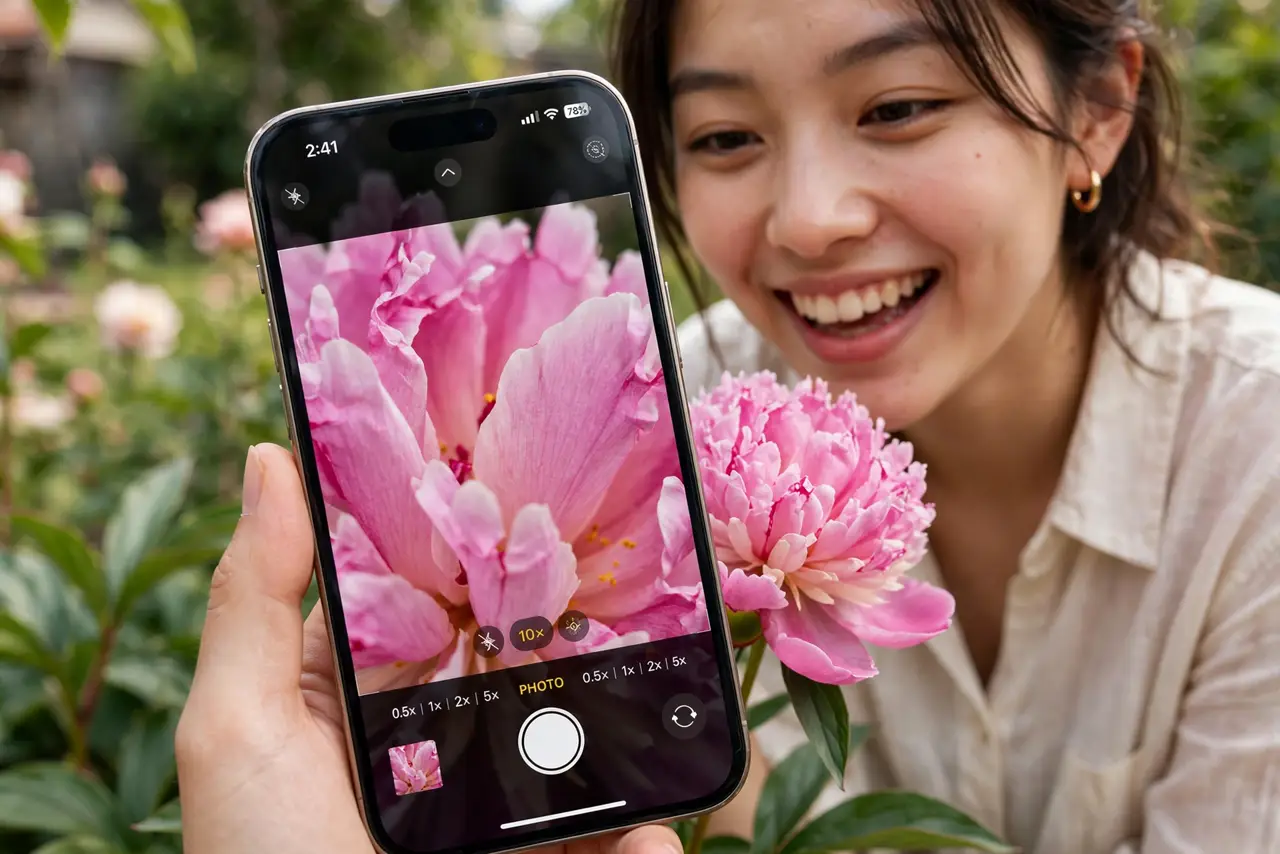
Macro mode turns your iPhone into a magnifying glass — razor-sharp close-ups of tiny text, insects, flowers, and textures from centimeters away. On Pro models it kicks in automatically when you get close, which delights some people and startles others. This guide shows how it works and how to control it.
TL;DR / Quick Fix
Quick fix: Macro mode on iPhone captures close-ups — tiny text, insects, textures. On Pro models it engages automatically when you get close; tap the flower icon to toggle it. Hold steady, get good light, and tap to focus. If it switches annoyingly, turn on Macro Control in Camera settings.
Follow these steps
- Check your model. Macro photography needs the ultra-wide camera with autofocus — iPhone 13 Pro and later Pro models, plus newer standard models. If your iPhone lacks it, a clip-on macro lens is the alternative.
- Just get close. Open the Camera app and move toward the subject — within a few centimeters the phone switches to the macro lens automatically. You will see the viewfinder jump slightly as it changes.
- Use the flower icon. When macro is available, a small flower icon appears. Tap it to force macro on or off for the shot — useful when the automatic switch guesses wrong.
- Turn on Macro Control. In Settings, Camera, enable Macro Control to keep the flower toggle visible instead of auto-switching silently. For manual control over the macro toggle, this setting is essential.
- Light it well. At macro distances your phone and hand cast shadows on the subject. Shoot in bright light or add a lamp from the side — macro shots live or die by lighting.
- Hold steady and tap to focus. Tiny movements become huge at macro scale. Brace your hands on something solid, tap the subject to lock focus, and shoot a burst to pick the sharpest frame.
What NOT to do
- Do not expect macro in low light. The tiny lens and close distance need plenty of light — dark macro shots are mostly noise.
- Do not fight the auto-switch. If it annoys you, turn on Macro Control and take charge with the flower icon instead of cursing the automation.
- Do not forget your own shadow. At centimeters of distance, you are the lighting problem — watch where your shadow falls before shooting.
- Do not use digital zoom on top of macro. Macro is already extreme close-up; adding digital zoom just magnifies blur.
Frequently asked questions
Why does my camera keep switching lenses?
That is the automatic macro handoff engaging as you get close. Enable Macro Control in Camera settings to get the manual flower toggle instead.
Can I shoot macro video?
Yes — macro works in video mode too on supported iPhones. The same lighting and steadiness rules apply, even more so.
Is macro mode good for documents?
Surprisingly yes for tiny print — but a flatbed-style scan with the Notes app usually gives cleaner document results than a macro photo.