Mail Thread View Mixes Up Conversations
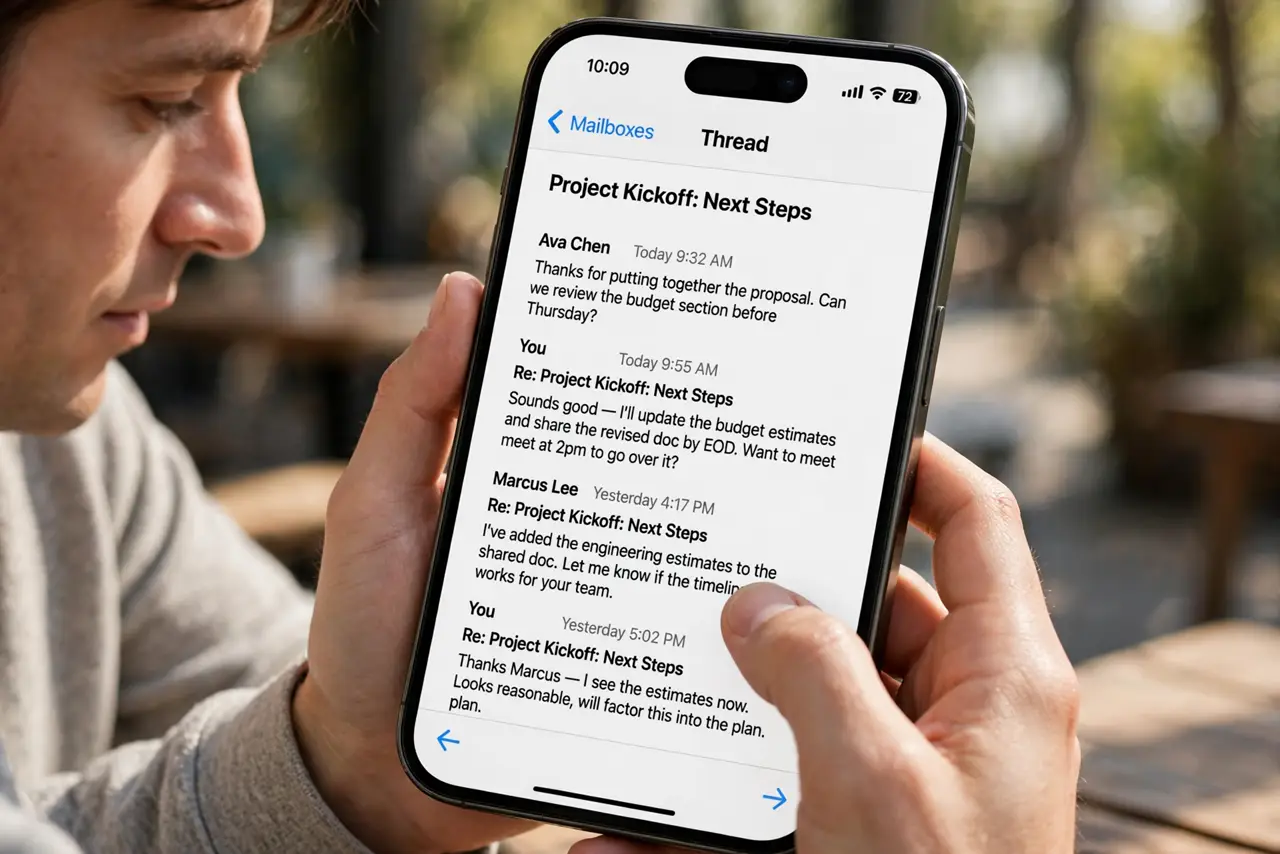
The Mail app stacks replies into threads, but the order looks wrong and conversations blend together. Threading follows subject lines and headers — and one wrong reply can tangle the whole chain.
TL;DR / Quick Fix
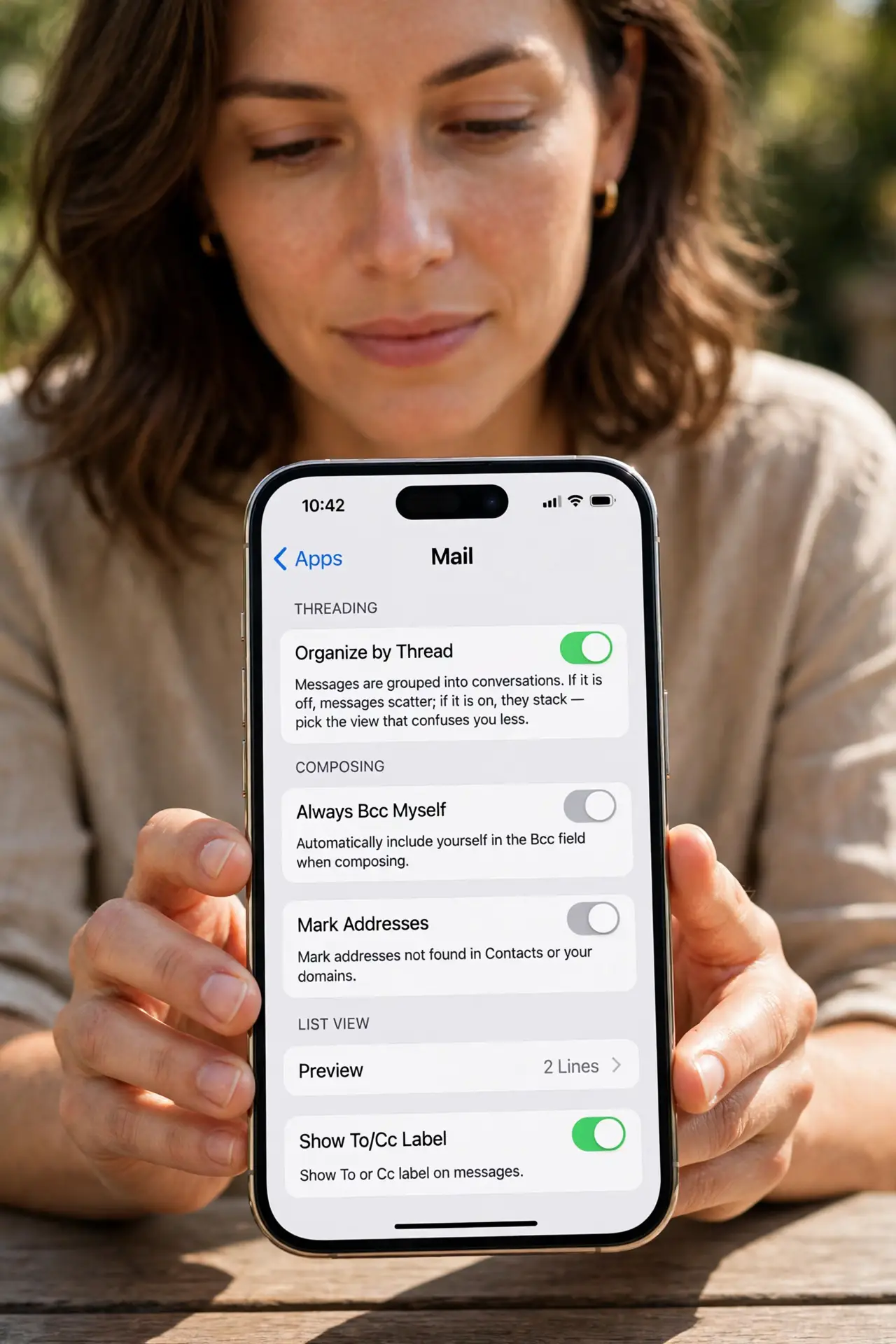
Quick fix: open Settings, then Apps, then Mail, and check that Organize by Thread is on — turning it off shows every message separately. Tap the thread header to expand all messages, and sort by date to spot the out-of-place reply.
Follow these steps
- Check the threading setting. Open Settings, then Apps, then Mail, and look at Organize by Thread. If it is off, messages scatter; if it is on, they stack — pick the view that confuses you less.
- Expand the thread fully. Tap the thread header showing the message count. A collapsed thread hides the middle replies, which is where the confusion usually lives.
- Look for a hijacked subject line. If someone replied to an old message to start a new topic, Mail threads it with the old conversation. That one misplaced reply tangles the whole view.
- Check the date order inside the thread. Mail sorts threads by the newest message. A thread can look scrambled when an old message gets a new reply — the dates inside tell the real order.
- Move the stray message out. Open the out-of-place message and move it to another mailbox or delete it. Removing the hijacked reply untangles the remaining thread.
- Try the sender's mailbox view. Open the mailbox for one participant to see their messages in plain date order. Sometimes the unthreaded view is simply clearer for a messy conversation.
What NOT to do
- Do not delete a whole thread to fix one tangled reply. Removing the single stray message untangles the thread without losing the conversation.
- Do not turn threading off forever over one confusing thread. Threading helps most conversations; the problem is usually one hijacked subject line.
- Do not reply to an old message to start a new topic yourself. That is exactly what tangles threads — start a fresh message instead.
- Do not assume Mail lost messages when a thread looks short. Expand the thread first; collapsed replies are hidden, not gone.
Frequently asked questions
Why are unrelated emails in one thread?
Someone replied to an old message with a new topic, or two messages share a subject line. Mail groups by subject and headers, not by meaning.
Can I turn threading off completely?
Yes. In Settings, then Apps, then Mail, switch off Organize by Thread and every message lists separately.
Does threading work the same in Gmail?
Gmail also threads by subject — and its search can find a stray message faster — and its conversation view can be toggled too — the same hijacked-subject problem applies there.