Save Map Regions Offline
You land abroad, turn off roaming to dodge the bill, and your maps go blank exactly when you need them most. Downloading map regions ahead of time puts the streets on your phone — navigation works with zero data, zero roaming, zero panic. Two minutes on hotel Wi-Fi saves the whole trip.
TL;DR / Quick Fix
Quick fix: in your maps app, find the offline maps option and download the region you are visiting — the city, not the country. Do it on Wi-Fi before you leave. Navigation, search, and saved places all work offline; live traffic does not.
Follow these steps
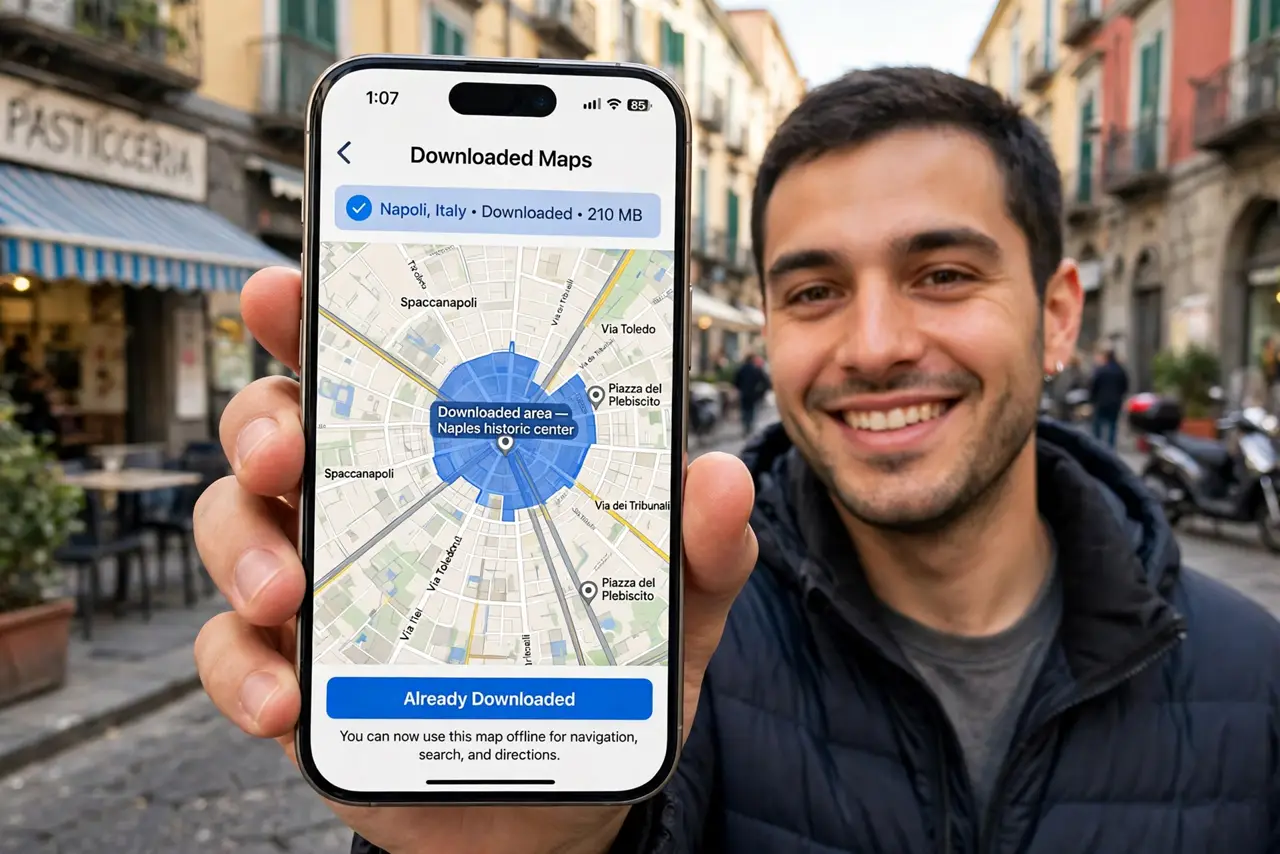
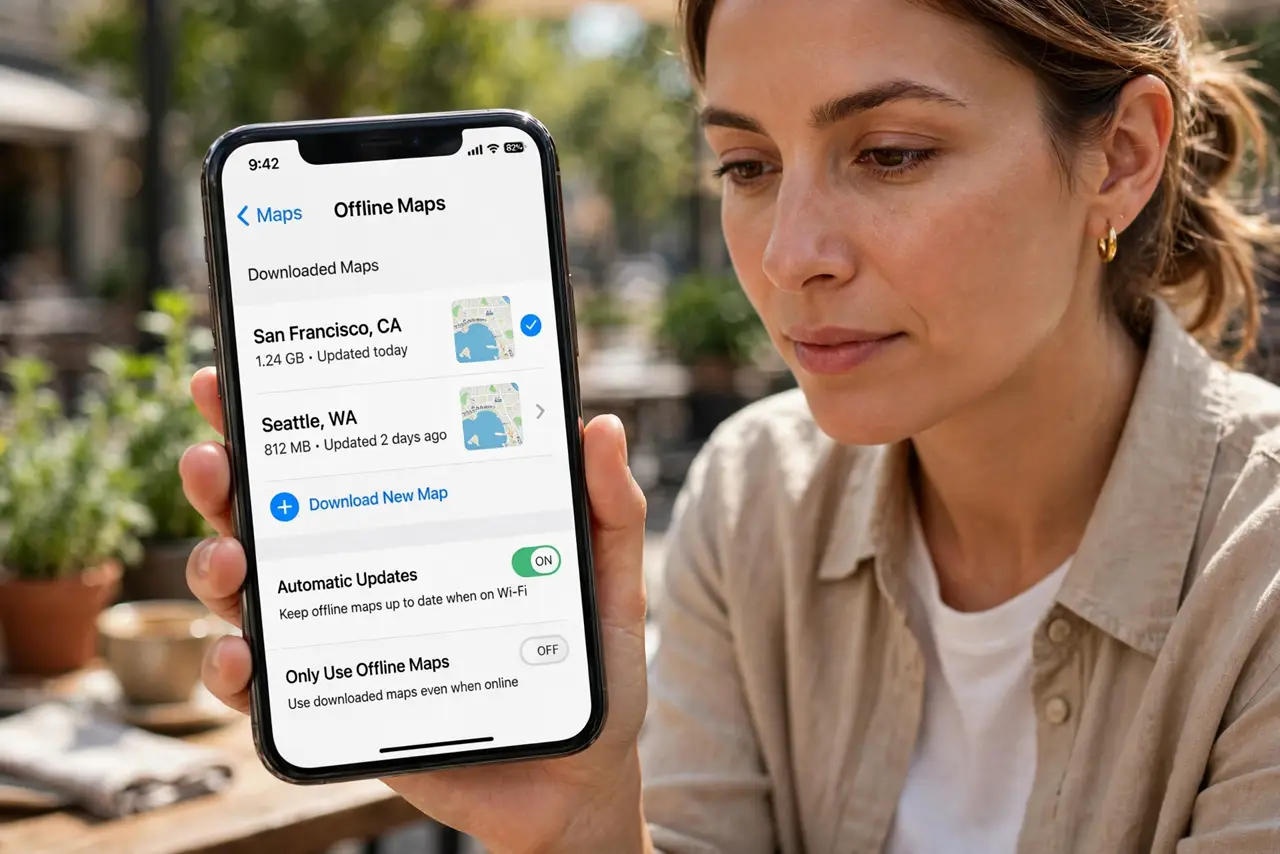
- Open offline maps. In Google Maps, tap your profile picture, then Offline maps; in Apple Maps, tap your picture, then Offline Maps. Both keep downloads in one place with sizes shown.
- Select your region. Tap Download or Add, then frame the area — the city and its surroundings, not the entire country. Bigger regions eat storage; a tight frame covers the trip and downloads fast.
- Download on Wi-Fi. Start the download on hotel or home Wi-Fi before you leave. Map packs run hundreds of megabytes — this is not a cellular-data task unless you enjoy roaming bills.
- Download before you need them. Regions expire after a while and need refreshing. Download the night before travel, not the month before — fresh maps have the latest streets and closures.
- Navigate normally offline. With the region saved, search and turn-by-turn navigation work with no connection at all. The phone's GPS needs no data — satellites, not cell towers, find you.
- Manage storage after. Delete the region when the trip ends — Offline maps, then Delete. Travelers who hoard regions end up with gigabytes of stale maps.
What NOT to do
- Do not download the whole country. Huge regions waste storage and download time — frame the metro area you will actually visit.
- Do not download on roaming data. A 500 MB map pack on roaming rates is an expensive mistake — Wi-Fi only.
- Do not expect live traffic offline. Routing works, but traffic, transit times, and road closures need a connection.
- Do not forget they expire. Stale offline maps quietly age out — refresh before each trip, not during it.
Frequently asked questions
Do offline maps include walking directions?
Yes — walking, driving, and cycling routes all work offline within the downloaded region. Transit schedules need a connection.
How much space do they take?
A metro area typically runs 100-500 MB depending on detail. Check the size shown before downloading if storage is tight.
Can I still search for places offline?
Yes, within the downloaded region — names, addresses, and your saved places all search fine without data.