Track Meds on iPhone
Missing doses is rarely about willpower — it is about timing. The pill bottle sits in the cabinet while you are in another room, and by bedtime the moment has passed. The iPhone Health app has a built-in medication tracker with reminders that fire exactly when you need them, log each dose with a tap, and warn about interactions. This guide sets it up in minutes, customizes the schedule around your day, and shows the logging habit that makes it stick. For routines that need the same reliability, add Journal reminders to the same daily rhythm.
TL;DR / Quick Fix
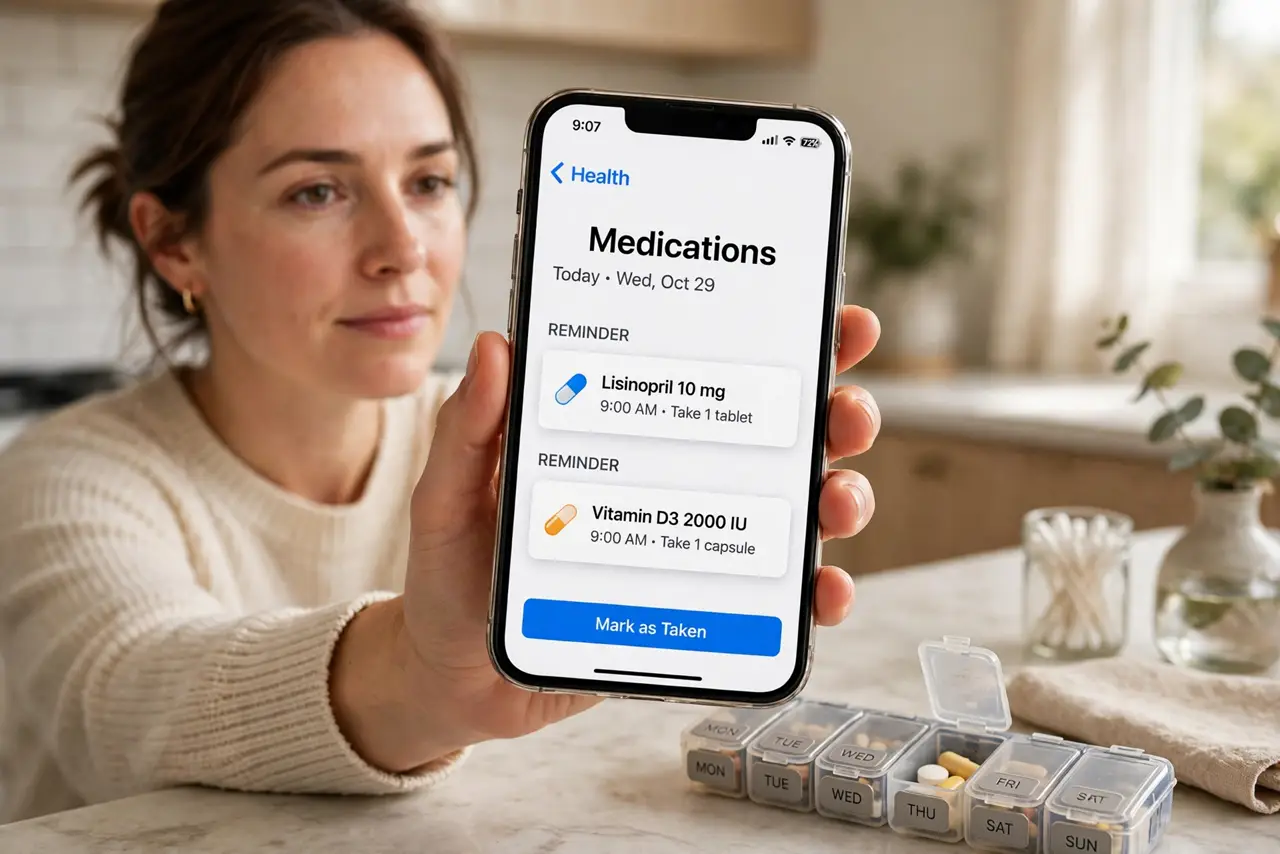
Quick fix: in the Health app, open Browse, then Medications, and add each medication with its dose and times. Turn on dose reminders so your phone nudges you at the right moment. Log each dose with one tap — the visible streak keeps the habit alive.
Follow these steps
- Open Medications in the Health app. Open Health, tap Browse at the bottom, then Medications. This is Apple's built-in tracker — no extra app or account needed, and the data stays on your device.
- Add each medication with its details. Tap Add Medication and enter the name, type, strength, and schedule. Set the exact times — morning, with lunch, bedtime — rather than vague 'daily' so the reminder fires usefully.
- Turn on dose reminders. Enable reminders during setup or later under Options. Your iPhone will notify you at each dose time, and the notification lets you log the dose right from the lock screen.
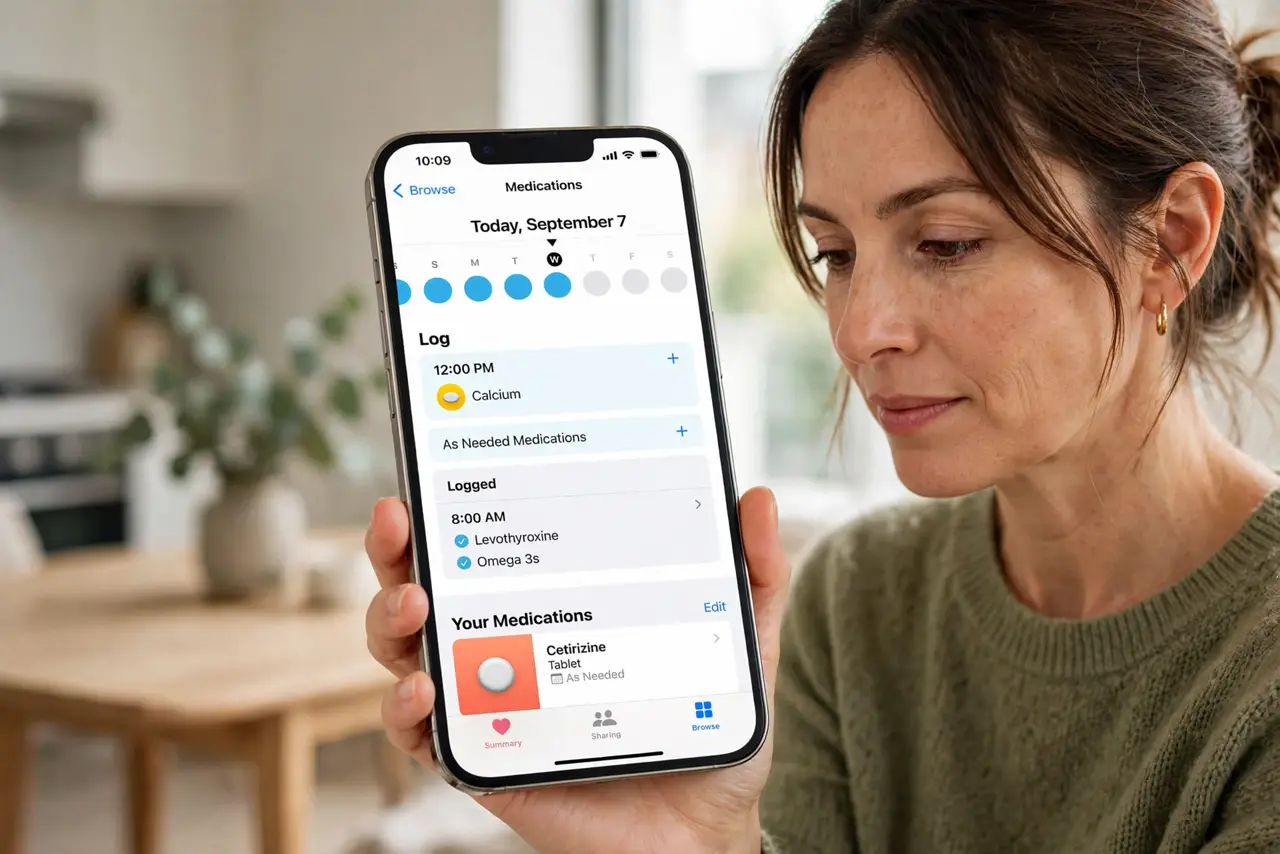
- Log every dose with one tap. When the reminder fires, tap Log All as Taken (or Taken/Skipped per medication). This builds the adherence record your doctor actually wants to see at checkups.
- Add the critical interaction warnings. Enter all your medications and supplements so the app can flag major interactions. This is informational, not medical advice — always confirm with your pharmacist.
- Review the log weekly. Open Medications and glance at the week. Patterns jump out — a dose you always miss at the same time probably needs its schedule moved, not more willpower.
What NOT to do
- Do not rely on memory for a complex schedule. Multiple daily doses defeat even good memories — let the reminders carry the load.
- Do not treat the app's interaction flags as medical advice. They are a prompt to ask your pharmacist, not a diagnosis.
- Do not share your medication list casually. It is health data — keep the phone locked and think before screenshotting it.
- Do not skip logging because you 'always take it.' The log is the point; an unlogged dose is invisible to you and your doctor later.
Frequently asked questions
Does the reminder work if my phone is on silent?
Yes. Medication reminders can use critical-style alerts that bypass silent mode — enable that option if you routinely miss quiet notifications.
Can family members see my medications?
Only if you share Health data with them explicitly. By default it stays private on your device.
What if my schedule changes?
Edit the medication's schedule anytime — times, doses, and days. The reminders update immediately with no setup to redo.