iPhone Microphone Muffled on Calls? Clear It Up
People say you sound muffled or distant on calls, even though you hear them fine. A covered microphone, a case edge, or a blocked opening usually causes it. Uncover the mic, check the case, and test with a voice memo before assuming damage.

TL;DR / Quick Fix
Quick fix: remove the case for a test call, hold the iPhone normally without covering the bottom edge, and record a voice memo. If the memo sounds clear, the case or grip was muffling you. Then test the fix for a full day before changing anything else.
Follow these steps
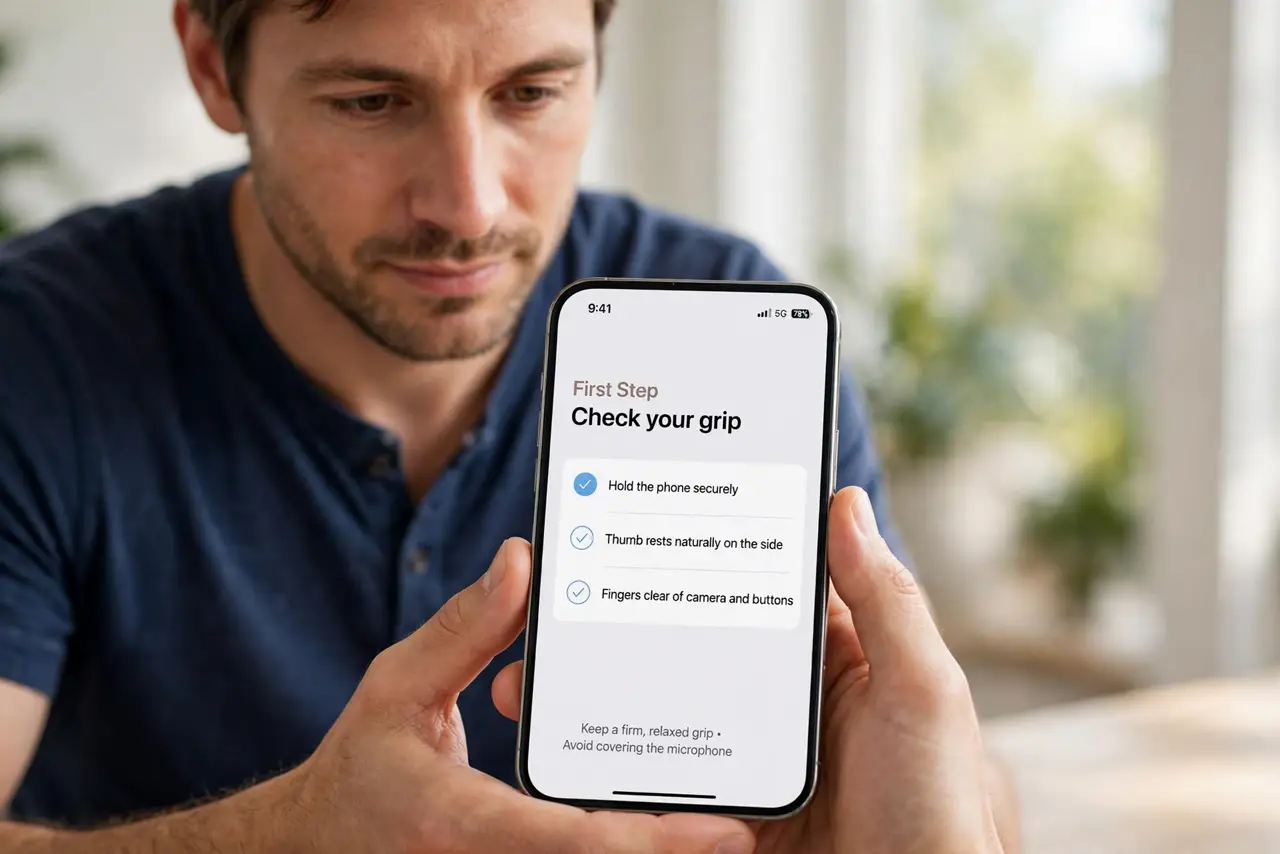
- Check your grip. Hold the iPhone without covering the bottom edge, where the main microphone sits. A finger over the mic muffles your voice instantly.
- Remove the case for a test. Take the case off and make a test call or voice memo. If you sound clear without the case, the case edge was covering the mic.
- Record a voice memo. Open Voice Memos, record a sentence, and play it back. A clear memo means the mic works, and the call issue may be connection or the other end.
- Clean the mic opening gently. Check the bottom mic opening for lint or debris, and brush it gently with a soft dry brush. Do not poke inside the opening.
- Test speakerphone too. Make a call on speakerphone and ask how you sound. Speakerphone uses different mics, so clear speakerphone audio narrows the fault.
- Restart if muffling persists. Restart the iPhone and test a voice memo again. If you still sound muffled in memos, speaker calls, and normal calls, note that pattern for service.
What NOT to do
- Do not shout to overcome a muffled mic. Shouting distorts your voice further and does not clear a blocked microphone.
- Do not poke the mic opening with a pin. Poking can damage the microphone and make muffling permanent.
- Do not keep a case that covers the mic. A case that blocks the opening will muffle every call until it is replaced or trimmed.
- Do not assume the caller hearing is at fault without a memo test. A voice memo proves how your mic actually sounds.
Frequently asked questions
Why do I sound muffled on calls?
Usually a finger, case edge, or debris covers the bottom microphone. Clearing it restores normal voice clarity.
How do I test my iPhone mic?
Record a voice memo and play it back. If the memo sounds clear, the mic itself works.
What if speakerphone sounds clear but normal calls do not?
Different mics are involved. The bottom mic used for normal calls may be covered or blocked.