iPhone NFC Tap Does Nothing? Fix It
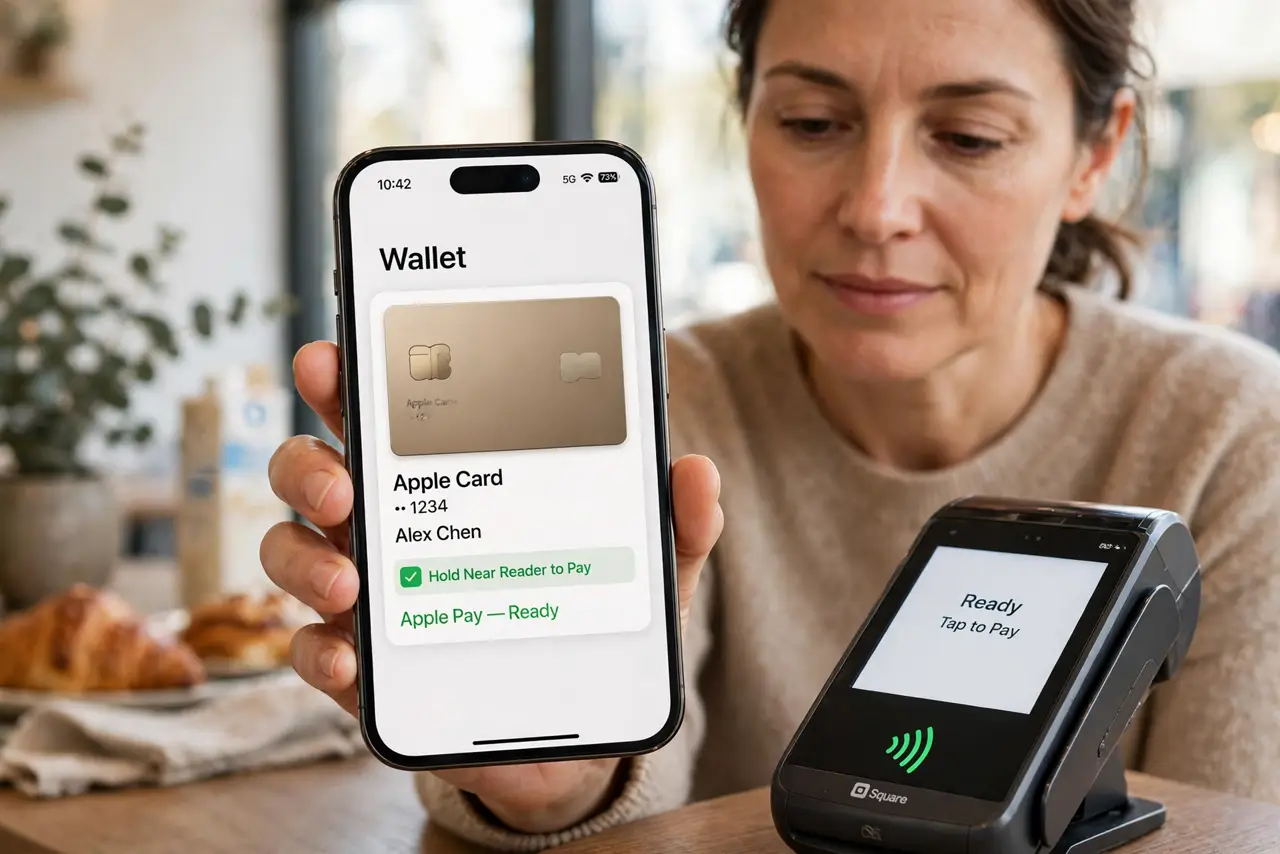
You tap the phone to a reader or tag and nothing happens. NFC on iPhone is mostly automatic, so a failed tap usually means the wrong spot, a blocking case, or a dead tag. The payment twin is an Apple Pay card declined once, which is the same tap failing at the payment step.
TL;DR / Quick Fix
Quick fix: tap the top of the phone to the reader, remove a thick or metal case, hold still for two seconds, test another tag or reader, and restart the phone. If it still fails, note exactly when it happens, then try again slowly once.
Follow these steps
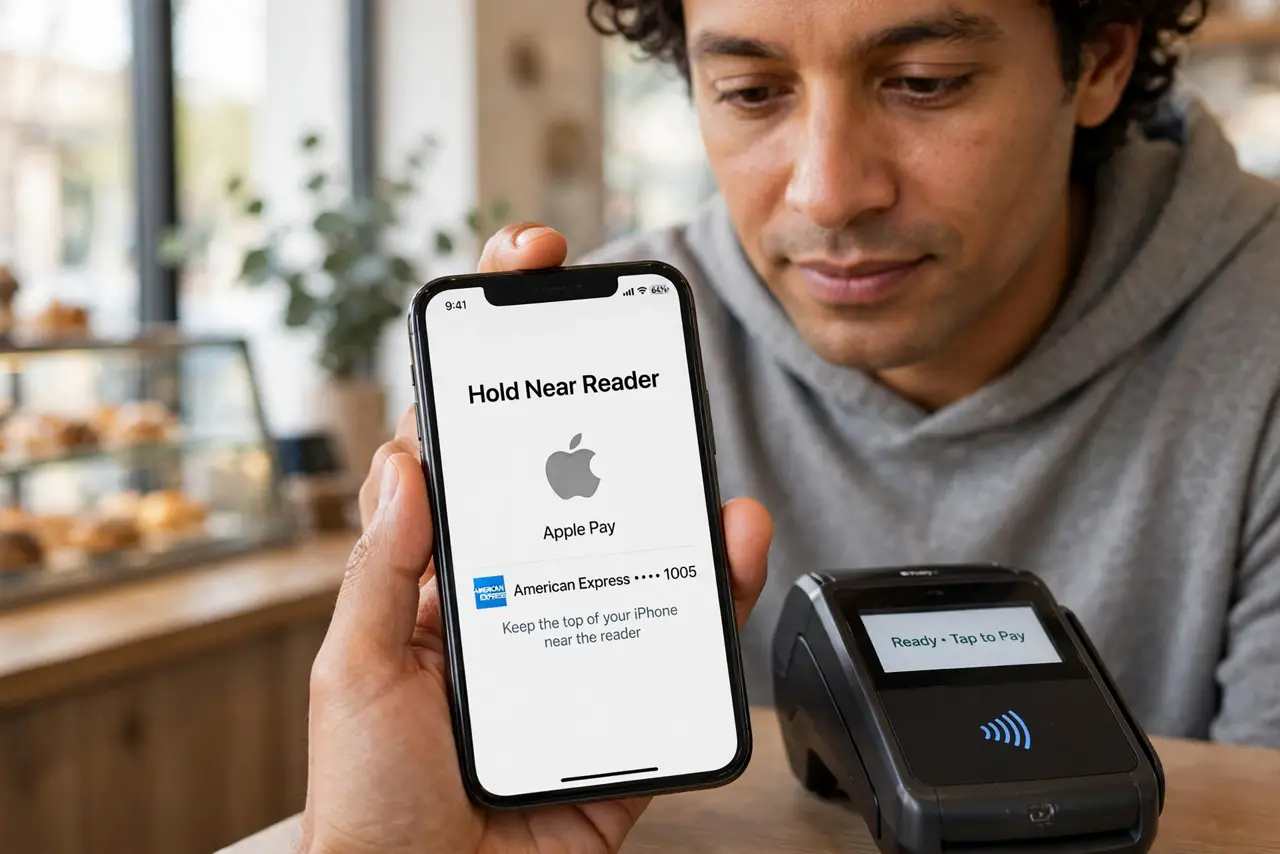
- Tap the top of the phone to the reader. Hold the top edge of the iPhone near the reader or tag. The NFC antenna sits near the top, and tapping the middle or bottom often misses it.
- Remove a thick or metal case. Take off a thick, metal, or wallet case and try again. Cases, especially metal ones, can block the NFC signal completely.
- Hold still for two seconds. Hold the phone steady against the reader for two seconds. A quick wave can be too brief for the reader to complete the tap.
- Test another tag or reader. Try a different reader or a known-good tag. If one reader fails but another works, the first reader or tag is the problem, not your phone.
- Restart the phone. Restart the iPhone and try the tap again. A stuck NFC state after an update sometimes needs a restart to clear.
- Check for damage after a drop. If NFC never works after a drop or repair, the antenna may be damaged. Note when it stopped, and get it checked professionally.
What NOT to do
- Do not wave the phone wildly at the reader. A steady hold at the top edge works better than waving.
- Do not assume the phone is broken after one failed tap. Spot, case, and reader cause most failures, not hardware.
- Do not use an NFC toggle app. iPhone NFC is automatic, and third-party apps cannot enable a missing toggle.
- Do not keep tapping a dead tag. If several phones fail on the same tag, the tag itself is dead.
Frequently asked questions
Where is the NFC antenna on iPhone?
Near the top edge. Hold the top of the phone to the reader, not the middle.
Do I need to turn NFC on?
No. iPhone NFC is automatic for payments and tags, with no toggle to enable.
Why does one reader fail but another works?
Because the failing reader or tag is faulty, or its range is short. Test with a known-good reader.