Family Hotspot Limits Block Your Own Family
Family Sharing can limit who uses your Personal Hotspot — and a family member's own limit can block them. The family approval setting, not the hotspot itself, usually draws the line.
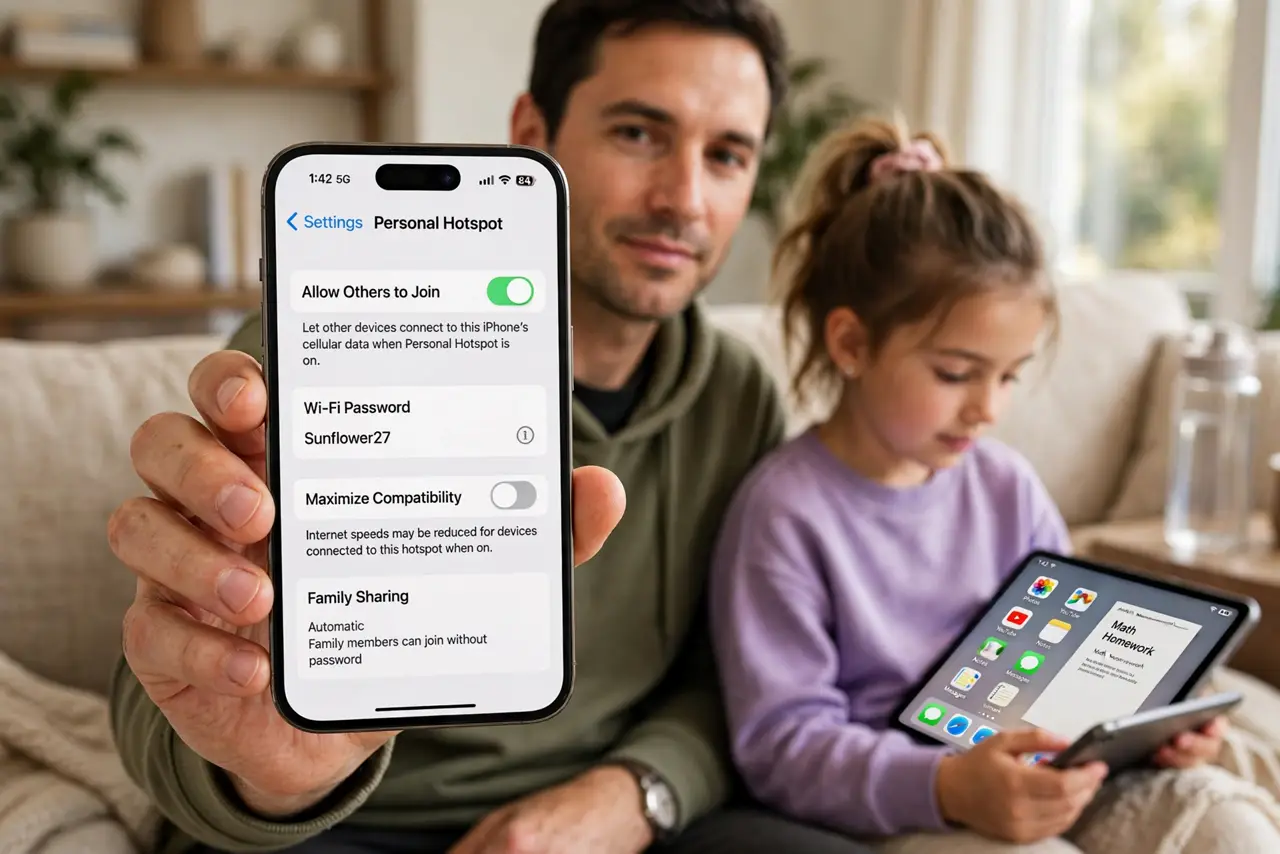
TL;DR / Quick Fix
Quick fix: open Settings, then Personal Hotspot, then Family Sharing, and confirm the family member is approved. Then check their Screen Time limits, and test the hotspot connection again and test the connection again after approving the family member in hotspot settings.
Follow these steps
- Open the hotspot family settings. Open Settings, then Personal Hotspot, and look for the Family Sharing section. It lists which family members may join, and who needs approval first.
- Approve the family member. If the member shows as needing approval, approve them in that list. An unapproved member cannot join even when the hotspot is on and the password is right.
- Check the member's Screen Time limits. On the member's device, or in your Screen Time family settings, check for hotspot or data limits. A Screen Time limit can block the hotspot even after family approval.
- Confirm the hotspot is actually on. In Personal Hotspot settings, confirm Allow Others to Join is on. Family approval means nothing if the hotspot itself is off when the member tries to join.
- Check the member's Wi-Fi and password. Ask the member to check they join your hotspot name with the current password. A changed password fails silently, and looks like a family limit when it is not.
- Restart the hotspot if approval still fails. Turn Personal Hotspot off, wait a few seconds, and turn it back on, then have the member join again. A fresh hotspot session clears a stuck approval state.
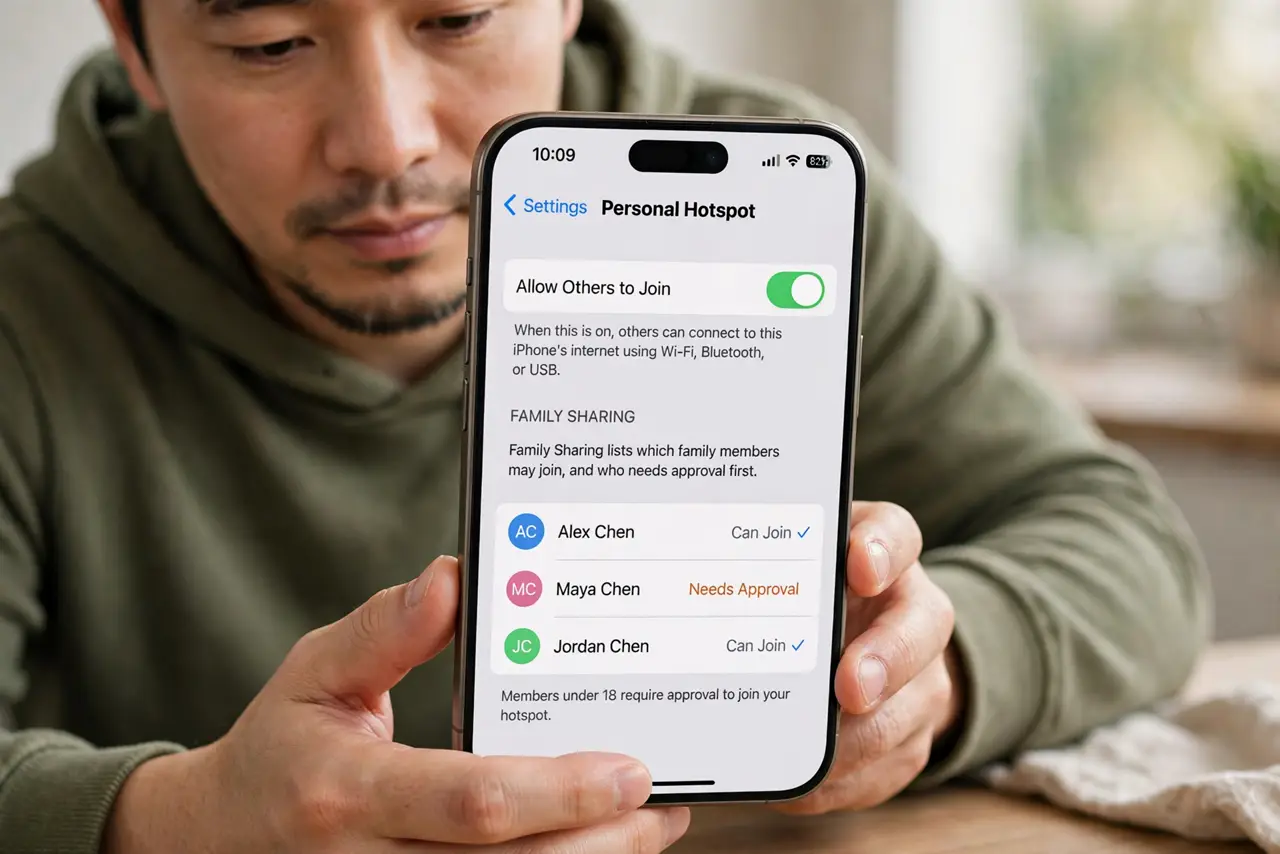
What NOT to do
- Do not remove the family member from Family Sharing to fix hotspot access. Approval inside the hotspot settings is the fix, and removing them breaks sharing everywhere.
- Do not share the hotspot password with the whole household to bypass approval. Approval exists so you control who uses your data, so approve the right people instead.
- Do not assume a failed join means the hotspot is broken. Check approval and Screen Time limits first, since those two block family joins by design.
- Do not lift every Screen Time limit to fix one hotspot block. Adjust only the hotspot or data limit for that member, and keep the other limits intact.
Frequently asked questions
Why can family not join my hotspot?
Because they need family approval in the hotspot settings, or a Screen Time limit blocks their hotspot use.
Does approval survive a hotspot restart?
Yes. Approval is a setting, not a session, so restarting the hotspot does not remove approved members.
Can I approve one member but not another?
Yes. Family hotspot approval is per member, so approve only the members who should use your data.