Photographic Styles? Explained
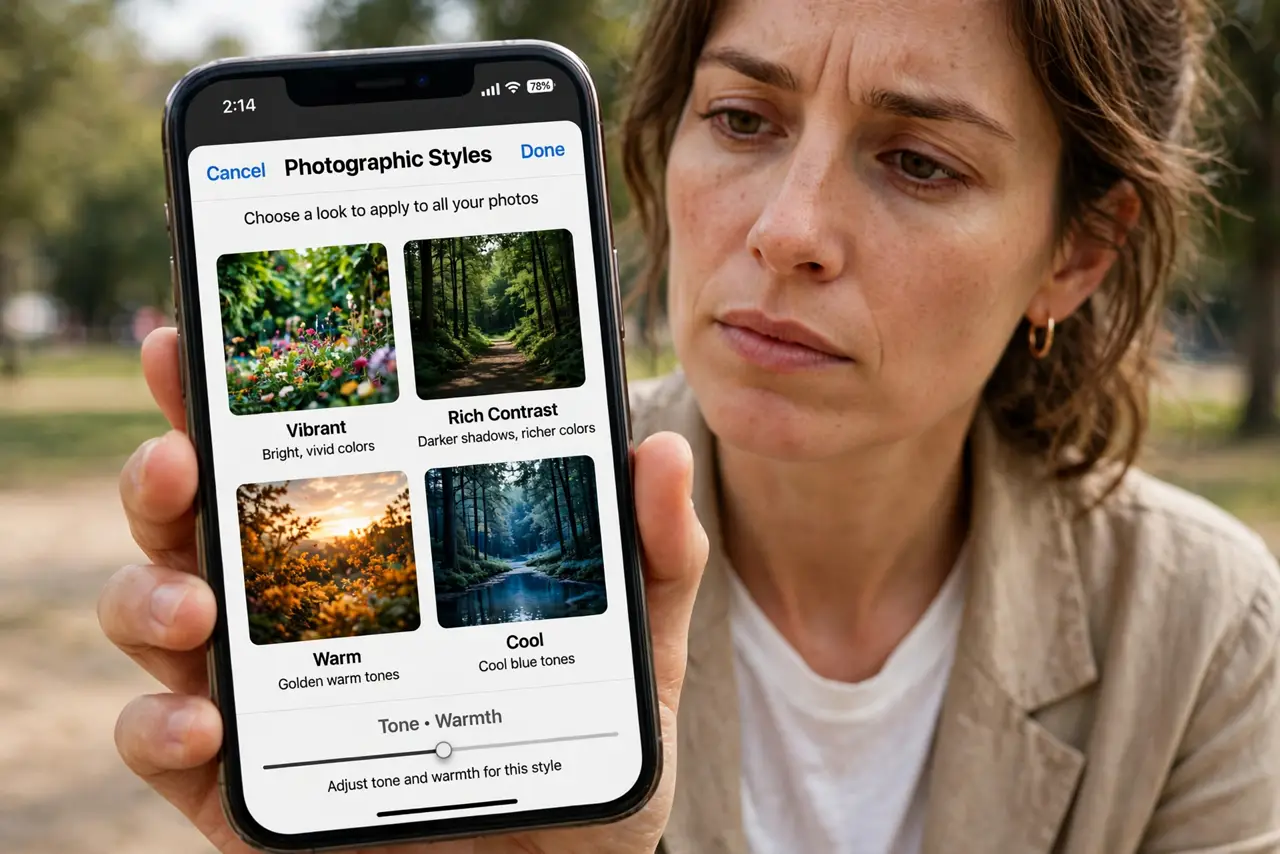
Your iPhone photos all share a look — a bit warm, a bit punchy — and that look is a choice Apple made for you. Photographic Styles let you change that default: four presets plus Tone and Warmth sliders that bake your preference into every shot. Here is what each style does and how to pick yours.
TL;DR / Quick Fix
Quick fix: open Settings > Camera, tap Photographic Styles, and pick a preset — Rich Contrast, Vibrant, Warm, or Cool — then fine-tune Tone and Warmth. The style applies to every photo after. On iPhone 16 and later you can also change it after the shot.
Follow these steps
- Open the style picker. Go to Settings > Camera > Photographic Styles and swipe through the four presets on sample scenes — the preview updates live.
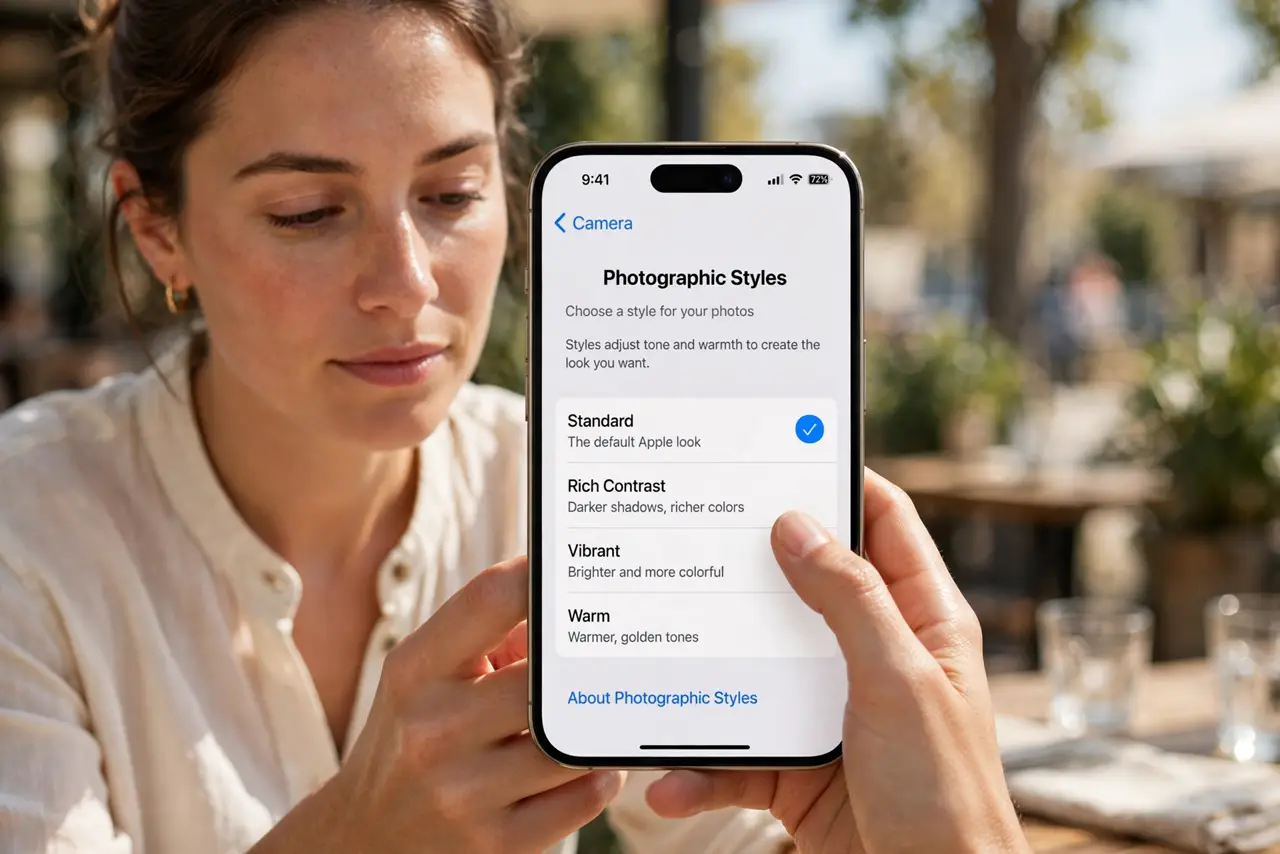
- Understand the four presets. Rich Contrast deepens shadows; Vibrant boosts color; Warm adds golden tones; Cool leans blue. Standard is the neutral default.
- Fine-tune Tone and Warmth. Under each preset, the Tone and Warmth sliders adjust intensity. Small moves — the defaults are well judged.
- Know it applies going forward. The style bakes into every new photo you take. It does not retroactively change old photos — except on iPhone 16 and later.
- Change it after the shot on iPhone 16+. On the newest models, open a photo, tap Edit, and switch the style freely — the raw data keeps every option open.
- Reset if your photos look odd. Back in the picker, choose Standard to return to Apple's default look. A forgotten extreme Warm setting ruins months of photos quietly.
What NOT to do
- Do not confuse styles with filters. Filters apply after the shot in Photos; styles shape how the camera captures in the first place.
- Do not max out Warmth and forget it. Every photo for months will glow orange — check the picker if your photos suddenly look strange.
- Do not expect styles in ProRAW. RAW files skip the style processing by design — that is the point of RAW.
- Do not copy a friend's exact sliders blindly. Lighting and taste differ; use the live preview on your own scenes.
Frequently asked questions
Do Photographic Styles affect video?
No — they apply to still photos. Video uses its own processing, though Cinematic mode has separate tone controls.
Why do my photos look different from my friend's iPhone?
Different Photographic Styles, most likely. Compare pickers before blaming the camera hardware.
Can I remove a style from an old photo?
On iPhone 16 and later, yes — switch it in Edit. On older models the style is baked in, so re-shooting is the only fix.