A Shared Album Stops Updating on iPhone
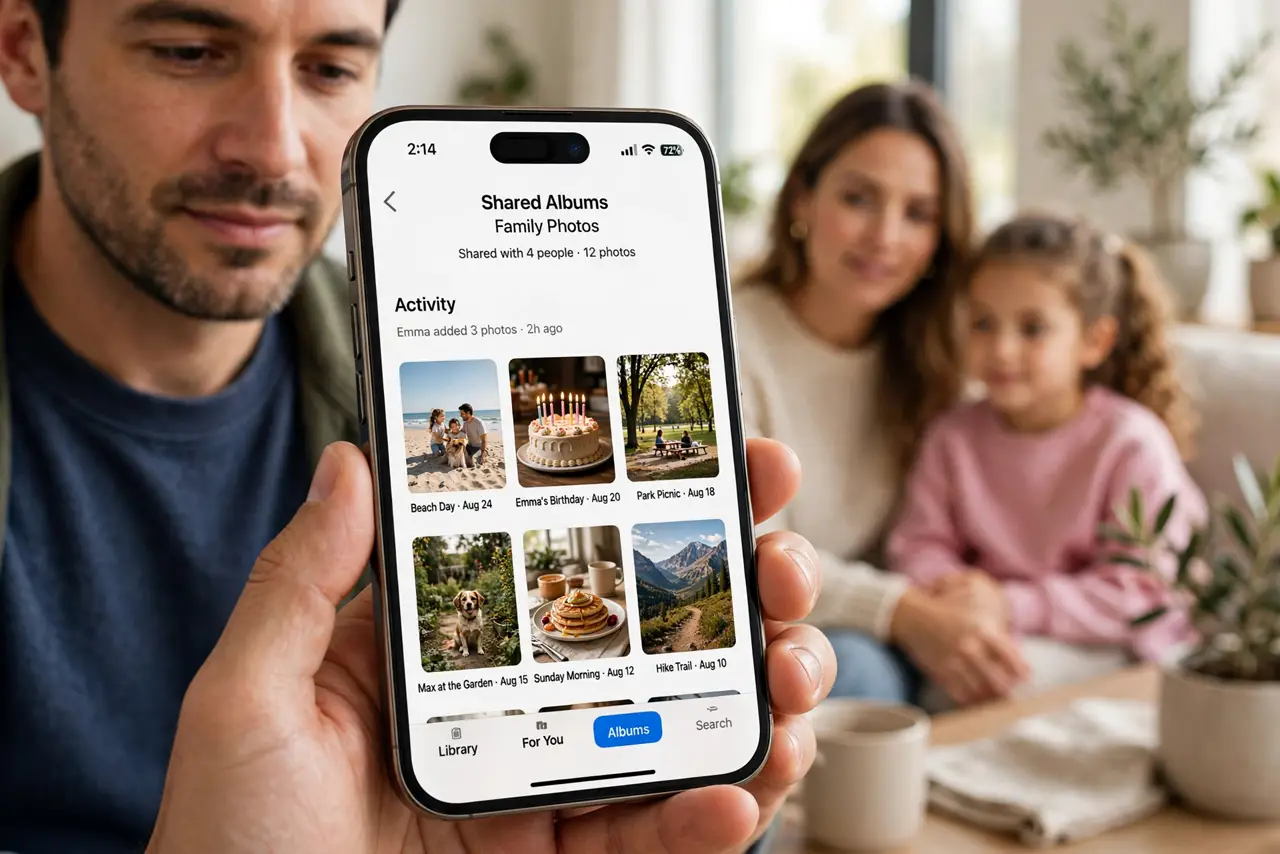
You add photos to a shared album and they never show up for everyone else — or their additions never reach you. Shared albums sync through iCloud, so a paused sync or a flipped setting is usually the holdup.
TL;DR / Quick Fix
Quick fix: open the Photos app, check the shared album's people list, and confirm Shared Albums is on in Settings. Make sure the iPhone is on Wi-Fi with battery above the low-power pause point. Adding one new photo often kicks a stuck album back to life.
Follow these steps
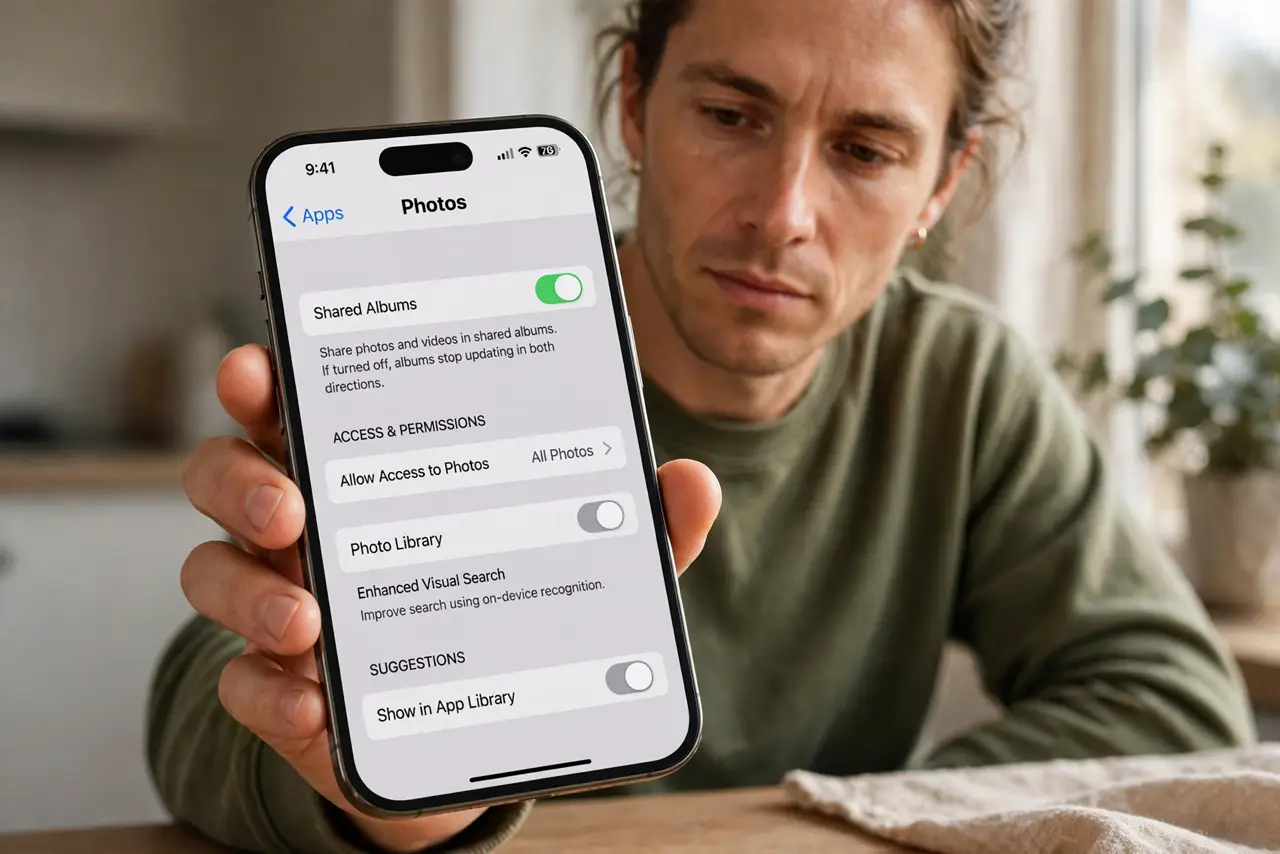
- Confirm Shared Albums is on. Open Settings, then Apps, then Photos, and check that Shared Albums is enabled. If it got switched off, albums stop updating in both directions.
- Check you are still a member. Open the shared album and tap the people icon. If someone removed you — or you left by accident — the album freezes for you while everyone else keeps sharing.
- Connect to Wi-Fi and charge a bit. Shared albums sync on Wi-Fi and pause on very low battery. Plug in, join Wi-Fi, and give the upload a few minutes to catch up.
- Check the album's photo limit. Shared albums hold up to 5,000 photos. Near the limit, new additions may fail silently — remove a few old ones or start a fresh album.
- Add one new photo as a nudge. Add a single new photo to the album. A fresh change often restarts a stalled sync that has been sitting quietly for days.
- Leave and rejoin the album. As a last step, leave the shared album and ask to be re-invited. Rejoining rebuilds your local copy and clears a stuck sync state.
What NOT to do
- Do not delete the shared album to fix a sync pause. Deleting removes it for everyone, while leaving and rejoining fixes only your copy.
- Do not assume a missing photo means someone deleted it. A paused sync hides new photos that are still there on everyone else's phones.
- Do not turn off iCloud Photos entirely. Shared Albums is a separate switch, and toggling the big one disrupts your whole library.
- Do not re-upload every photo one by one. One new photo is enough to test the sync — duplicates only waste space and confuse the album.
Frequently asked questions
Why do I see old photos but not new ones?
Your copy of the album stopped syncing. Wi-Fi, battery, or the Shared Albums switch usually explains the freeze.
Can a full iCloud plan block shared albums?
Shared album photos do not count against iCloud storage, so a full plan is rarely the cause — check the sync settings first.
Do shared albums work without Wi-Fi?
They can sync on cellular if you allow it, but Wi-Fi is faster and does not eat your data plan.