Use Priority Notifications
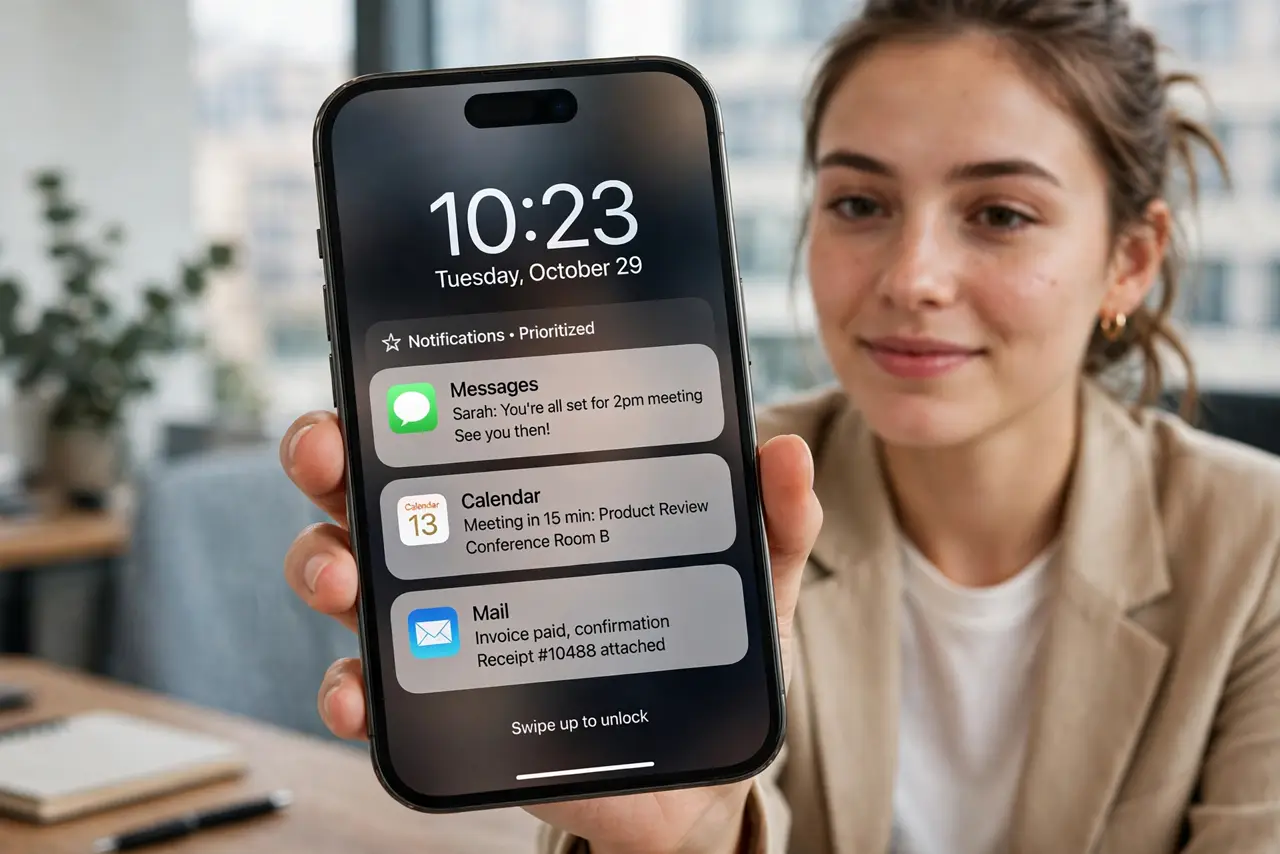
Important messages drown in a sea of promo pings, and you miss the text that mattered. Priority notifications — through Apple Intelligence summaries and Focus modes — push the important stuff to the top and quiet the rest. Your lock screen finally respects your attention.
TL;DR / Quick Fix
Quick fix: enable Apple Intelligence notification summaries in Settings, then set up a Focus mode that allows only important people and apps to break through. Review the summary grouping for a week and adjust. Requires Apple Intelligence on a supported iPhone.
Follow these steps
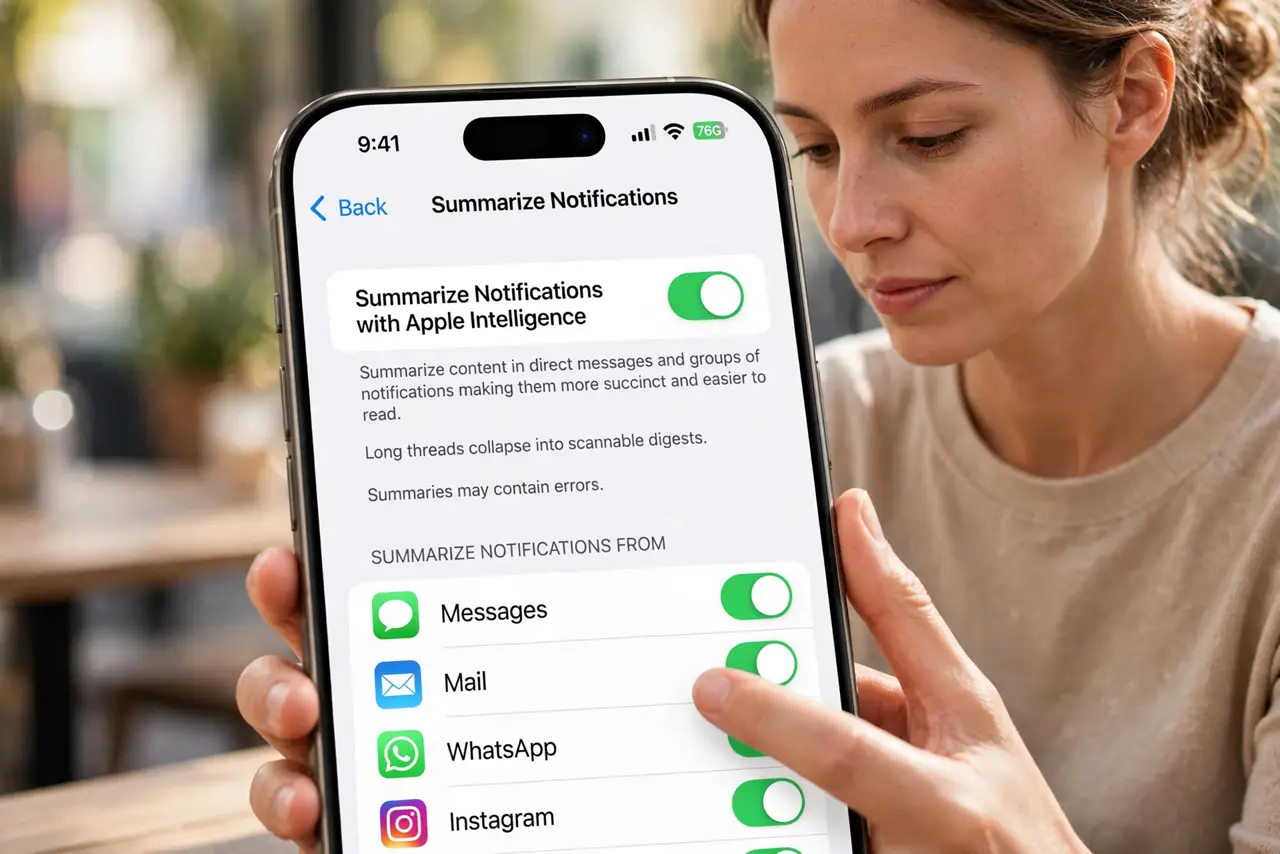
- Enable notification summaries. In Settings > Notifications, turn on Summarize Notifications with Apple Intelligence. Long threads collapse into scannable digests.
- Set up a Focus mode. Create or customize a Focus (Work, Personal, Sleep) listing which people and apps may interrupt. Everything else waits silently.
- Choose your VIPs. Add the handful of people whose messages truly cannot wait — family, boss, kids' school. Everyone else can wait an hour.
- Tame noisy apps. For shopping and social apps, turn off sounds and badges but keep silent banners — or silence them fully in app-by-app notification control.
- Review summaries for a week. Check whether the AI surfaces what matters. If it buries something important, adjust that app's settings — summaries assist, they do not decide.
- Schedule Focus automatically. Tie Focus modes to time or location — Work focus at the office, Sleep focus at night. Automation is what makes it stick.
What NOT to do
- Do not let every app notify. The default of everything pings is the problem — be ruthless in the first pass.
- Do not trust summaries blindly. AI occasionally misranks urgency — glance at the full list for critical hours.
- Do not set up Focus and never schedule it. A manual-only Focus gets forgotten by Wednesday.
- Do not silence truly critical alerts. Alarms, medical, and safety notifications should always break through.
Frequently asked questions
What is the difference from Do Not Disturb?
Focus modes are Do Not Disturb with rules — different allowed contacts per mode, plus smart summaries. DND is the blunt version.
Do summaries work without Apple Intelligence?
No — notification summaries are an Apple Intelligence feature on supported iPhones. Focus modes work on all iPhones.
Why am I still missing messages?
Check that the person is in your Focus allowed list and that their app is not silenced — see the late notifications fix if alerts lag.