Text Without Cell Signal
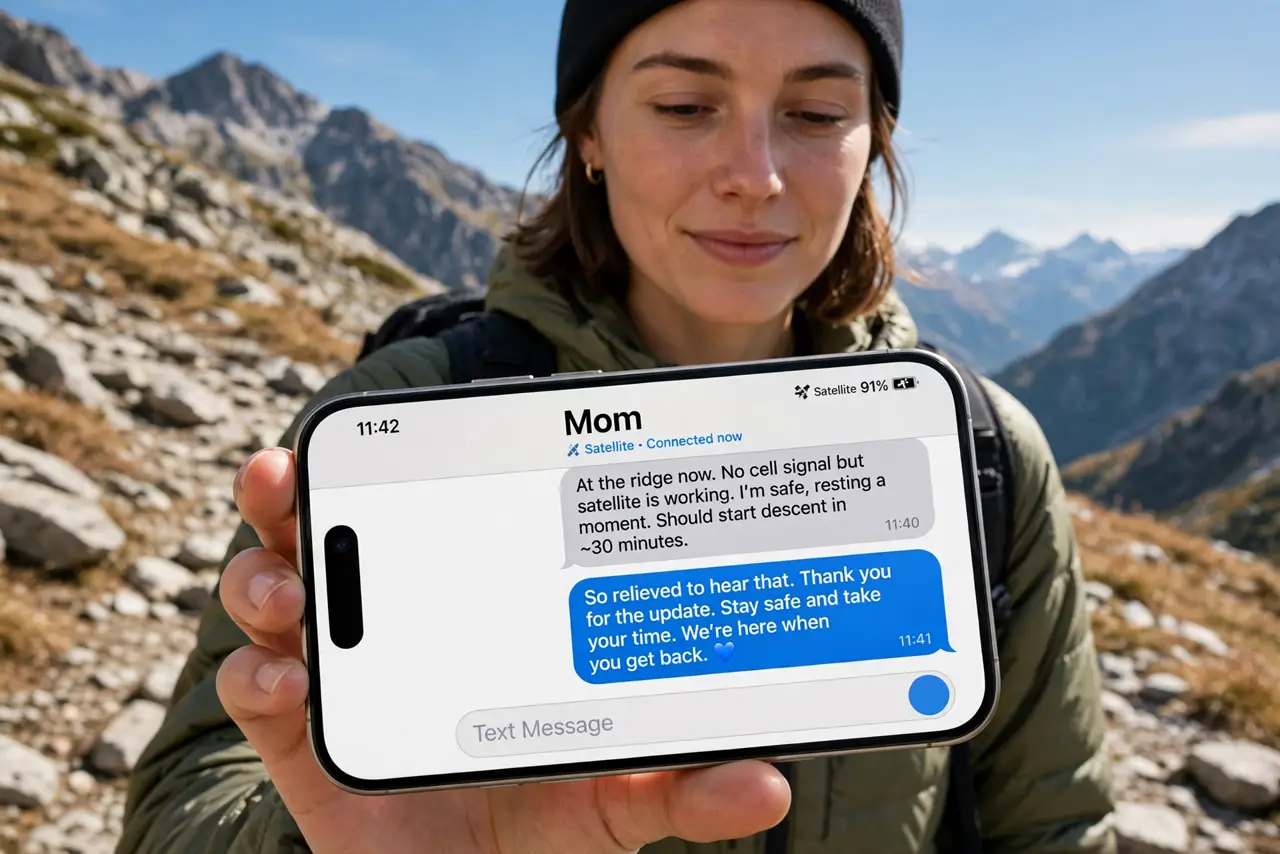
You are hiking far from the nearest town, your phone shows No Service, and someone needs to know you are running late. Modern iPhones can send text messages through satellites when cell towers are out of reach — no extra app, no subscription trick, just the Messages app doing something clever. Some Android phones have similar emergency features. This guide covers when it kicks in, what it can and cannot do, and how to prepare before you head off-grid.
TL;DR / Quick Fix
Quick fix: with no cell signal outdoors, newer iPhones can text via satellite — the phone offers Messages via satellite automatically when you try to send with no service. You need a clear view of the sky. Keep messages short, and expect slower delivery than normal.
Follow these steps
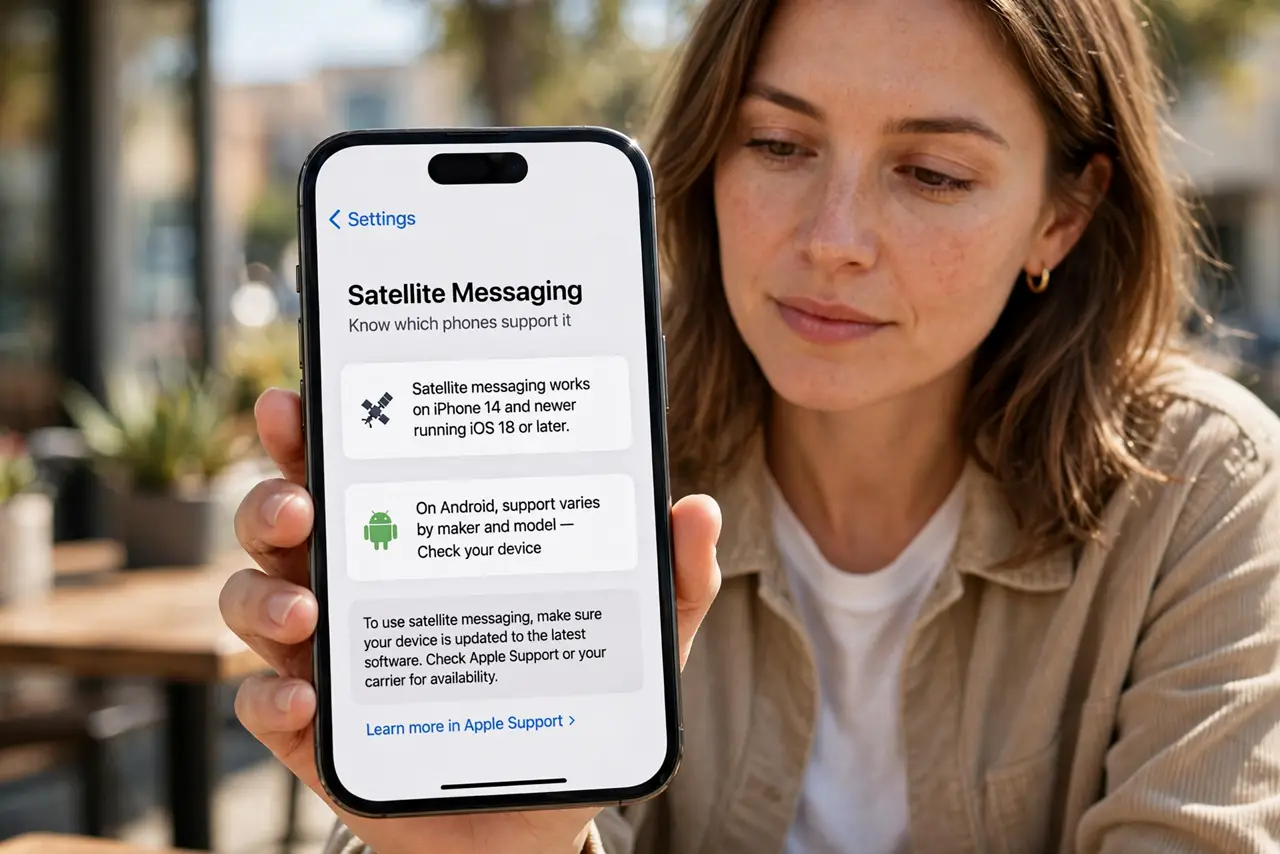
- Know which phones support it. Satellite messaging works on iPhone 14 and newer running a recent iOS version. On Android, support varies by maker and model — check your phone's specs for satellite or emergency messaging before relying on it.
- Understand when it activates. You do not turn it on manually. When you try to send a message with no cellular or Wi-Fi service, the iPhone suggests connecting via satellite. It appears as an option in Messages exactly when you need it.
- Get a clear view of the sky. The phone must see the sky to reach the satellite. Move away from cliffs, dense trees, and canyon walls. The on-screen guide shows you which way to point the phone, and it takes seconds to lock on.
- Keep messages short. Satellite bandwidth is tiny. Send short texts — where you are, that you are okay, when you expect to be back. Photos, videos, and long threads will not go through.
- Use it for check-ins, not chats. Delivery takes longer than normal texting, sometimes minutes. Treat it as a lifeline for essential updates: your location, your status, your plan. Have a real conversation when you are back in coverage.
- Prepare before the trip. Tell someone your route and return time before you leave — satellite texting is a backup, not a plan. Also save emergency numbers, since emergency satellite SOS features exist on both platforms with slightly different rules.
What NOT to do
- Do not count on it under heavy tree cover or indoors. Satellites need line-of-sight; a roof or dense canopy blocks the signal completely.
- Do not try to send photos or videos. They will fail or crawl — text only, and short text at that.
- Do not treat it as a substitute for telling someone your plans. If the phone breaks or the battery dies, nobody knows where you went.
- Do not drain the battery before you need it. Satellite connections use extra power — switch on Low Power Mode on the trail so the phone is alive when it matters.
Frequently asked questions
Is satellite messaging free?
On iPhone, Apple has included it at no extra charge so far. Carrier or maker policies can change, so check current terms before a big trip — but you do not need a special plan to use it today.
Can I call emergency services via satellite?
iPhones support Emergency SOS via satellite separately from messaging — it connects you to emergency services with your location when no other signal exists. Messaging is for contacts; SOS is for emergencies.
Does it work in every country?
No. Satellite messaging availability varies by region due to regulations. Check Apple's current coverage list for your destination before depending on it abroad.