Satellite SOS? How It Works
No bars, no Wi-Fi, miles from anywhere — and your iPhone can still call for help. Emergency SOS via satellite texts emergency services through orbiting satellites when every terrestrial network is gone. It is not a phone call and it is not fast, but it works where nothing else does. Here is the reality.
TL;DR / Quick Fix
Quick fix: Emergency SOS via satellite appears automatically when you have no cellular or Wi-Fi — hold the side button with volume, or dial emergency, and follow the pointing guide to find a satellite. Keep the sky view clear and stay still while messages send. It's for real emergencies only.
Follow these steps
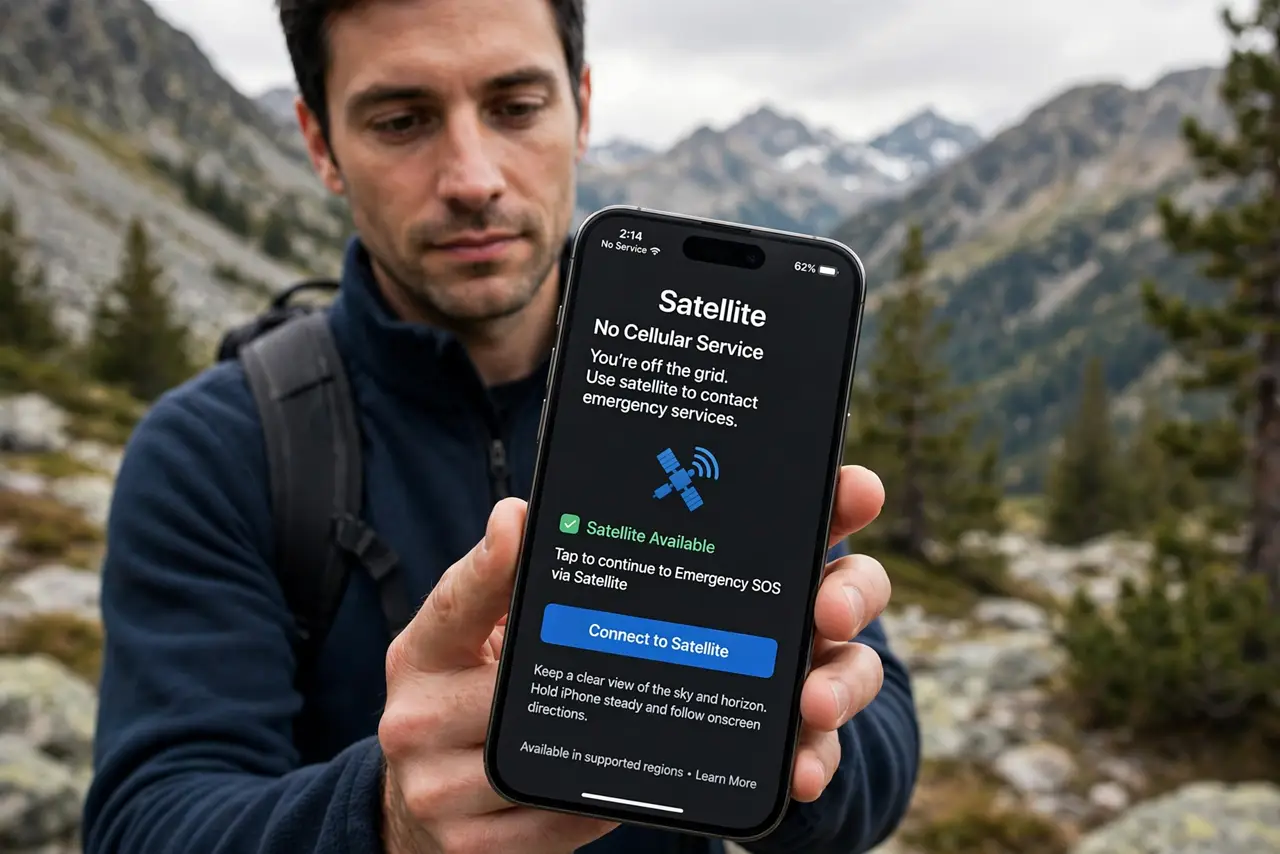
- Know when it appears. The satellite option shows only with zero cellular and Wi-Fi. In normal coverage you will never see it — that is by design.
- Trigger it like normal SOS. Hold side button plus volume, or dial the emergency number. The phone detects the dead zone and offers the satellite path.
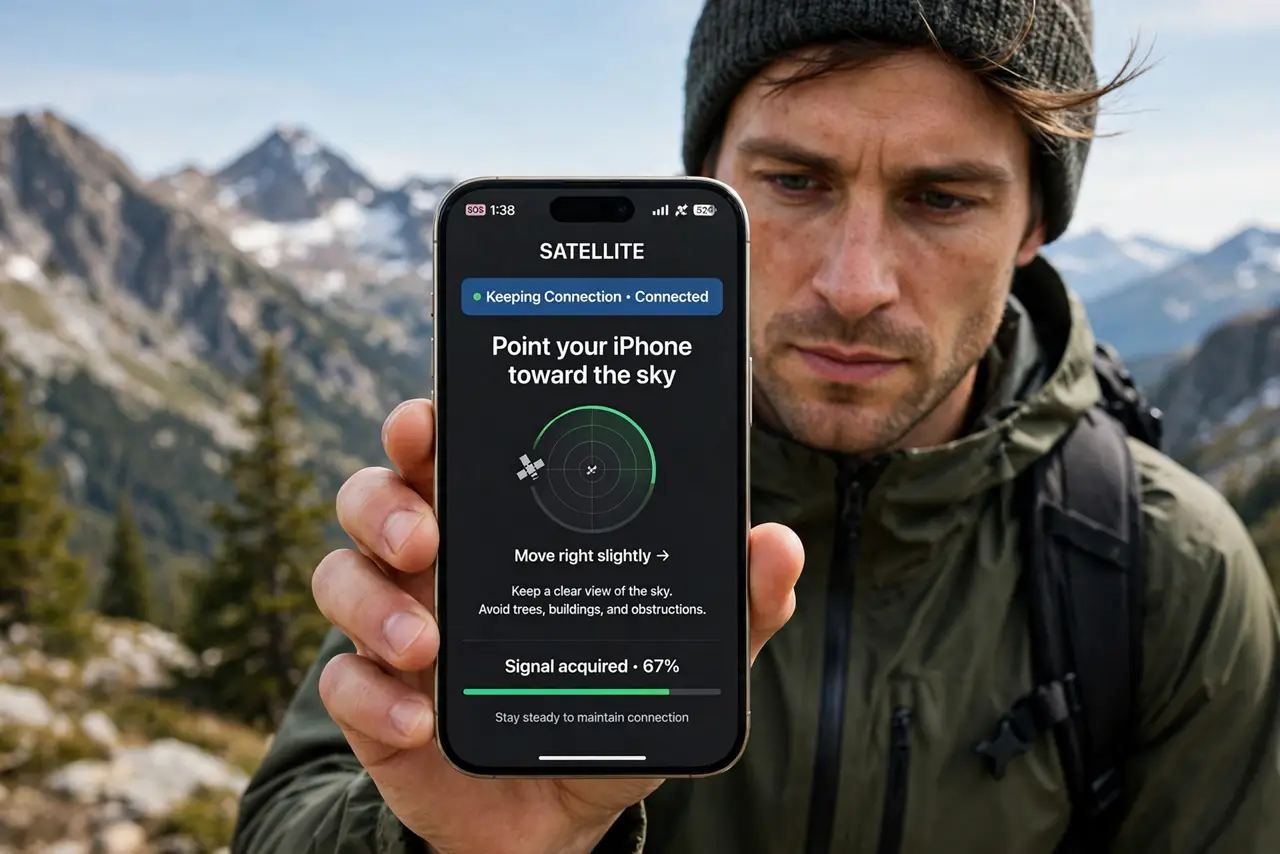
- Follow the pointing guide. The screen shows where to aim the phone. Keep the satellite in view — trees, canyons, and buildings block the signal.
- Answer the questionnaire. You will tap through what happened — car trouble, injury, lost. Short answers route you to the right responders faster.
- Stay still while it sends. Messages take seconds to minutes per burst. Moving breaks the satellite lock and restarts the wait.
- Know the cost and coverage. Free for the included period on supported iPhones (14 and later); availability varies by country — check Apple's list before the backcountry.
What NOT to do
- Do not test it 'to see if it works'. False emergency dispatches waste responder resources and can bring fines.
- Do not expect a voice call. It is text-based relay through a center — slower than a call, miraculous versus silence.
- Do not hide under tree cover and wonder why it fails. Satellites need sky — move to the clearest opening you can reach.
- Do not rely on it as your only backcountry plan. Tell someone your route and return time before you go — satellites complement, not replace, that habit.
Frequently asked questions
Which iPhones have satellite SOS?
iPhone 14 and later. Older models lack the satellite hardware entirely — no update adds it.
How long do satellite messages take?
Seconds to minutes per message under open sky; longer with partial obstruction. Conversations are slow — keep messages short.
Does it work internationally?
In an expanding list of countries. Check Apple's current coverage before traveling — assumptions kill in the backcountry.