iPhone Screen Rotated and Stuck? Straighten It
Your iPhone screen is stuck sideways or upside down, and turning the phone does nothing. Orientation lock is usually on, or the app itself does not rotate. Check the lock first, then test rotation in an app that supports it.
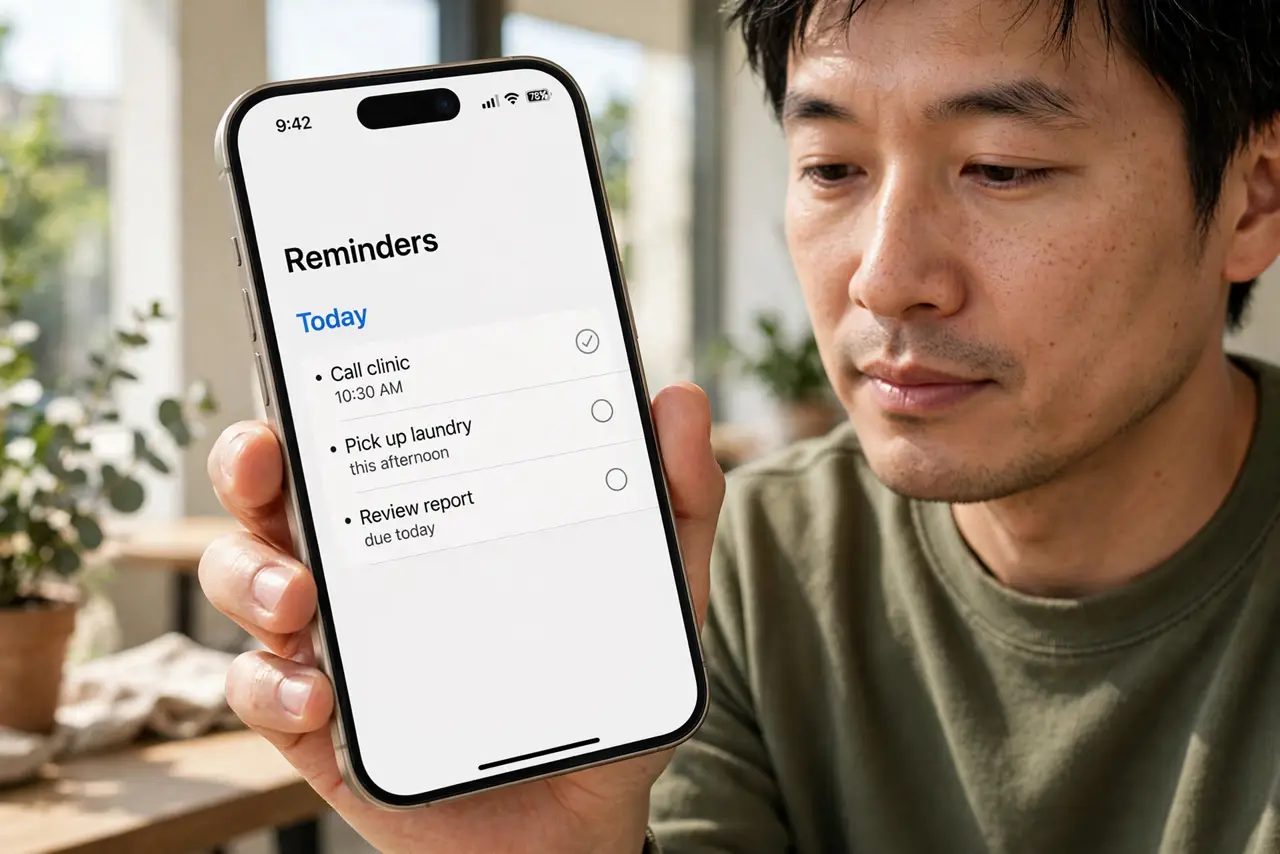
TL;DR / Quick Fix
Quick fix: open Control Center, turn off the orientation lock icon, then hold the iPhone upright and rotate it slowly sideways. Test in Photos or Safari, which rotate, rather than an app locked to portrait. Then test the fix for a full day before changing anything else.
Follow these steps
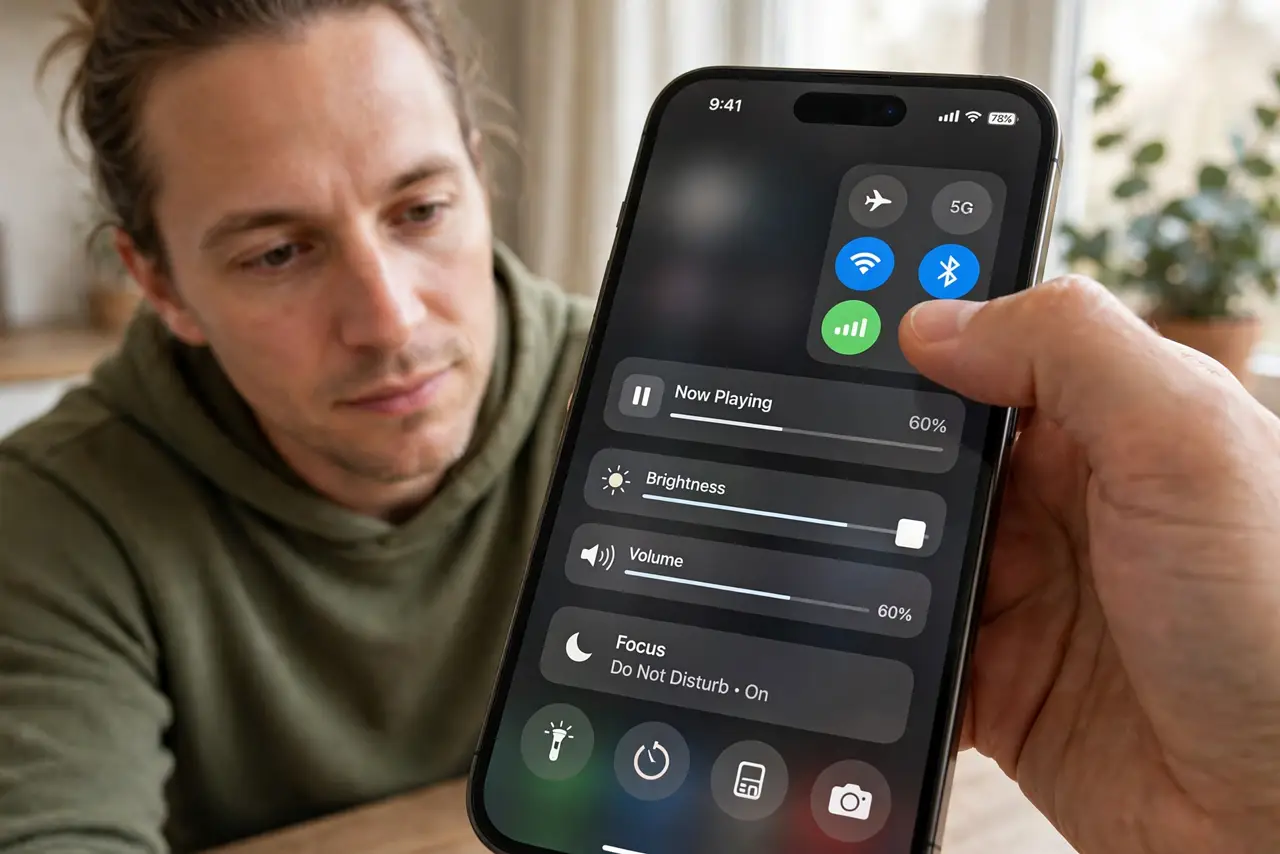
- Open Control Center. Swipe down from the top-right corner to open Control Center. Look for the orientation lock icon, which shows a lock with a circular arrow.
- Turn orientation lock off. Tap the orientation lock icon so it turns off. A highlighted lock means rotation is locked; an unhighlighted icon means rotation is free.
- Hold the iPhone upright first. Hold the iPhone upright, wait a second, then rotate it slowly to sideways. A slow, deliberate turn registers better than a quick flick.
- Test in Photos or Safari. Open Photos or Safari and rotate the phone. These apps rotate reliably, so they prove whether rotation works at all.
- Check the app itself. If rotation works in Photos but not in one app, that app may lock to portrait by design. Check that app behavior before assuming a fault.
- Restart if rotation still sticks. Restart the iPhone, turn orientation lock off again, and test in Photos. A restart clears a stuck rotation state.
What NOT to do
- Do not shake the iPhone hard to force rotation. Shaking does not unlock rotation and risks dropping the phone.
- Do not reset all settings for a stuck rotation. Orientation lock and a restart fix most cases without a reset.
- Do not assume the screen is broken because one app stays portrait. Many apps intentionally stay in portrait mode.
- Do not leave orientation lock on and wonder why rotation fails. Check the lock icon first, every time rotation sticks.
Frequently asked questions
Why is my iPhone screen stuck sideways?
Usually orientation lock is on, or the app does not rotate. Turning lock off and testing in Photos separates the two.
What does the lock icon in Control Center mean?
It locks the screen orientation. When it is highlighted, rotation is locked; when off, the screen can rotate.
Do all iPhone apps rotate?
No. Many apps stay in portrait by design, even when rotation lock is off and other apps rotate fine.