Listen Together With SharePlay
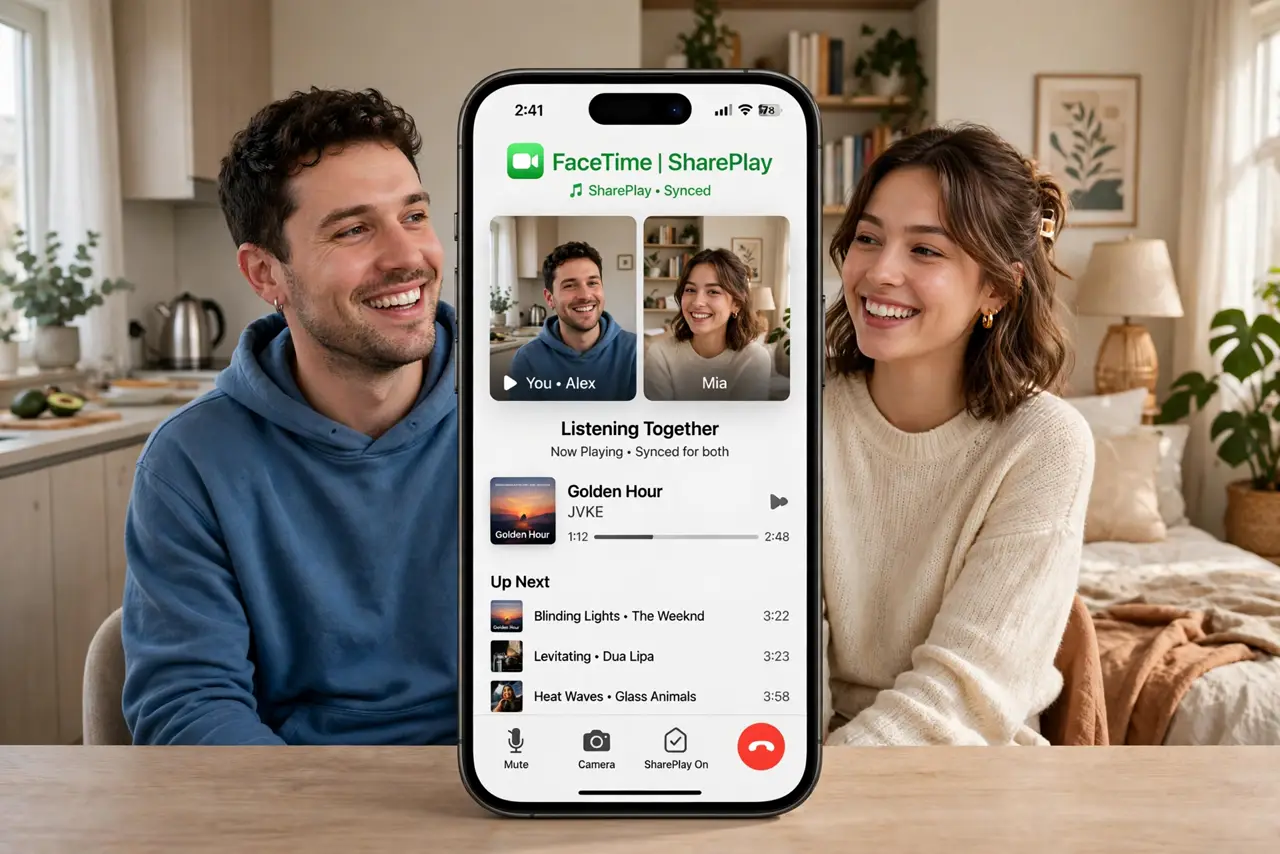
Miles apart, same song, same second — SharePlay syncs Apple Music listening across a FaceTime call so everyone hears the drop together. Anyone can pause, skip, or add to the queue. It is the closest thing to a shared couch for long-distance friends, and setup takes seconds.
TL;DR / Quick Fix
Quick fix: start a FaceTime call, open Apple Music, and tap the SharePlay prompt to listen together — everyone hears the same song in sync and can add tracks to the queue. All listeners need Apple Music. It also works for watching shows together in supported apps.
Follow these steps
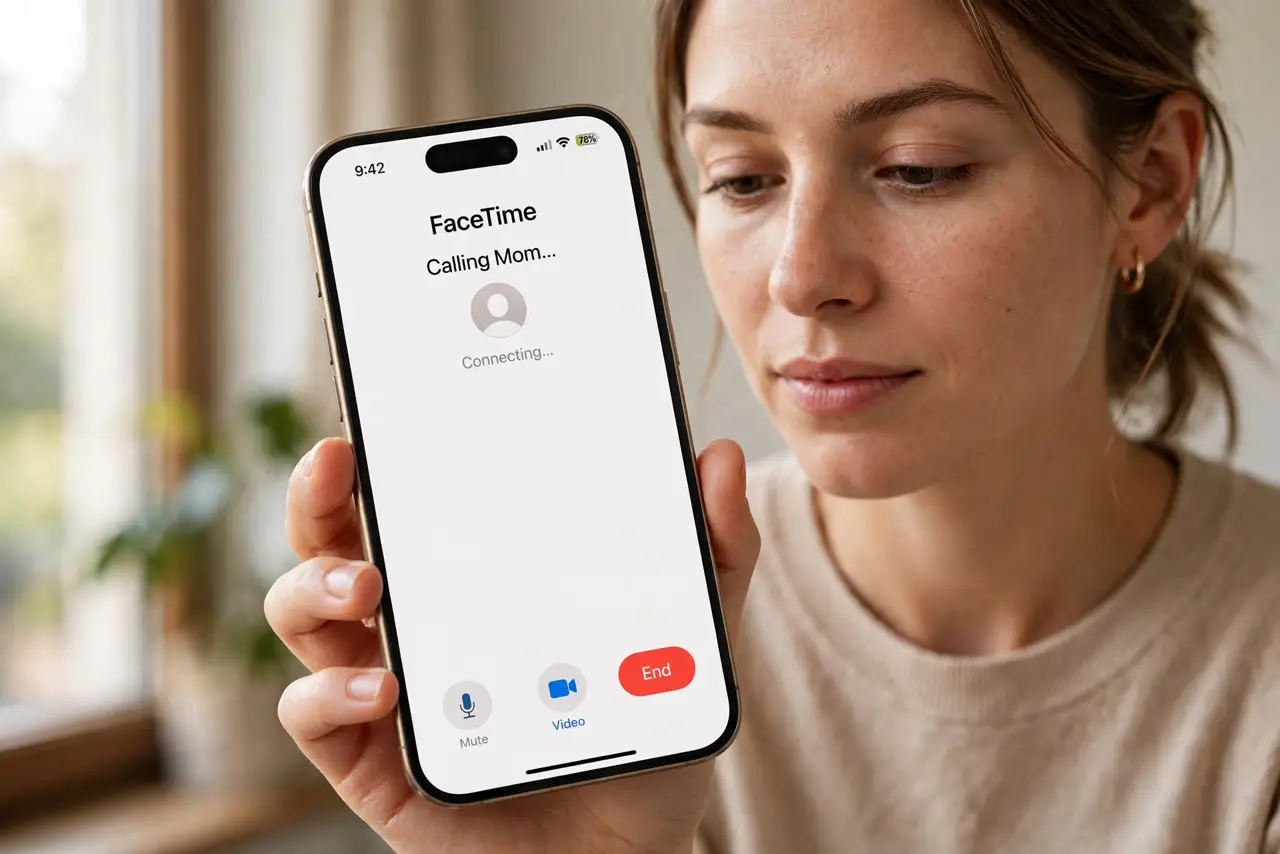
- Start a FaceTime call first. SharePlay rides on FaceTime. Call your people, then leave the call running in the background.
- Open Apple Music and accept SharePlay. A prompt offers to SharePlay the music — tap it. Playback syncs across every participant's device.
- Share the queue. Anyone on the call can add songs, skip, or pause. The queue becomes a collaborative playlist in real time.
- Mind the subscription requirement. Every listener needs Apple Music. Someone on the free tier hears silence — or gets prompted to subscribe.
- Try it for shows too. Apple TV+ and supported apps SharePlay video the same way — synced playback, shared reactions, one call.
- End cleanly. Leave the FaceTime call or stop SharePlay from the Music app. Playback hands back to each person's own device.
What NOT to do
- Do not start SharePlay without warning. Music blasting into someone's quiet office is a fast way to lose the feature's charm.
- Do not expect it over cellular gracefully. Synced streaming on mobile data eats everyone's plan — Wi-Fi is the polite choice.
- Do not fight over the queue. Anyone can skip anyone's song — agree on DJ rules before the third veto war.
- Do not assume Android friends can join. SharePlay is Apple-only; cross-platform groups need a different shared-listening app.
Frequently asked questions
Does everyone need Apple Music?
Yes — each participant streams their own copy in sync. Without a subscription, they cannot hear the shared playback.
Why is the music out of sync?
Usually a slow connection on one side. That person's stream lags; have them rejoin on Wi-Fi.
Can I SharePlay with Android users?
No. SharePlay is Apple-ecosystem only. For mixed groups, use a third-party synced-listening app instead.