iPhone Speaker Sounds Distorted on Calls? Fix It
The iPhone speaker sounds distorted, buzzy, or rattly on calls, making voices hard to understand. High volume, debris, or a routing issue often causes it. Lower volume slightly, clean the speaker gently, and test earpiece versus speakerphone.
TL;DR / Quick Fix
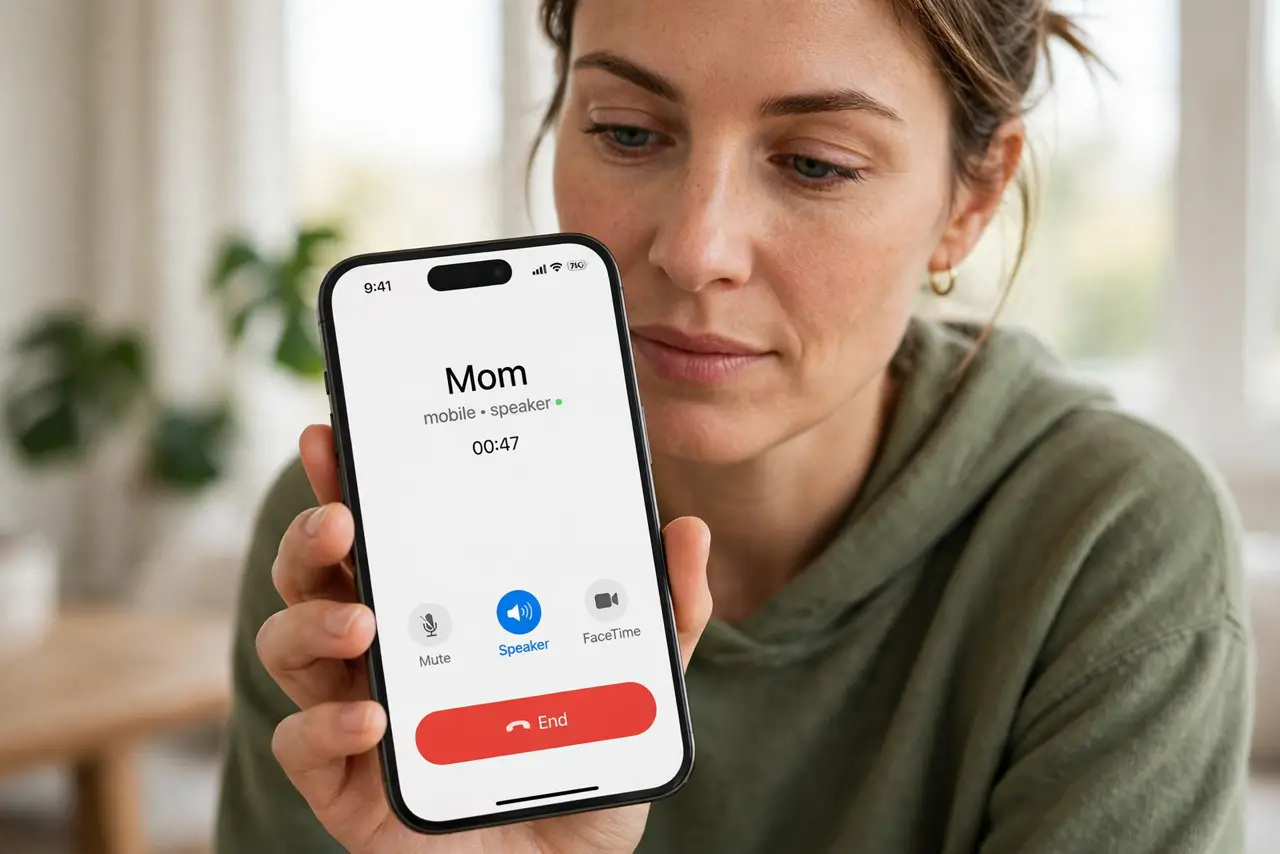
Quick fix: during a call, lower volume one or two steps from maximum, then switch between earpiece and speaker to find which one distorts. Clean the speaker opening gently and test again with another caller. Then test the fix for a full day before changing anything else.
Follow these steps
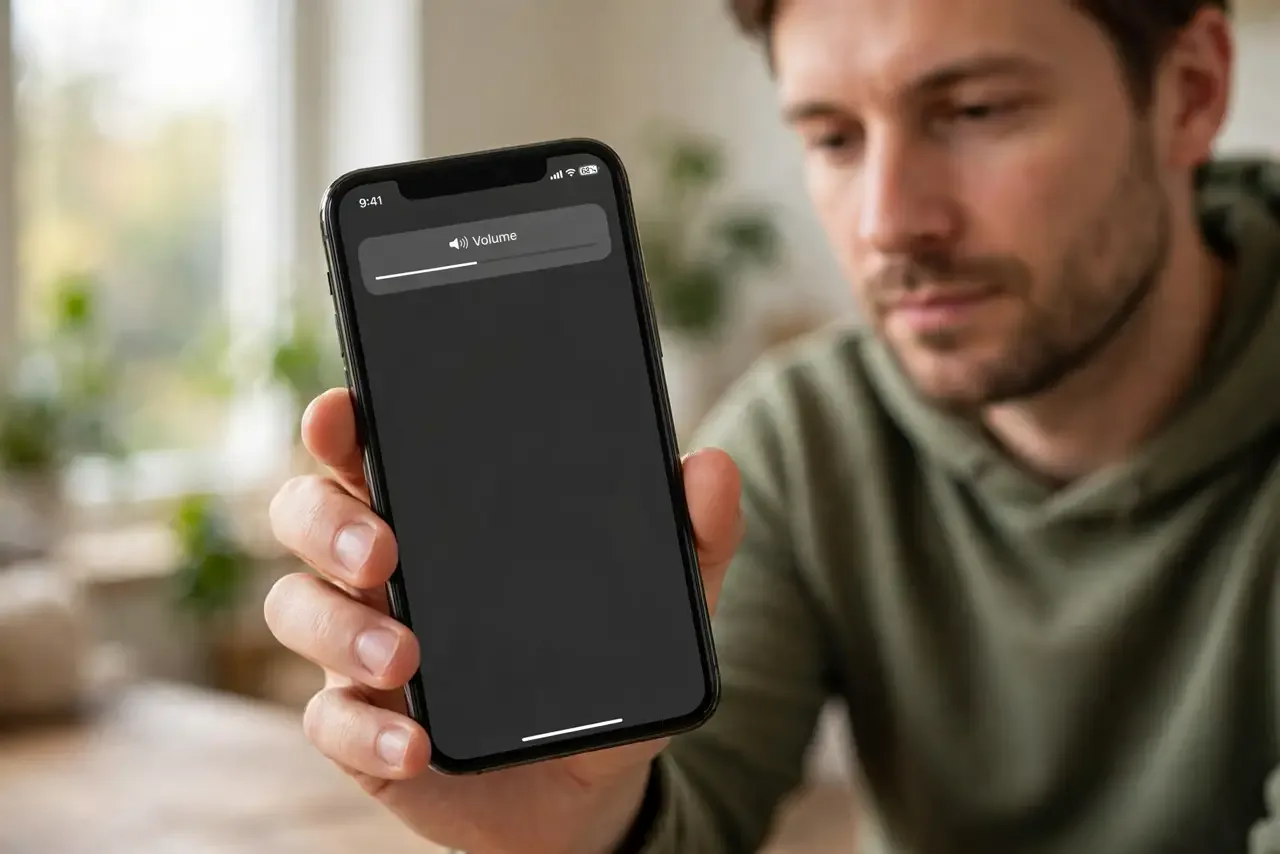
- Lower volume slightly. During a call, press volume down one or two steps from maximum. Maximum volume can push a small speaker into distortion, especially on loud voices.
- Test earpiece versus speaker. Switch between earpiece and speakerphone during a call. If only one distorts, that output is the suspect, not the whole phone audio.
- Clean the speaker gently. Check the bottom speaker openings for dust or lint, and brush them gently with a soft dry brush. Do not poke inside the openings.
- Test with another caller. Call a different person and listen for the same distortion. If only one caller distorts, their audio or connection may be the cause.
- Test media audio too. Play a song or video and listen for distortion there. Media that sounds clean points to a call-specific issue, not a speaker failure.
- Restart and retest. Restart the iPhone, then make a test call at moderate volume. If distortion persists on every call and media, note that pattern for service.
What NOT to do
- Do not keep calls at maximum volume to hear through distortion. Maximum volume worsens distortion and can damage hearing over time.
- Do not poke speaker openings with pins. Poking can tear the speaker mesh and make distortion permanent.
- Do not play loud test tones repeatedly at full volume. Sustained maximum output stresses the speaker without proving anything new.
- Do not assume one distorted caller means a broken speaker. Caller audio quality varies, so test another caller and media first.
Frequently asked questions
Why does the speaker distort on calls only?
Call audio uses different processing than media, and maximum volume can distort voices. Lowering volume often clears it.
Can debris cause distortion?
Yes. Dust or lint over a speaker opening muffles and distorts sound, so gentle cleaning helps.
What if media sounds fine but calls distort?
The call route or caller audio is likely involved. Test earpiece, speaker, and another caller to narrow it down.