iPhone Full but iCloud Has Space? Fix It
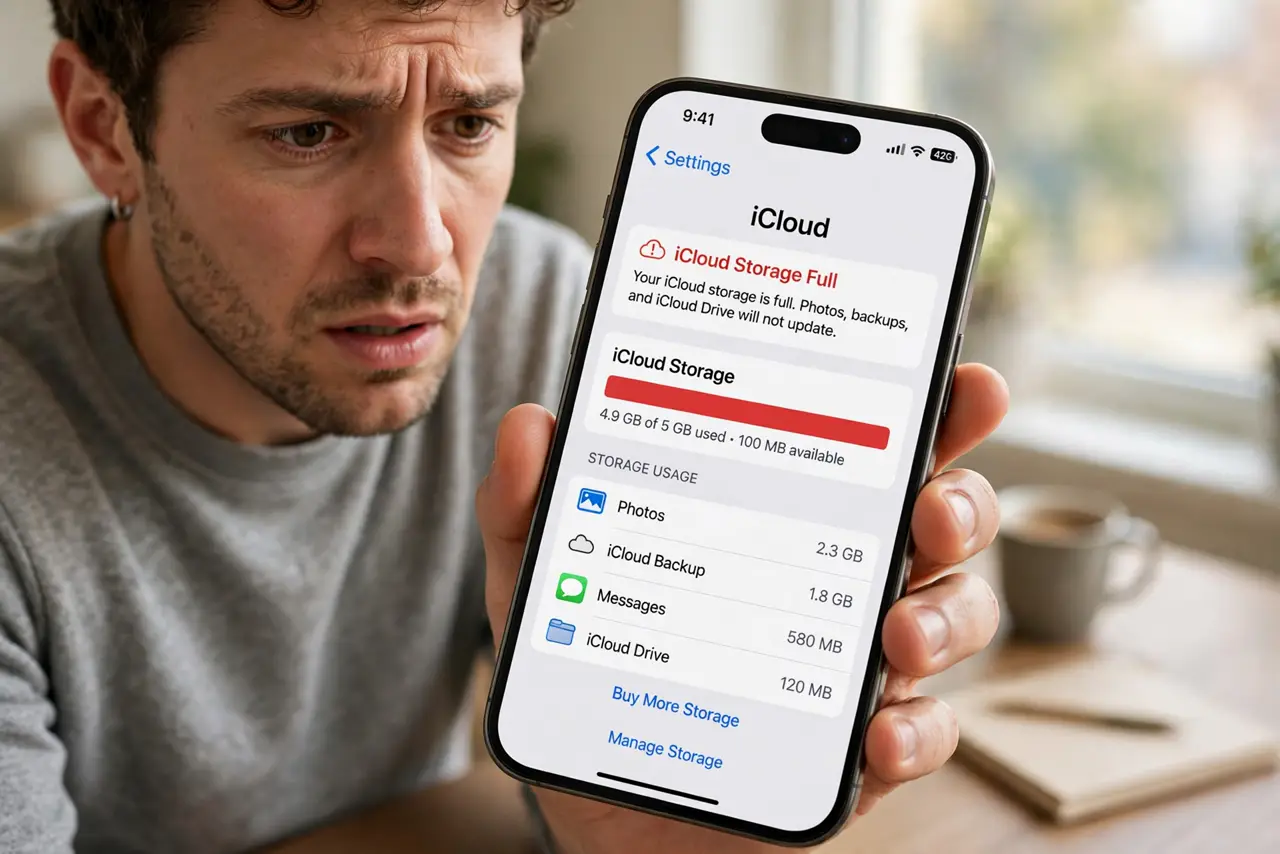
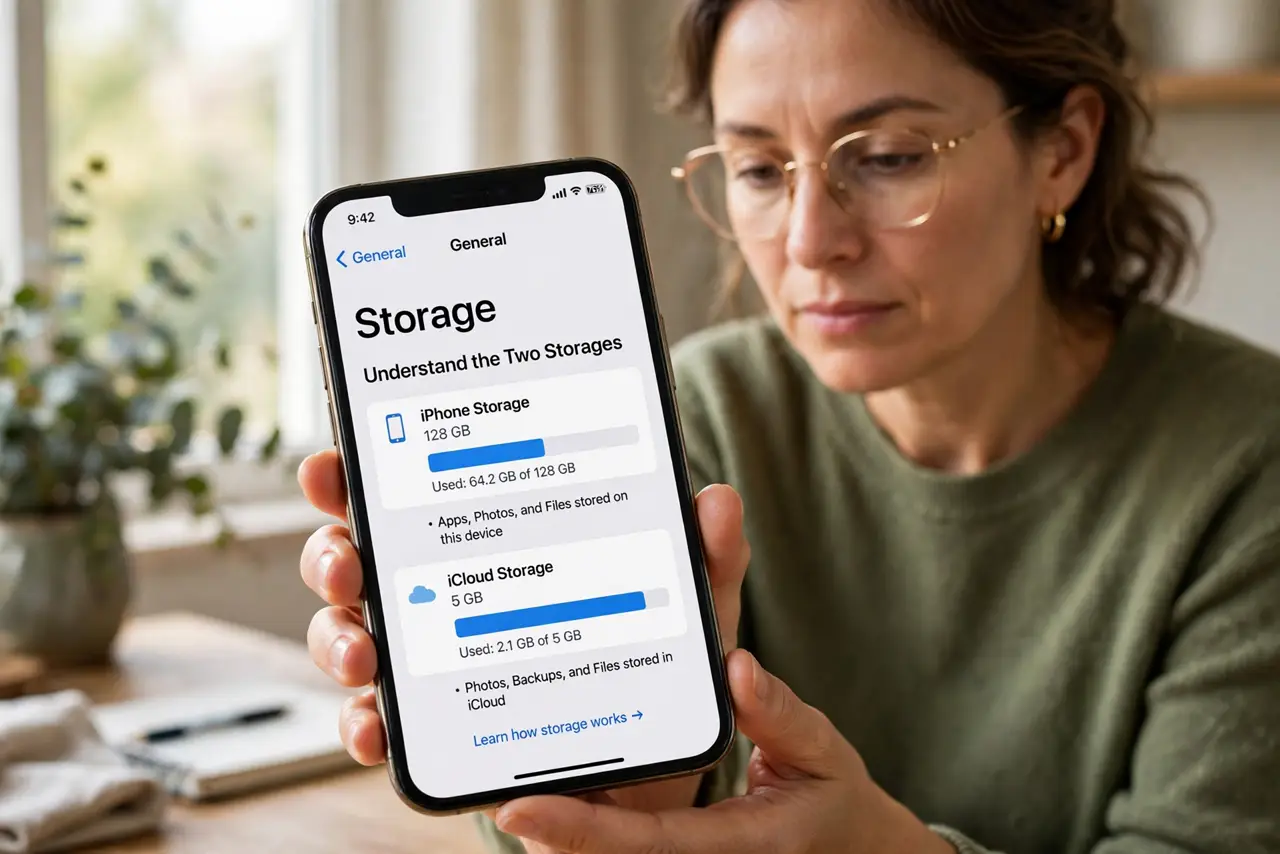
Your iPhone says storage is full while iCloud shows gigabytes free, which feels contradictory. They are separate buckets: iCloud space does not relieve the phone's own disk. This guide frees phone storage without touching your iCloud.
TL;DR / Quick Fix
Quick fix: open Settings, General, iPhone Storage, and let the built-in recommendations run — offload unused apps first for the safest big win. Delete downloaded videos and old message attachments, and remember burst photos often hide gigabytes of forgotten near-duplicates.
Follow these steps
- Understand the two storages. iPhone storage is the physical disk in your hand; iCloud is Apple's server space. Free iCloud room never adds a byte to the phone, which is the core confusion.
- Run the built-in recommendations. Open Settings, then General, then iPhone Storage. Apple's recommendations, like offloading unused apps, are safe and surprisingly effective.
- Offload unused apps. Offloading removes the app but keeps its data. Reinstalling later restores everything, making it the safest big win on the list.
- Delete message attachments. Old videos and photos in Messages hide gigabytes. In the storage view, review large attachments and delete the ones you will never rewatch.
- Hunt photo hogs. Burst photo sessions and Live Photos multiply storage silently. Pick the keepers and delete the rest in the Photos app.
- Check what's actually biggest. Sort the storage list by size and attack the top three. Targeted deletion beats random tidying every time.
What NOT to do
- Do not buy more iCloud storage for this. Extra iCloud room does not free a single byte on the phone itself.
- Do not delete photos before checking backup. Confirm iCloud Photos or a computer backup holds them before removing originals.
- Do not factory reset in frustration. A reset is a last resort; the storage view almost always finds the hog first.
- Do not ignore the Other or System Data category. A restart often shrinks it; if it stays huge, a backup-and-restore may be needed.
Frequently asked questions
Why is my iPhone full when iCloud has space?
Because they are separate storages. iCloud space holds synced copies; the phone's disk holds the actual files and apps.
Does offloading apps delete my data?
No. Offloading removes the app binary and keeps documents and settings, which return on reinstall.
Will deleting from iPhone delete from iCloud?
With iCloud Photos on, deleting on the phone deletes everywhere. Check your sync settings first.