Trim a Voice Memo
The interview ran long, the lecture has dead air at both ends, and the brilliant bit hides in the middle. Voice Memos has a proper trim editor: drag handles to keep the good part, or cut a chunk from the middle entirely. No re-recording, no third-party app.
TL;DR / Quick Fix
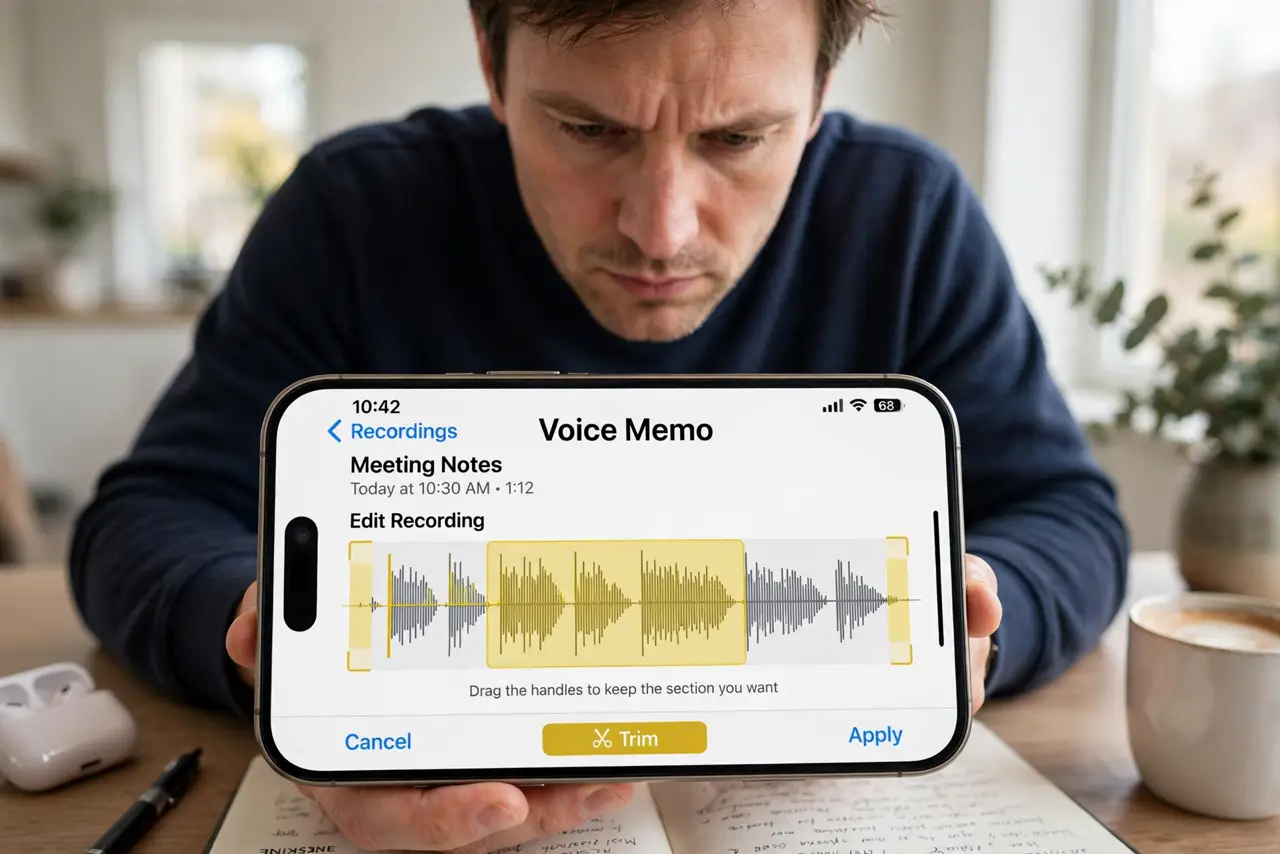
Quick fix: open the memo, tap the three dots, choose Edit Recording, then drag the yellow handles to select the part to keep and tap Trim. To cut a middle section, split with the handles and choose Delete. Trimming is non-destructive until you tap Done — you can undo.
Follow these steps
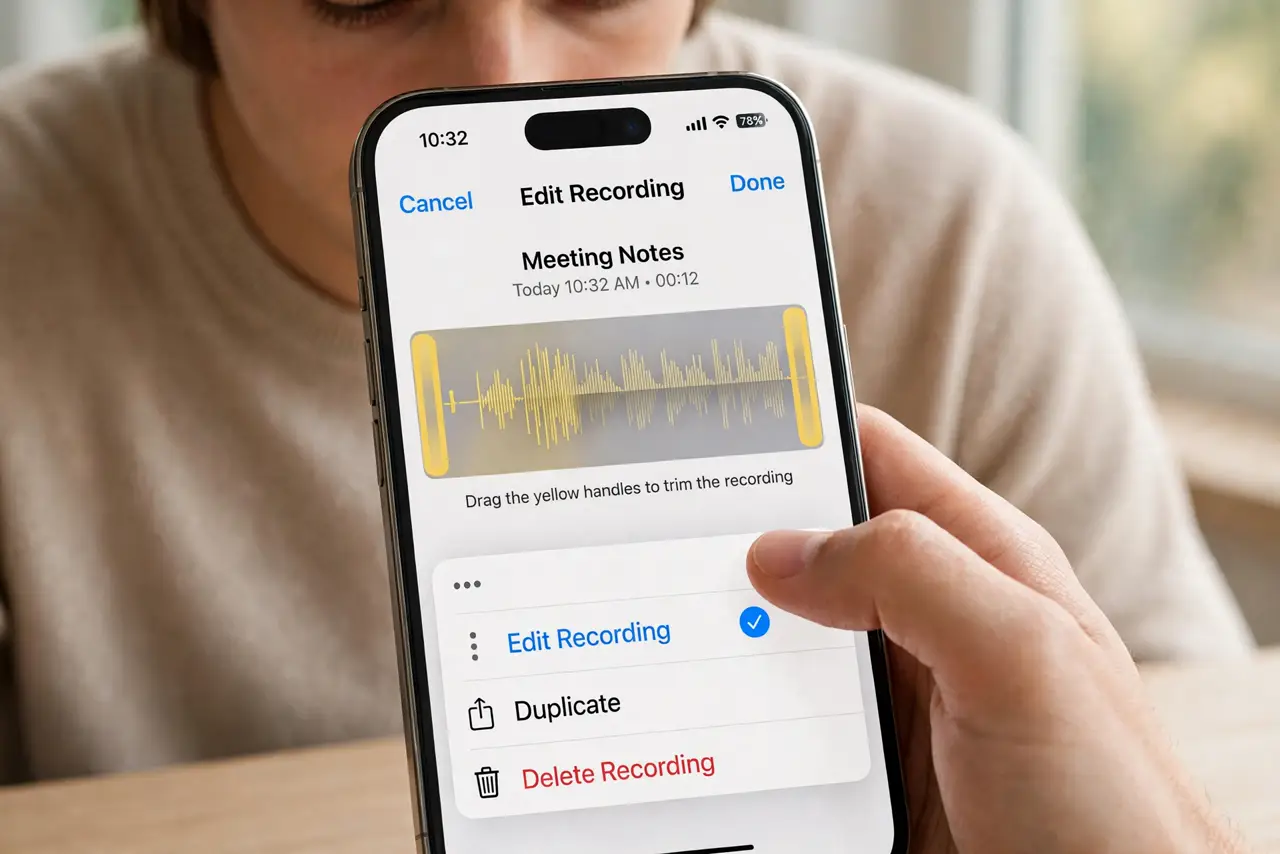
- Open the memo's editor. Tap the memo, then the three dots, then Edit Recording. The waveform appears with yellow trim handles.
- Trim the ends. Drag the handles inward to bracket the part worth keeping, then tap Trim. The dead air outside the handles goes away.
- Cut a middle section. Position the handles around the unwanted middle bit and tap Delete instead of Trim — the two good halves join seamlessly.
- Preview before committing. Tap play with the selection active. Ears beat eyes for catching a clipped word at the boundary.
- Undo freely before Done. Nothing is final until you tap Done. Reopen the editor and adjust as many times as you like.
- Rename the keeper. Back in the list, rename the memo to what it actually is. Future-you will never open 'New Recording 12' again.
What NOT to do
- Do not tap Done until you previewed. After Done, the cut is permanent — the undo window closes.
- Do not trim with the volume down. You will miss clipped words that a quick listen would have caught.
- Do not record over the original to 'fix' it. Trimming is non-destructive until Done; re-recording destroys the good take.
- Do not forget a backup of the important ones. Share the trimmed memo to Files or cloud before it is the only copy.
Frequently asked questions
Can I un-trim a voice memo?
Before tapping Done, yes — freely. After Done, no; the discarded audio is gone. Duplicate the memo first for irreplaceable recordings.
How do I remove 'umms' from the middle?
Bracket each umm with the handles and Delete. For many small cuts, the Enhance Recording feature also tightens things up.
Where do trimmed memos go?
They stay in Voice Memos, synced via iCloud if enabled. Share to Files, Messages, or Mail from the share sheet.