iPhone Wallet Card Disappeared? Fix It
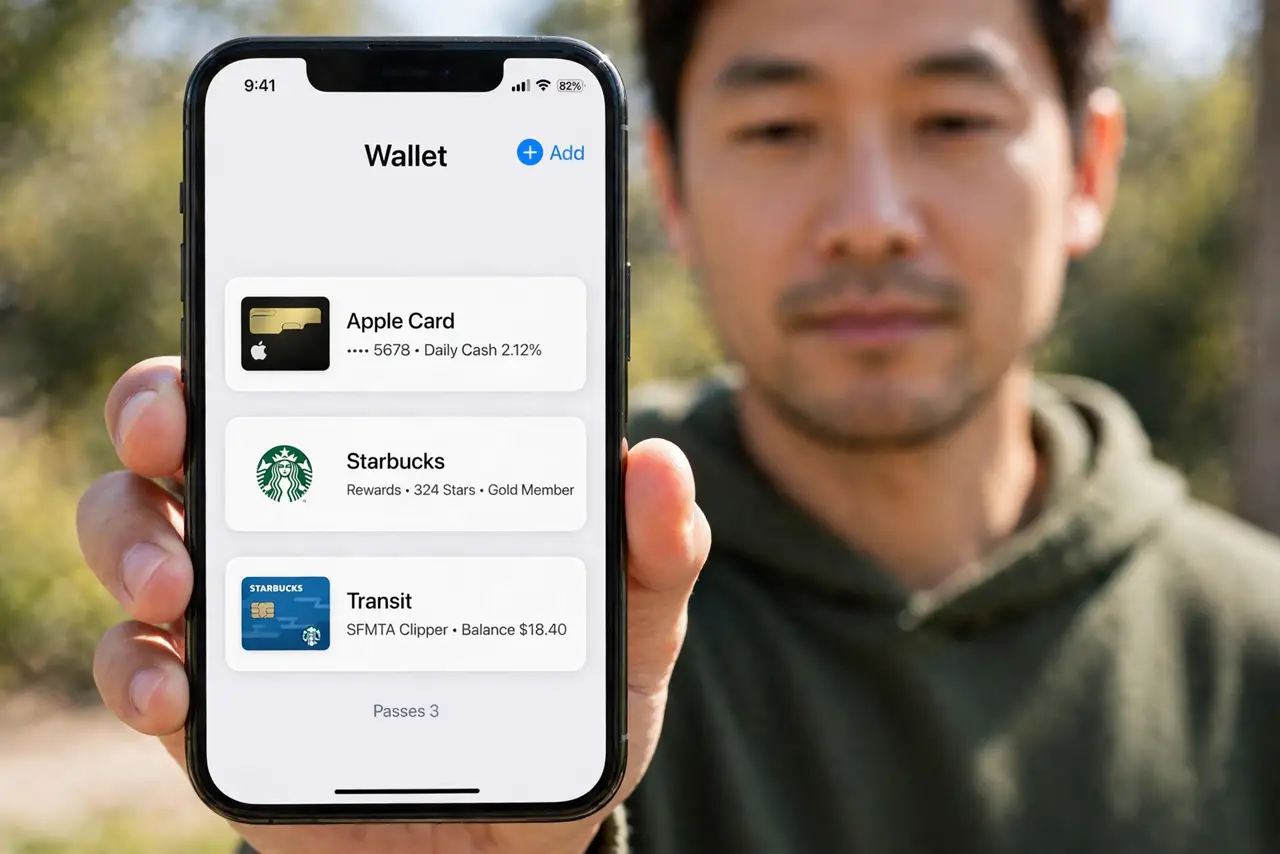
Your card vanished from Wallet, and Apple Pay has nothing to pay with. Cards disappear after a sign-out, a bank replacement, a region change, or a verification lapse. Re-adding it usually restores it in minutes, and the payment twin is an Apple Pay card declined once, which happens when the card is present but rejected.
TL;DR / Quick Fix
Quick fix: confirm you are signed in, check the card with your bank, look in Wallet settings, re-add the card, complete verification, and check region settings. If it still fails after these steps, note exactly when it happens, since that pattern usually reveals the cause.
Follow these steps
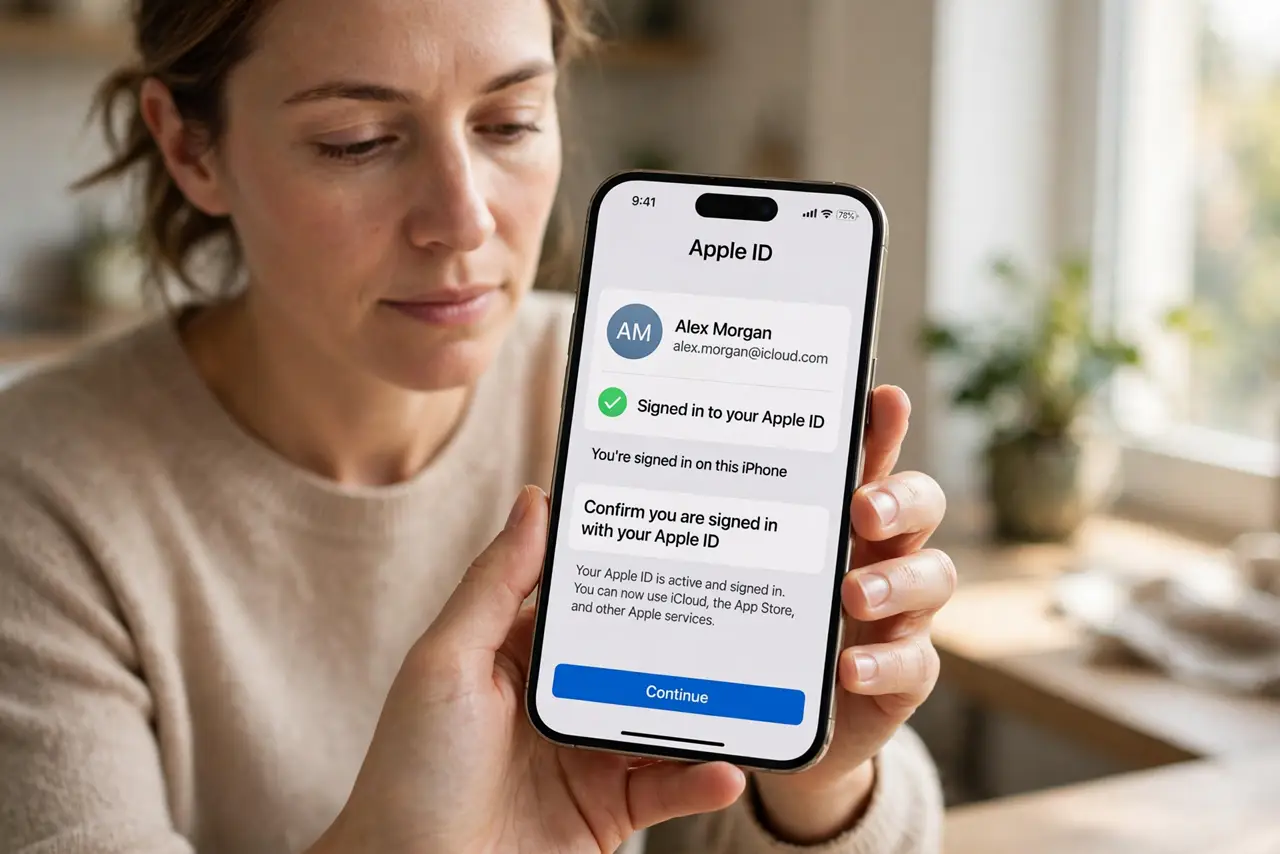
- Confirm you are signed in with your Apple ID. Open Settings, tap your name, and confirm you are signed in. Signing out can remove Wallet cards, and signing back in may restore them.
- Check the card with your bank. Ask the bank whether the card was replaced, suspended, or reissued. A replaced card number removes the old Wallet card automatically.
- Look in Wallet settings before re-adding. Open Settings, then Wallet and Apple Pay, and check the card list and defaults. The card may be present but hidden behind a settings change.
- Re-add the card. Open Wallet, tap the plus button, and add the card again by scanning it or entering details. Follow the bank verification step to activate it.
- Complete verification promptly. Finish the bank verification by text, email, or call as prompted. An unverified card may appear but will not pay until verification completes.
- Check region settings. Open Settings, then General, then Language and Region, and confirm the region matches your bank's country. A region change can hide cards that do not support the new region.
What NOT to do
- Do not add the same card repeatedly without verifying. Multiple unverified copies confuse Wallet, so verify one copy fully.
- Do not share card details with anyone offering to restore it. Only your bank and Apple Wallet should handle card details.
- Do not assume the card is stolen because it vanished. Sign-outs, replacements, and region changes remove cards without any theft.
- Do not delete Wallet data to fix a missing card. Re-adding the single card is safer and faster than wiping Wallet.
Frequently asked questions
Why did my card disappear from Wallet?
Usually a sign-out, a bank replacement, a region change, or a lapsed verification removed it.
Will re-adding the card restore it?
Yes, usually, once you complete bank verification. The new copy replaces the missing one.
Can a region change hide my card?
Yes. Cards that do not support the new region may disappear until the region matches again.