iPhone Watch Will Not Pair? Fix It
Your Apple Watch will not pair with your iPhone, stuck on the pairing screen. Pairing fails when Bluetooth is off, the watch is still paired elsewhere, or software is out of date. The notification twin is watch notifications missing, which is what happens after a bad pairing succeeds halfway.
TL;DR / Quick Fix
Quick fix: turn Bluetooth and Wi-Fi on, keep devices close, update both, unpair the watch from any old phone, restart both, and try manual pairing. If it still fails after these steps, note exactly when it happens, since that pattern usually reveals the real cause.
Follow these steps
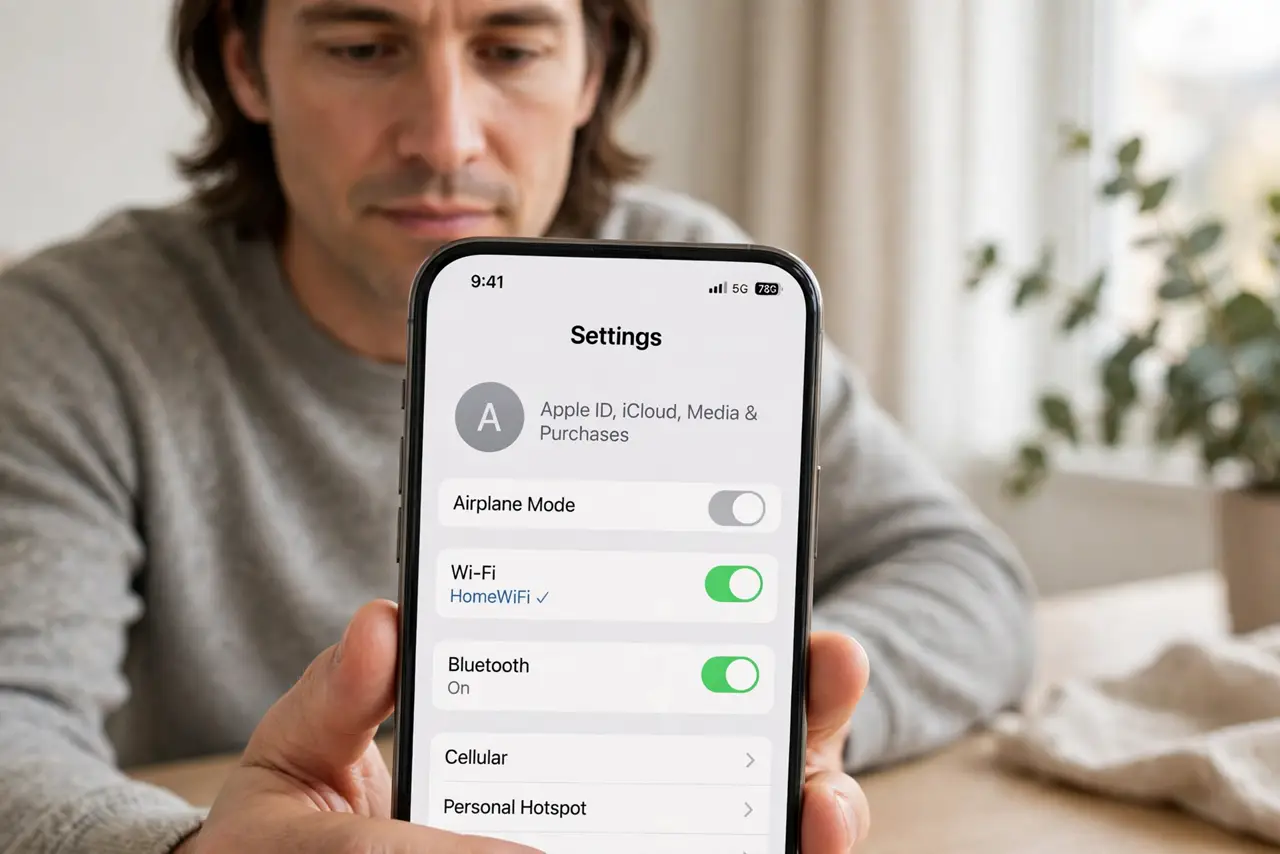
- Turn Bluetooth and Wi-Fi on. On the iPhone, open Settings and confirm both Bluetooth and Wi-Fi are on. Pairing needs both, even though the watch connects over Bluetooth.
- Keep the watch and phone close together. Hold the watch next to the phone during pairing. Distance and interference cause many pairing failures that look like software faults.
- Update both devices. Update the iPhone in Settings, then General, then Software Update. An outdated phone may refuse to pair with a watch on newer software.
- Unpair from any old phone first. If the watch was paired to another phone, unpair it there, or erase it on the watch itself. A watch paired elsewhere will not pair to a new phone.
- Restart both devices. Restart the iPhone and the watch, then try pairing again. A restart clears a stuck pairing state on either side.
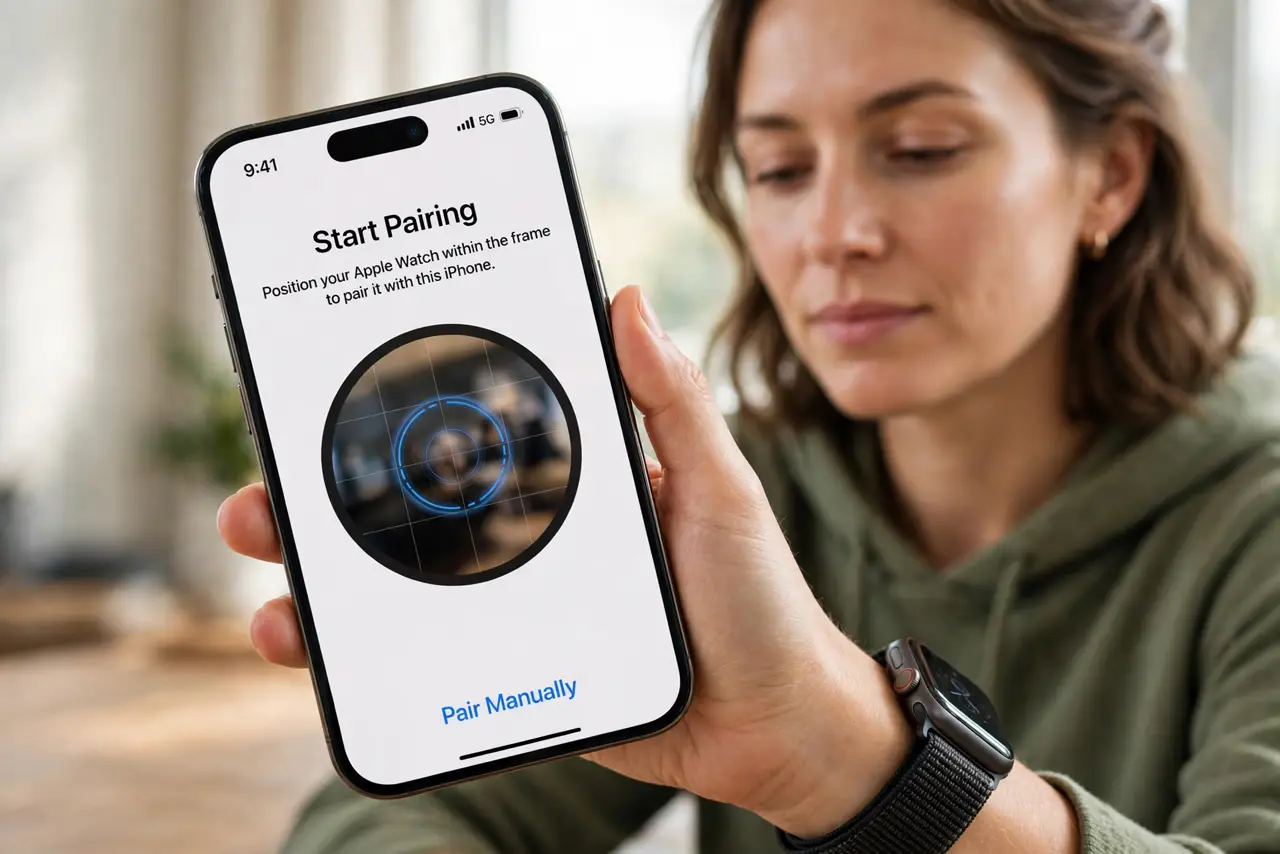
- Try manual pairing. If camera pairing fails, tap Pair Manually in the Watch app and enter the code shown on the watch. Manual pairing bypasses camera and alignment problems.
What NOT to do
- Do not erase the watch repeatedly. One erase is enough to clear an old pairing, and repeated erases waste time without fixing Bluetooth.
- Do not pair from far away. Pairing across a room fails often, so keep the devices together for the whole process.
- Do not skip updates to save time. An outdated phone is a common pairing blocker, and updating first prevents repeated failures.
- Do not ignore a watch that will not turn on. Charge it fully first, since a flat watch cannot pair at all.
Frequently asked questions
Why will my watch not pair?
Usually Bluetooth or Wi-Fi is off, the watch is still paired elsewhere, or software is out of date.
Do I need Wi-Fi for Bluetooth pairing?
Yes, the Watch app uses both. Keep Wi-Fi on even though the connection itself is Bluetooth.
What if camera pairing fails?
Use manual pairing and enter the code from the watch. It bypasses camera alignment problems.