ISP Outage Map vs Your Router Lights
The provider's outage map says everything is fine, but your router lights disagree. Both can be right at once: the map may lag behind, or the fault may sit only on your line.
TL;DR / Quick Fix
Quick fix: read your router and modem lights first, since they describe your line right now while the map may be hours old. Then check the map again later, restart your equipment once, and report the outage to the provider if the line stays down.
Follow these steps
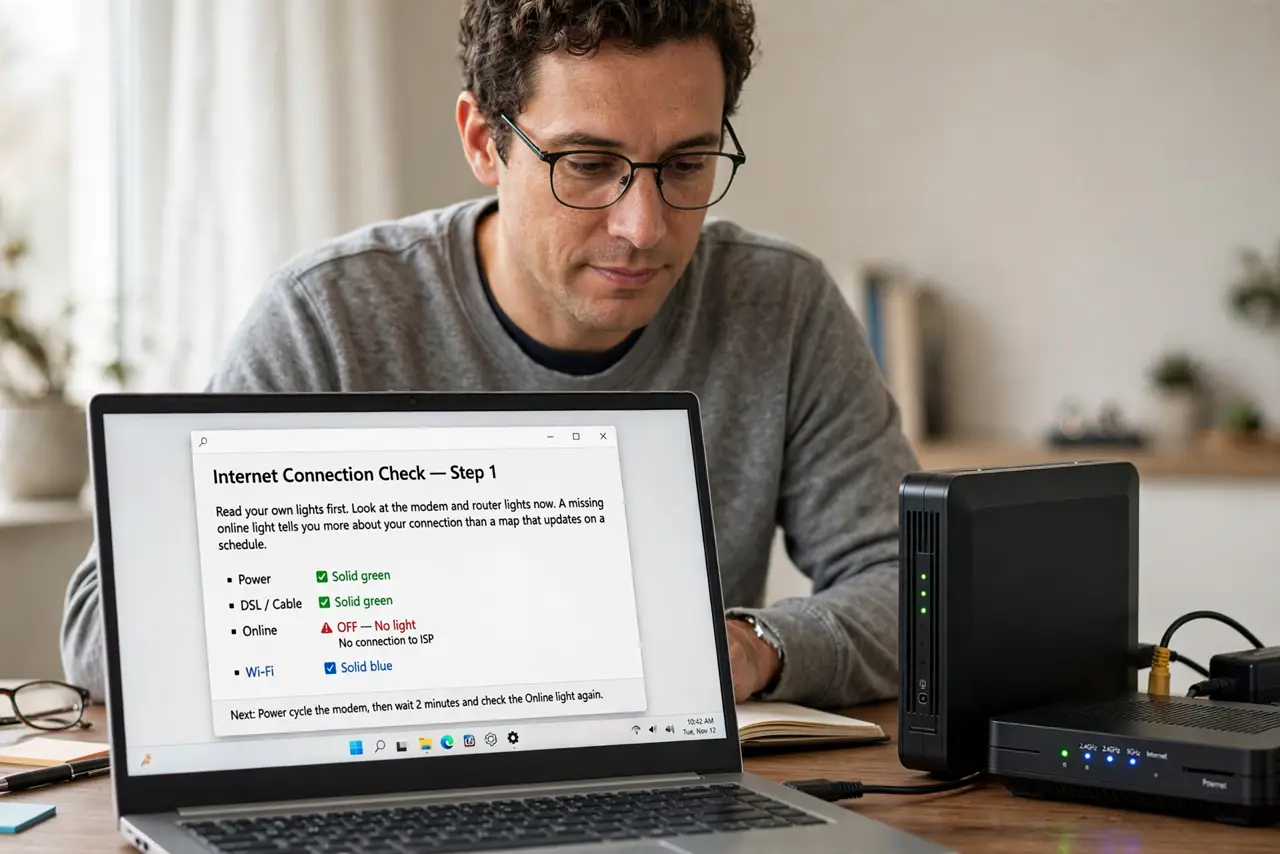
- Read your own lights first. Look at the modem and router lights now. A missing online light tells you more about your connection than a map that updates on a schedule.
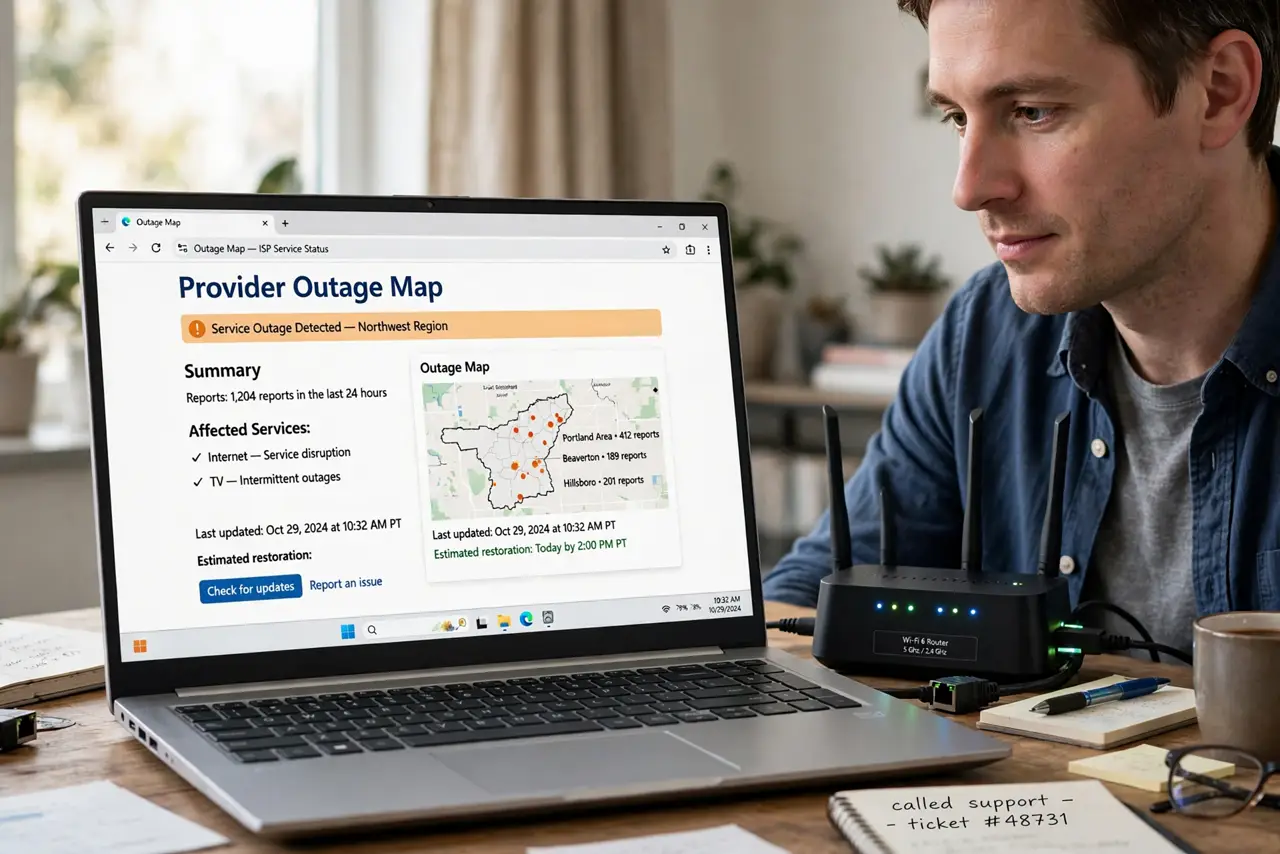
- Check when the map last updated. Look for an updated time on the outage map. A map refreshed hours ago can miss an outage that started ten minutes ago, which explains the mismatch.
- Refresh the map and check status channels. Reload the outage page and check the provider's status feed. Fresh reports from other customers often appear there before the official map changes.
- Restart your equipment once. Unplug the modem and router for thirty seconds, then restart them in order. If the line was simply stuck, the lights may steady even while the map still shows green.
- Test a wired device. Plug a computer straight into the modem or router. If nothing wired works, the fault is on the line, not your Wi-Fi, and the map is simply behind.
- Report the outage with your evidence. Tell the provider your lights, your restart, and the wired test. Your report helps them update the map and sends a technician if only your line is down.
What NOT to do
- Do not trust the map over your own lights. The map describes an area on a schedule, while your lights describe your line right now.
- Do not restart ten times hoping the map changes. One good restart tests your equipment, and the map updates on the provider's schedule, not yours.
- Do not assume the map is lying. It may simply lag, or the fault may affect only your line, which area maps do not show.
- Do not wait all day for the map to agree. If your line stays down after a restart and a wired test, report it directly.
Frequently asked questions
Why does the map say fine when my internet is out?
Because the map updates on a schedule and may show area status, while your outage may be newer or limited to your line.
Which should I trust, the map or my router?
Your router lights for your connection right now, and the map for whether neighbors are affected.
How do I get the map updated?
Report the outage with your test results, so the provider learns about a fault their map missed.