What Is Jitter?
Your video calls stutter and voices cut out even though the speed test looks fine. The culprit is often jitter — not how fast your data moves, but how unevenly it arrives. Smooth, evenly spaced data makes clean calls; jittery data makes robotic voices. Here is what it is and how to tame it.

TL;DR / Quick Fix
Quick fix: jitter is variation in delay — packets arriving unevenly, which wrecks calls and gaming even on fast connections. Test with a proper speed test that reports jitter: under 30ms is fine for calls. Fix it by using Ethernet, moving closer to the router, or stopping background uploads.
Follow these steps
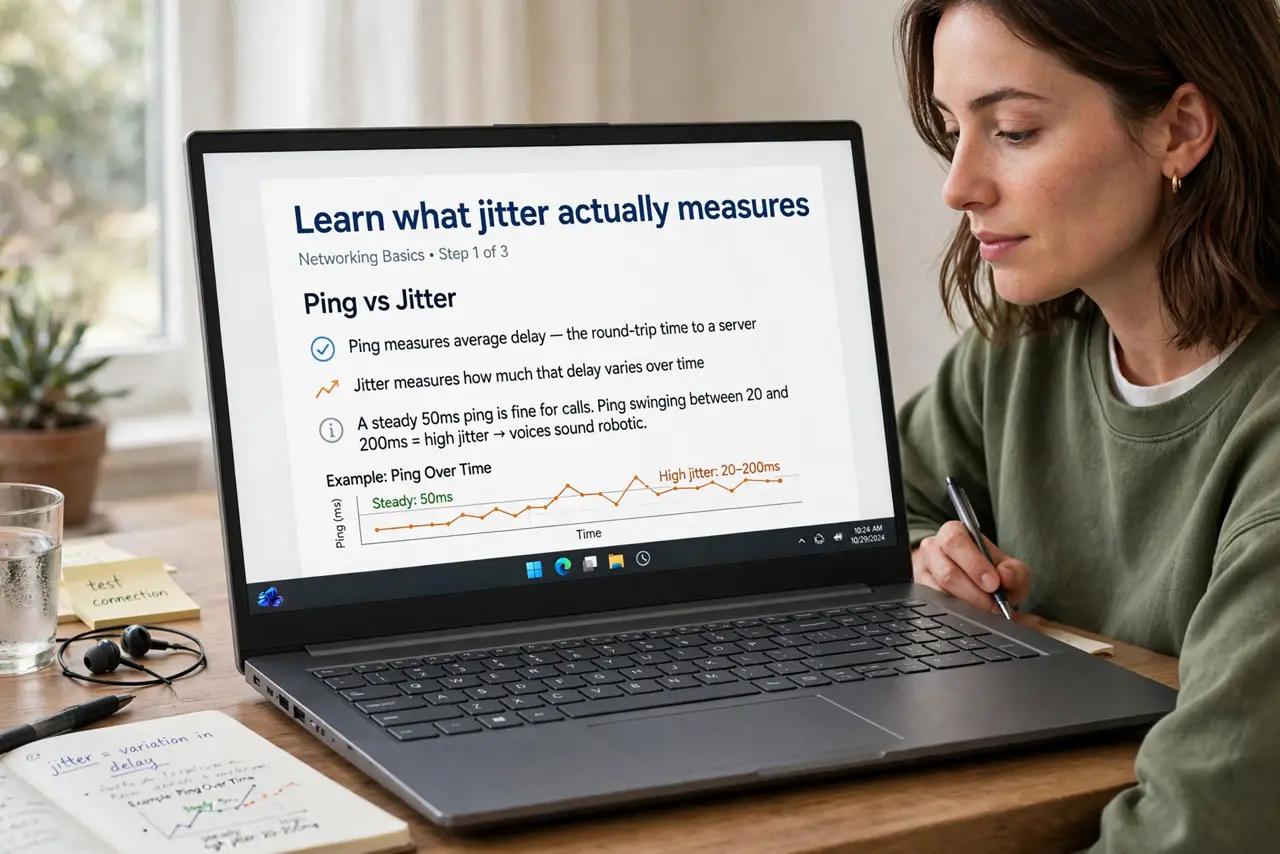
- Learn what jitter actually measures. Ping measures average delay; jitter measures how much that delay varies. A steady 50ms ping is fine for calls, but ping swinging between 20 and 200ms — high jitter — makes voices robotic.
- Test for it properly. Run a speed test that reports jitter — many basic tests hide the number. Test wired first to see if the jitter comes from your provider or your Wi-Fi.
- Switch to Ethernet for important calls. Wi-Fi is the top jitter source in most homes — interference makes delay swing wildly. One cable to the router often cuts jitter to near zero instantly.
- Stop background uploads. Cloud backups and photo syncs saturate your upload, and saturated upload means wildly uneven delay. Pause uploads during calls — this single change fixes most home jitter.
- Move closer or upgrade placement. Weak Wi-Fi signals swing more. Move closer to the router or fix placement before buying anything — distance is a free fix.
- Know when to call the provider. High jitter on a wired test with nothing uploading points at the provider's line. Run tests at several times of day and bring the pattern to support — evidence gets faster action.
What NOT to do
- Do not buy a faster plan to fix jitter. Speed and steadiness are different — a 100 Mbps steady line beats a jittery gigabit line for calls.
- Do not ignore upload saturation. A single cloud backup can wreck a whole household's calls — uploads are the silent jitter factory.
- Do not test jitter once and conclude. It varies by the minute — test several times, wired and wireless, before diagnosing.
- Do not confuse jitter with low bandwidth. Robotic calls on a fast plan scream jitter; slow-loading pages scream bandwidth — different problems, different fixes.
Frequently asked questions
What jitter is good for video calls?
Under 30ms is fine, under 15ms is great. Above 50ms and voices start breaking up noticeably.
Why is my jitter fine but calls still bad?
Check packet loss too — lost packets cause similar symptoms. Also verify the call app's servers are not the problem by testing a different service.
Does Wi-Fi 6 help with jitter?
Somewhat, in crowded networks — it schedules airtime more evenly. But Ethernet still beats any Wi-Fi for steadiness.