AirDrop Misses Contacts? Fix It
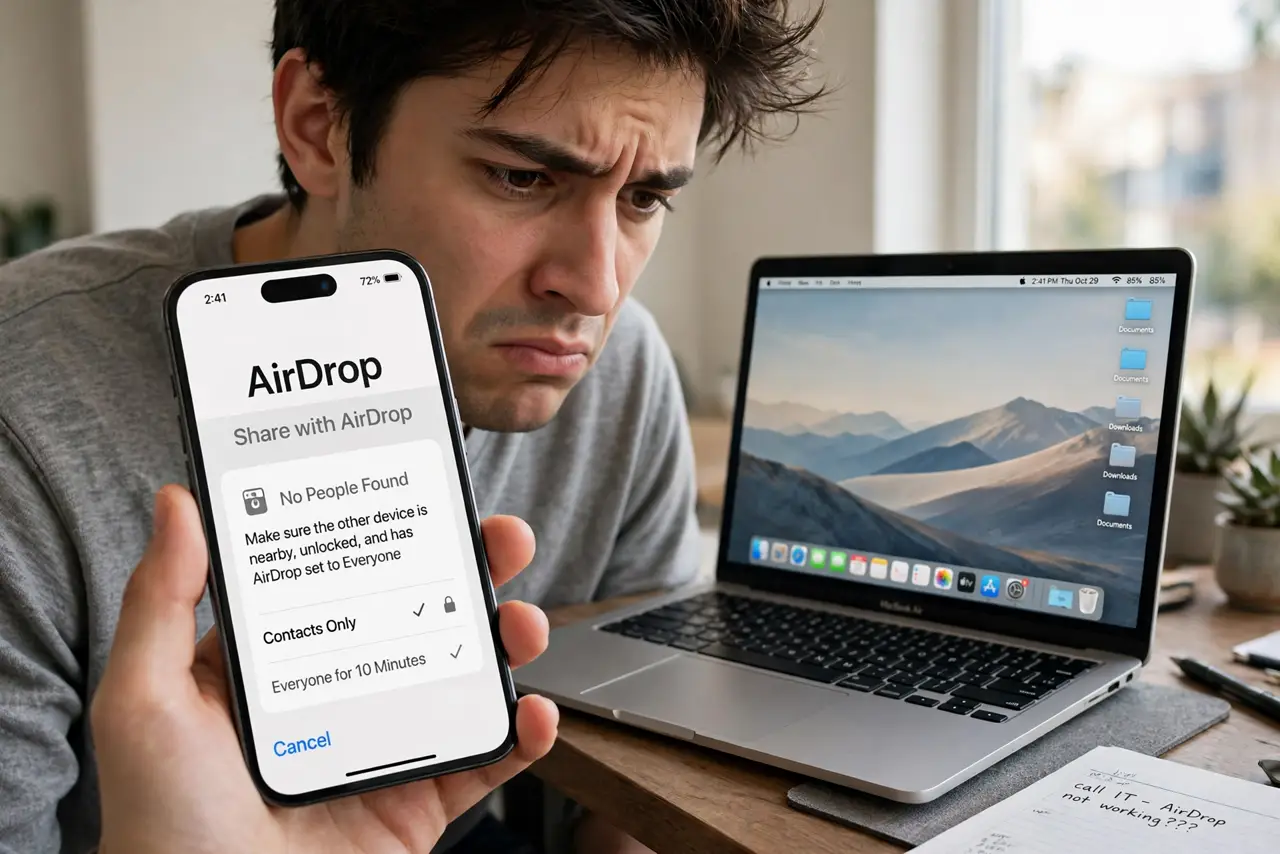
AirDrop set to Contacts Only, your friend standing right there — and nothing appears. Contacts Only is pickier than it looks: both sides must have each other saved with the right Apple ID details, or the devices pretend not to see each other. Here's the mutual-contact checklist that fixes it.
TL;DR / Quick Fix
Quick fix: both devices need Wi-Fi and Bluetooth on, AirDrop set to Contacts Only, and each person saved in the other's Contacts with the Apple ID email or phone number. If it still fails, switch both to Everyone for 10 Minutes as a test — then back.
Follow these steps
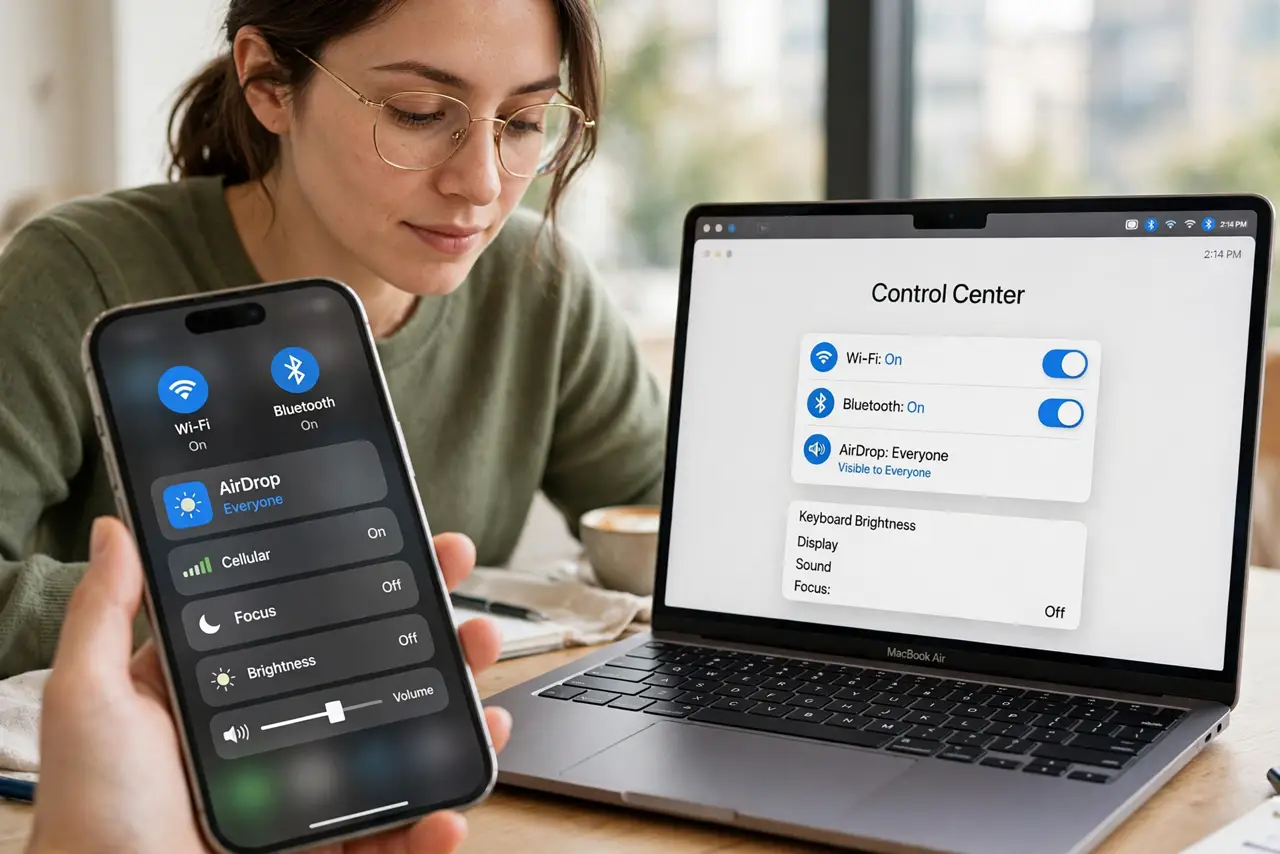
- Confirm Wi-Fi and Bluetooth are on. AirDrop needs both radios, on both devices. No radios, no discovery — this is the most skipped check.
- Check the AirDrop visibility setting. On Mac: Control Center > AirDrop > Contacts Only (or Everyone). On iPhone: Settings > General > AirDrop. Both sides must allow receiving.
- Verify the mutual contact entries. Each person must be in the other's Contacts with the email or phone number tied to their Apple ID. A contact with only a work number does not count.
- Sign into iCloud on both devices. Contacts Only matching happens through iCloud. If either side is signed out, the devices cannot verify the relationship.
- Test with Everyone for 10 Minutes. Temporarily set both to Everyone for 10 Minutes and retry. If it works, the problem is purely the contact matching — not the radios.
- Delete and re-add the contact. A contact card with a stale Apple ID email fools the matcher. Delete it, re-add with the current email, and try again.
What NOT to do
- Do not leave it on Everyone permanently. Contacts Only exists for a reason — strangers in a cafe can and do send junk to open AirDrops.
- Do not assume it is broken after one failure. Contact matching is finicky; the Everyone test tells you exactly where it stands.
- Do not turn off Wi-Fi to 'reset' it. AirDrop needs Wi-Fi on even though it builds its own direct connection.
- Do not forget the other person's side. Half of Contacts Only failures are their contact card, not yours — check both.
Frequently asked questions
Why does it work with some contacts but not others?
The working ones have your Apple ID email in their card; the failing ones have an old or partial entry. Compare the two cards and the difference shows.
My friend gets a 'waiting' spinner forever — what now?
That is the iPhone-side block pattern — their contact card for you is missing the Apple ID details.
Is Contacts Only actually private?
Reasonably — only people in your contacts can see you. For full invisibility, turn AirDrop receiving off when you are not using it.