Limit AirDrop Strangers
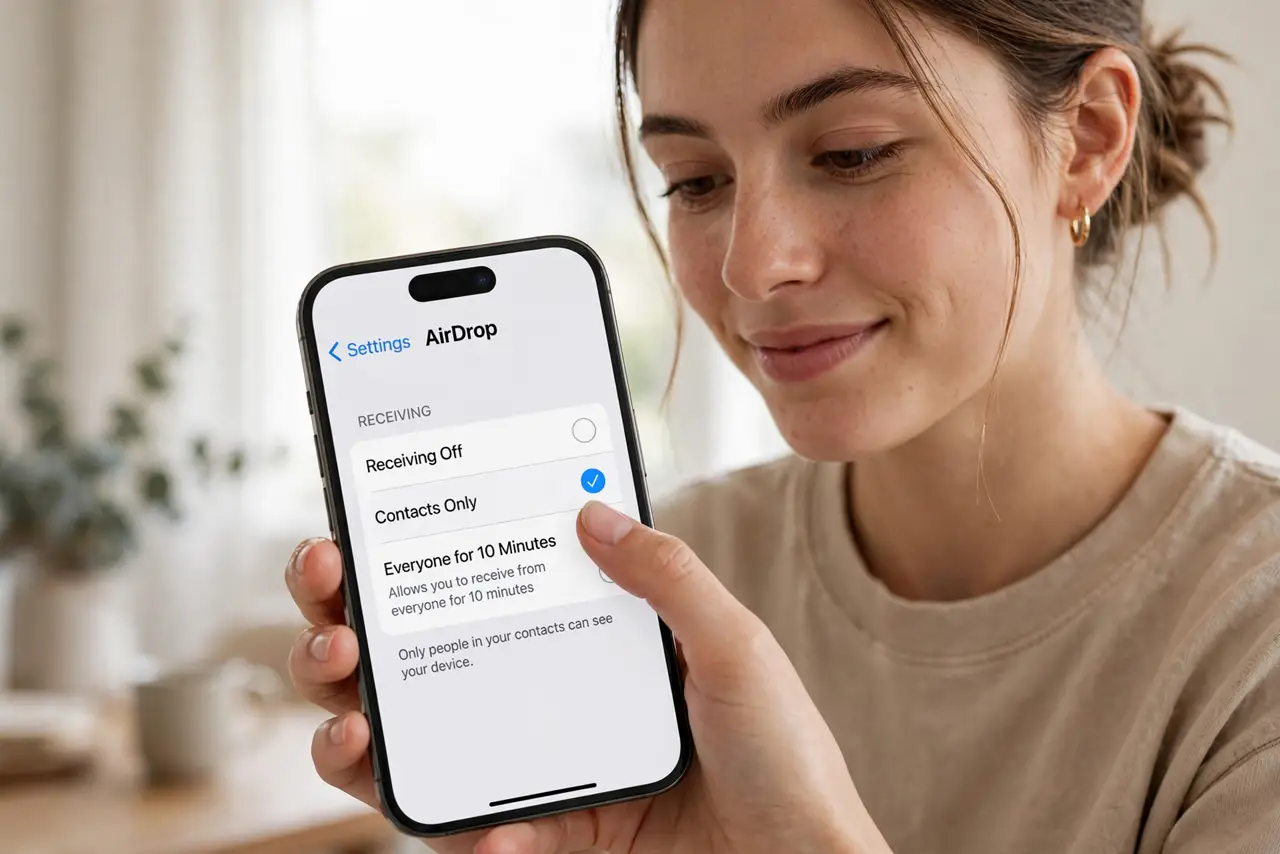
Random AirDrops appearing from strangers on the train — memes, worse — are the price of leaving AirDrop open to everyone. Contacts Only mode keeps the convenience for people you know and closes the door on everyone else. This guide locks it down in ten seconds.
TL;DR / Quick Fix
Quick fix: stop random AirDrops — set AirDrop to Contacts Only in Control Center or Finder so strangers cannot beam you files. Leave it on Receiving Off when not sharing. If a contact still cannot see you, check both devices have Wi-Fi and Bluetooth on and are within range.
Follow these steps
- Open AirDrop settings. On iPhone: Settings, General, AirDrop. On Mac: Finder, AirDrop, or Control Center. The receiving options live in one place per device.
- Choose Contacts Only. Switch from Everyone to Contacts Only. Now only people in your contacts can see your device — strangers' share sheets skip you entirely.
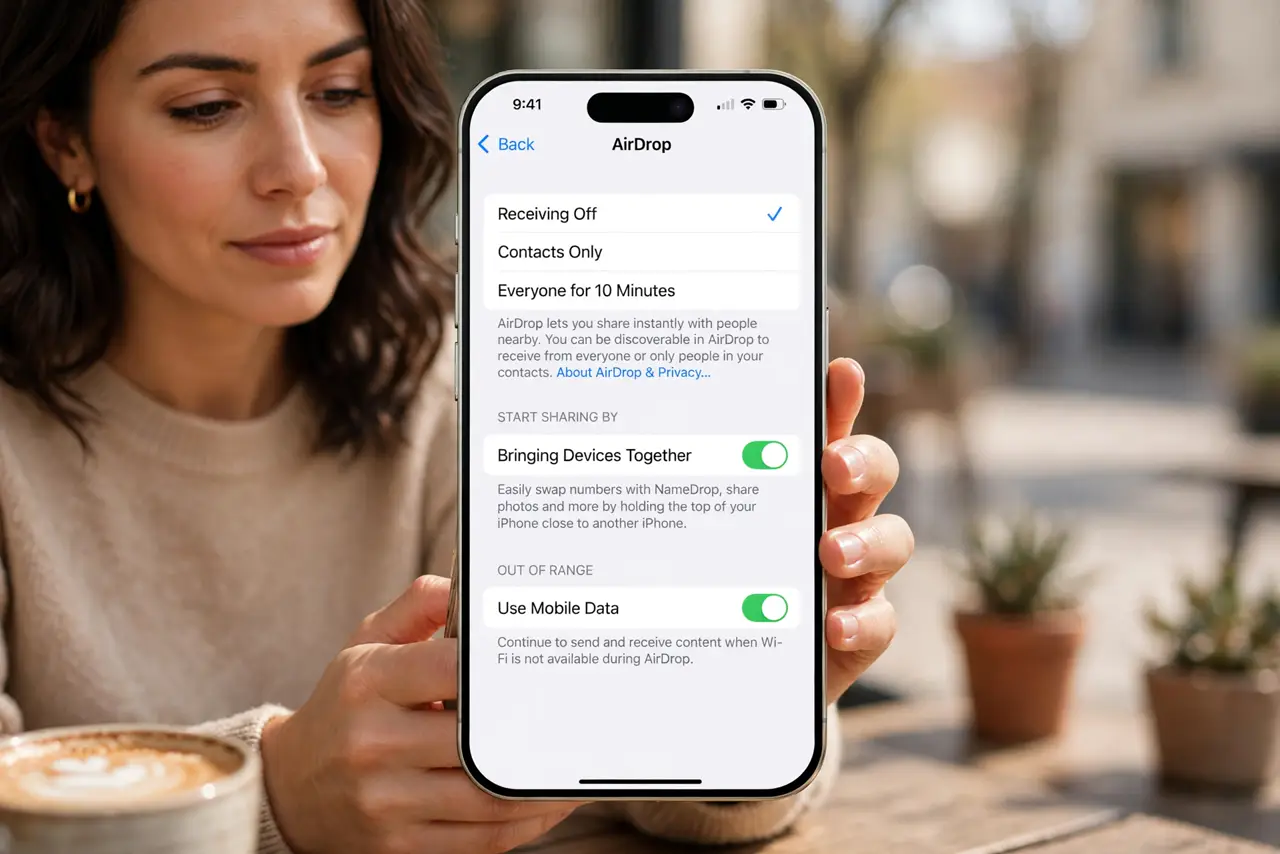
- Use Receiving Off when idle. Not expecting anything? Set Receiving Off. Ten seconds to re-enable when a friend needs to send — zero exposure in between.
- Understand the 10-minute Everyone. Modern iOS limits 'Everyone' to 10 minutes before reverting. It is for the moment of sharing, not a permanent setting — which is exactly right.
- Fix contacts that cannot see you. Both devices need Wi-Fi and Bluetooth on, Personal Hotspot off, and each other's contact cards with the right Apple ID emails. Most 'failures' are one of these.
- Pair with a clear device name. Contacts Only plus a recognizable AirDrop name means friends find you instantly and strangers never see you — the complete setup.
What NOT to do
- Do not leave AirDrop on Everyone permanently. The 10-minute auto-revert exists because permanent Everyone was a harassment vector.
- Do not forget the Mac too. iPhone locked down but Mac wide open still leaves a door — set both.
- Do not disable Wi-Fi to 'fix' AirDrop. AirDrop needs Wi-Fi and Bluetooth both on, even without a network.
- Do not panic at a failed transfer. Nine times in ten it is hotspot-on, Bluetooth-off, or out-of-range — not a broken feature.
Frequently asked questions
Why can my contact not see me?
Missing contact card details, hotspot on, or Bluetooth off. Check all three before anything exotic.
Is AirDrop safe?
Transfers are encrypted end-to-end. The risk was never interception — it was unwanted reception, which Contacts Only solves.
Does it work iPhone to Mac?
Yes — same Apple ID or contacts, both devices modern. Cross-device is AirDrop's home turf.