AirDrop Shows the Wrong Name for Your Mac
AirDrop shows your Mac's computer name, which is set separately from your account name and can be left over from setup or a previous owner. When it shows the wrong name, the fix is in Sharing settings, not in AirDrop itself.
TL;DR / Quick Fix
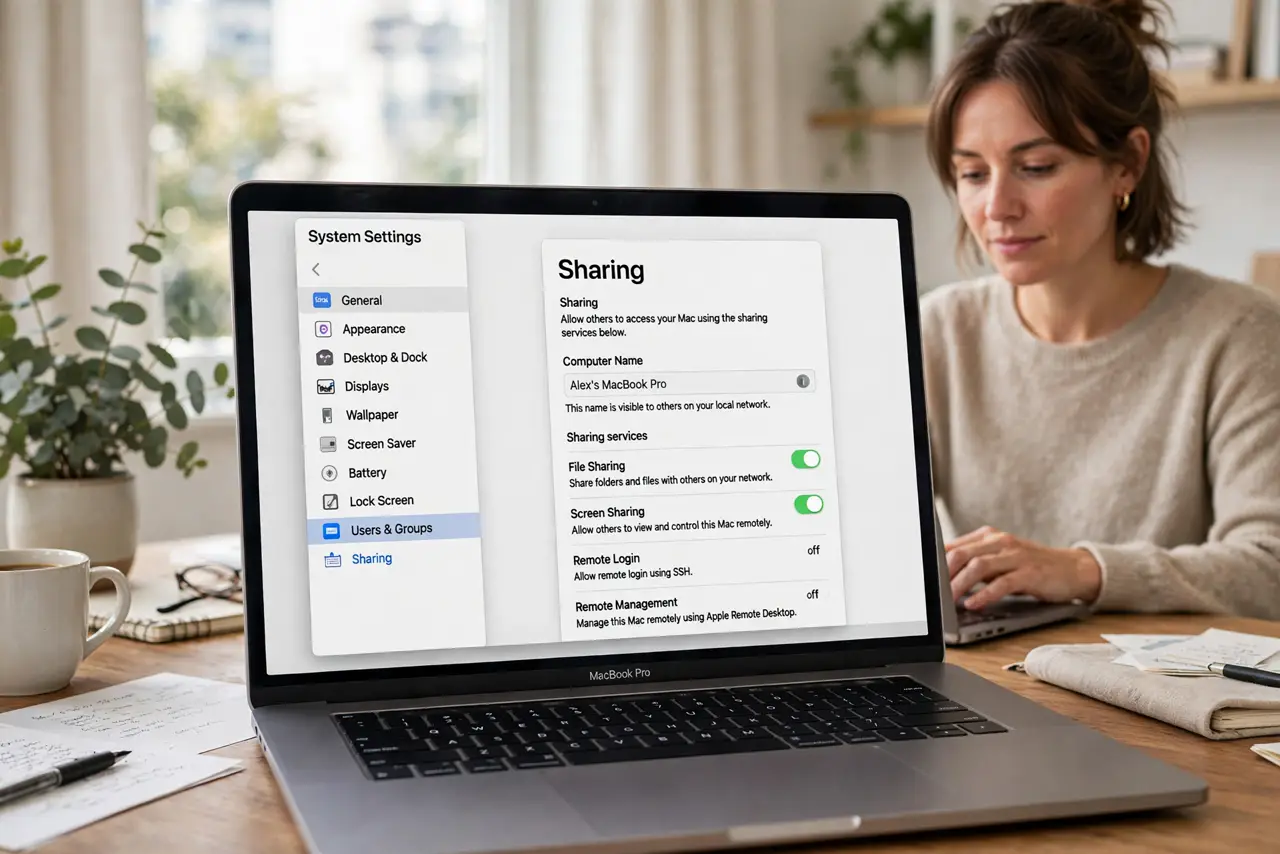
Quick fix: open System Settings, then General, then Sharing, and edit the computer name to the name you want others to see. Then check AirDrop on a nearby device to confirm the new name appears. Test the fix, then keep the setting that works.
Follow these steps
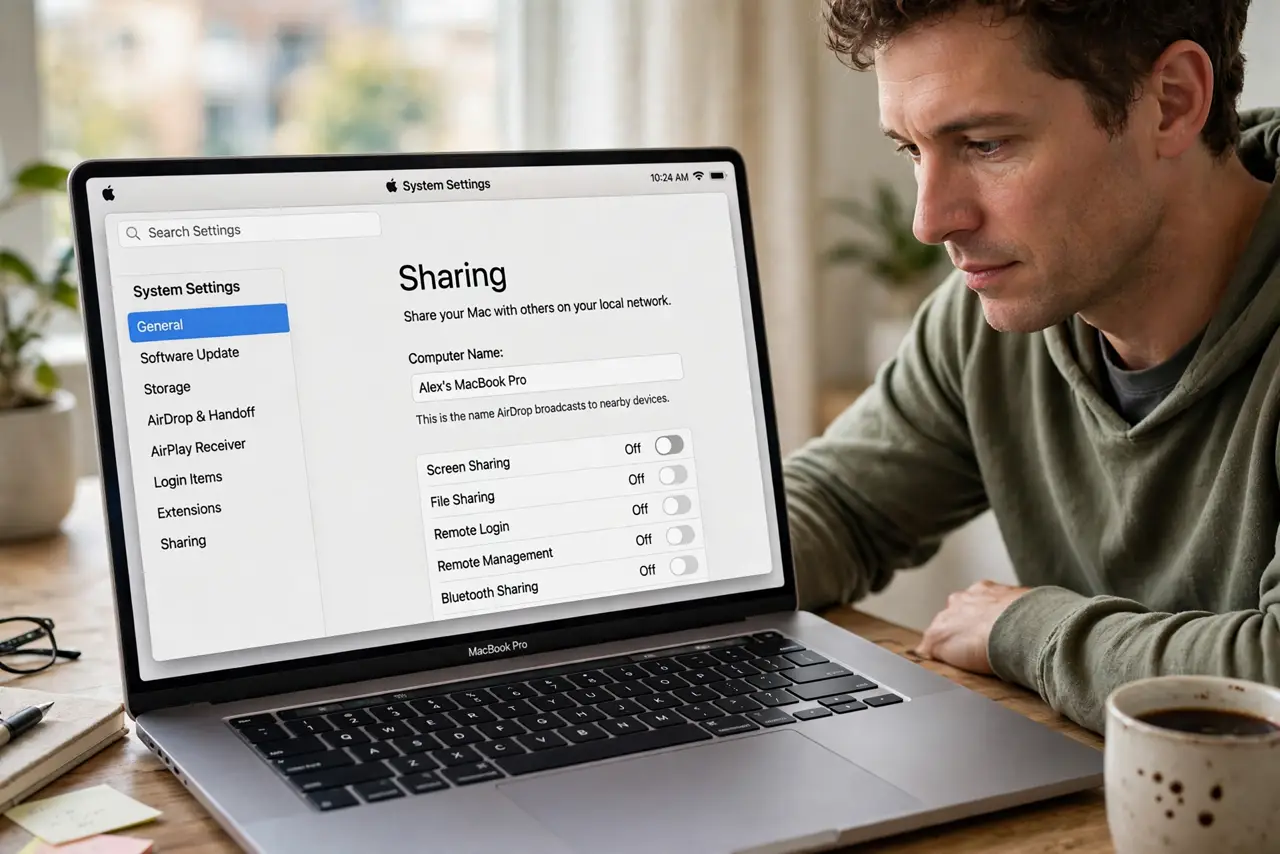
- Open Sharing settings. Open System Settings, then General, then Sharing. The computer name shown there is the name AirDrop broadcasts to nearby devices.
- Edit the computer name. Change the name to something clear and recognizable, then confirm the change. A simple name avoids confusion when several Macs are nearby.
- Check the local hostname. Note the local hostname shown below the computer name. It usually updates with the name, but a stale hostname can still confuse some network listings.
- Check AirDrop on another device. Open AirDrop on a nearby iPhone or Mac and look for the new name. The other device is the real test, since your own Mac always knows itself.
- Wait for discovery. Give nearby devices a minute to refresh their AirDrop lists. Discovery is not instant, and an old name can linger briefly before the new one replaces it.
- Restart if the old name sticks. If the old name still shows after a few minutes, restart the Mac and check again. A restart forces sharing services to broadcast the new name cleanly.
What NOT to do
- Do not change your user account name to fix AirDrop. AirDrop uses the computer name, and renaming your account causes far bigger problems.
- Do not use a name with personal details you would not share. AirDrop names are visible to nearby devices, so keep the name neutral and recognizable.
- Do not turn AirDrop off permanently over a wrong name. The name setting fixes the display without losing a useful feature.
- Do not rename the Mac to match someone else's device. Duplicate names on one network create exactly the confusion you are trying to fix.
Frequently asked questions
Why does AirDrop show the wrong name?
Because it shows the computer name from Sharing settings, which may be an old setup name rather than your current name.
Will changing the computer name affect anything else?
It changes how the Mac appears on the local network and in AirDrop. Your files, account, and apps stay exactly the same.
How long until the new name appears?
Usually within a minute on nearby devices. If it lingers, a restart forces sharing services to broadcast the new name.