Answer iPhone Calls on Your Mac
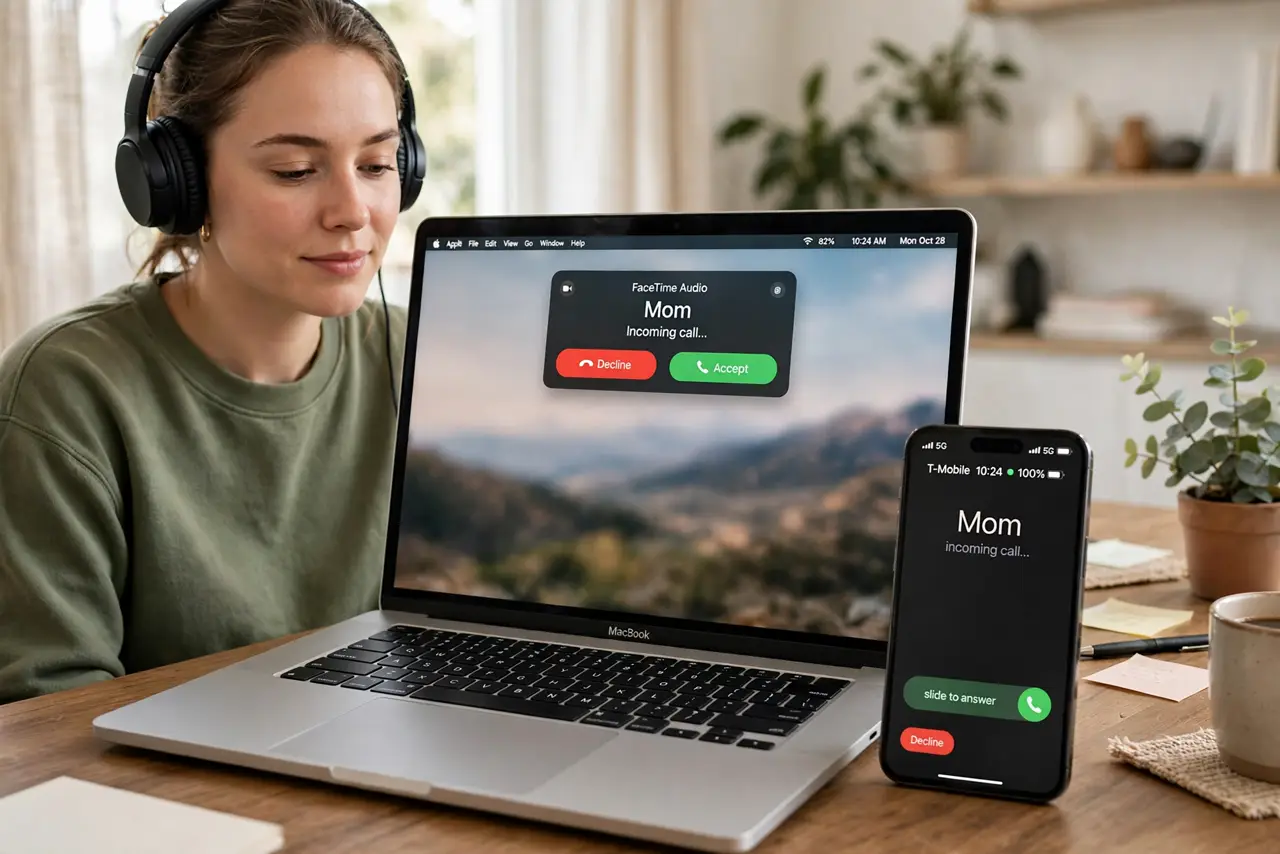
Your iPhone rings in the other room; your Mac could have answered it. Calls on Mac routes iPhone calls to the Mac's speakers and mic — handy with headphones on, or when the phone is charging across the room. It needs the same Apple ID, the same Wi-Fi, and one FaceTime checkbox.
TL;DR / Quick Fix
Quick fix: on the iPhone, open Settings > Phone > Calls on Other Devices and turn on your Mac. On the Mac, open FaceTime > Settings and check Calls from iPhone. Both need the same Apple ID, Wi-Fi on, and FaceTime signed in.
Follow these steps
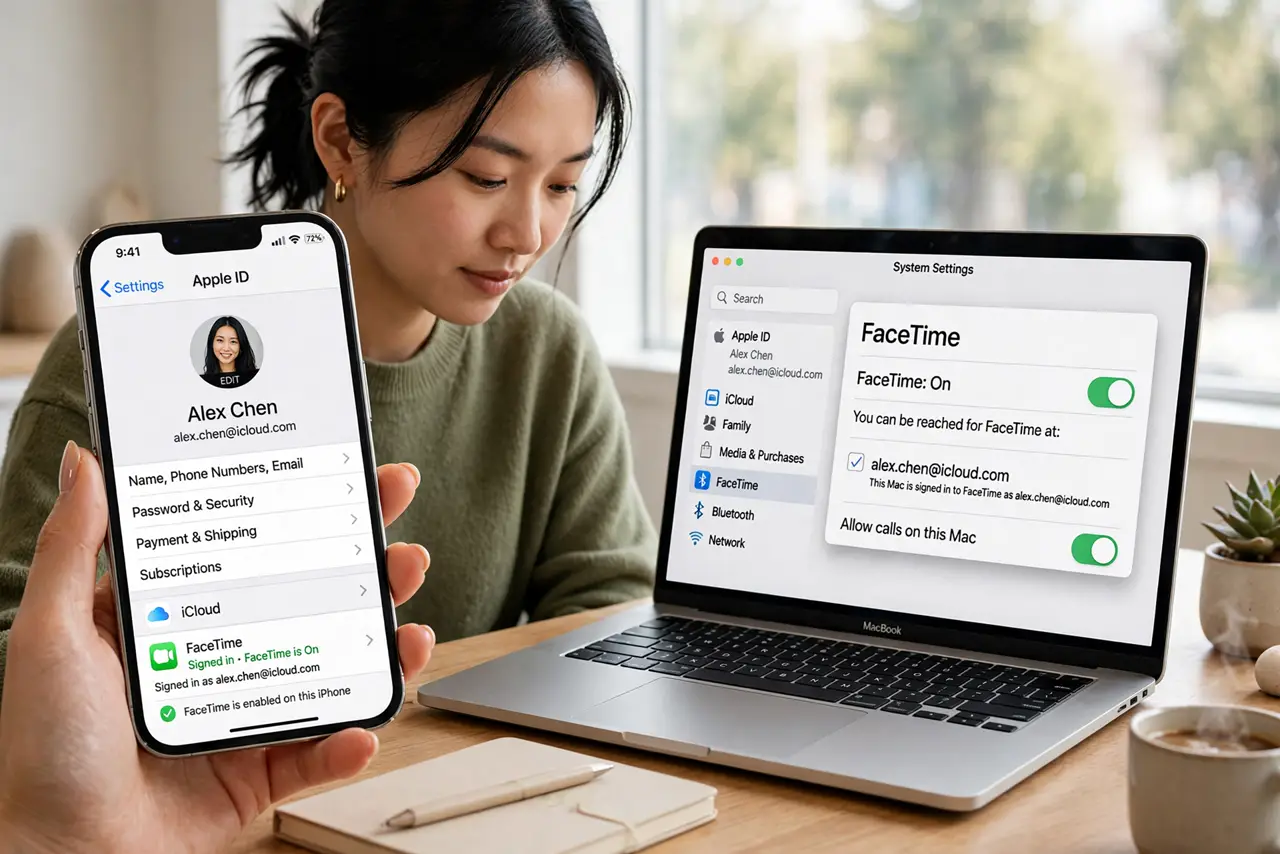
- Check the same Apple ID everywhere. iPhone and Mac must share the Apple ID with FaceTime signed in on both. Different accounts cannot share calls.
- Allow calls on the iPhone side. On the iPhone: Settings > Phone > Calls on Other Devices > turn on your Mac. This is the permission the whole feature hangs on.
- Enable it in FaceTime on the Mac. On the Mac: FaceTime > Settings > check Calls from iPhone. If the box is missing, sign out of FaceTime and back in.
- Join the same Wi-Fi network. Both devices must be on the same Wi-Fi. The call audio travels over your network, not over Bluetooth.
- Test with a real call. Call your iPhone from another phone and watch the Mac. The banner should appear within a couple of rings — answer from either device.
- Pick the Mac's audio devices. On the Mac, set the input and output in FaceTime > Settings or System Settings > Sound. A headset beats the built-in mic for call quality.
What NOT to do
- Do not enable it on a shared family Mac. Anyone at the keyboard can answer your calls — keep it to your personal machines.
- Do not expect it on cellular data alone. Both devices need Wi-Fi; the feature does not route over the phone's cellular connection to the Mac.
- Do not ignore the iPhone's Do Not Disturb. If the iPhone silences the call, the Mac stays silent too — check Focus settings if calls never ring through.
- Do not leave FaceTime signed out on the Mac. No FaceTime sign-in, no call relay — the checkbox alone is not enough.
Frequently asked questions
Can I make calls from the Mac too?
Yes — click a phone number in Contacts, Safari, or Calendar and the Mac dials through the iPhone. It works both directions.
Why does the Mac ring but the audio is bad?
Usually the Mac's mic picking up room echo. Switch to headphones, or move closer to the Mac.
Does it use my carrier minutes?
Yes. The call still goes through your iPhone's cellular plan — the Mac is just a remote speaker and mic.