Mac App Asks Permission Repeatedly? Fix Access
The same app asks for the same permission every time you open it, even though you already allowed it. The permission may be granted to the wrong item, or the app resets on launch. Grant it in System Settings, check the exact item, and test again.
TL;DR / Quick Fix
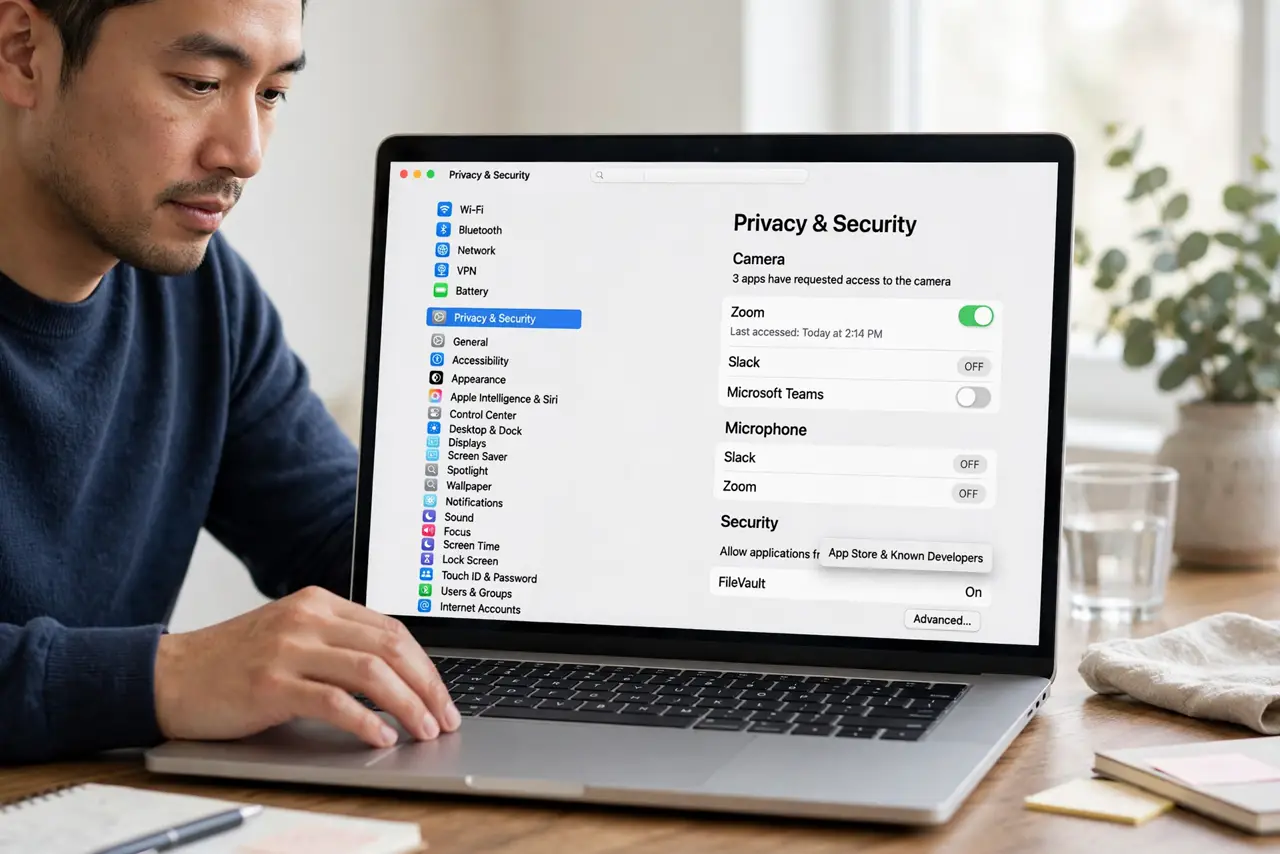
Quick fix: open System Settings, then Privacy and Security, find the permission type, and confirm the app is toggled on. Quit and reopen the app, then check whether it asks again. Then test the fix for a full day before changing anything else.
Follow these steps
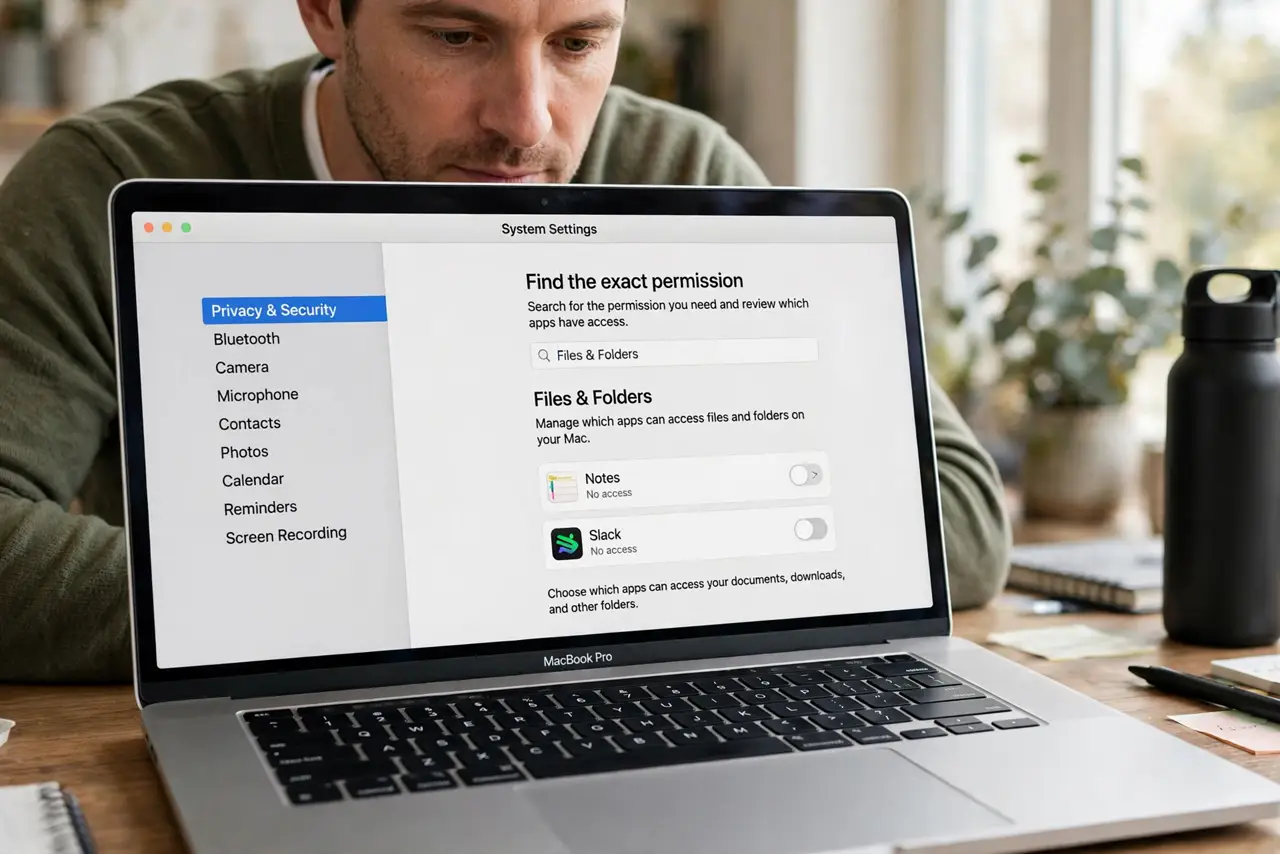
- Find the exact permission. Note exactly what the app asks for, such as Files, Camera, or Accessibility. Different permissions live in different Privacy panes, so the exact name matters.
- Grant it in System Settings. Open System Settings, then Privacy and Security, then the permission type, and turn the app on. Granting in settings is more lasting than tapping Allow in a popup.
- Check for a duplicate app entry. Look for the app listed twice in the same permission pane. Enable the entry that matches the app you actually open, not a helper with a similar name.
- Quit and reopen the app. Quit the app fully, then reopen it and trigger the action that asked before. If it asks again, the permission still is not sticking.
- Remove and re-add the app entry. Turn the permission off, quit the app, turn it back on, then reopen the app. This reset often fixes a permission that never sticks.
- Reinstall only if it still loops. If permission still loops after a reset, delete and reinstall the app, then grant permission once in settings. Back up local files first.
What NOT to do
- Do not tap Allow blindly every time without checking settings. Repeated popups mean the setting is not sticking, and tapping alone will not fix it.
- Do not grant every permission an app requests. Grant only the permission the app truly needs for the task you are doing.
- Do not turn off system privacy protections to stop popups. Disabling protections broadly creates risk far beyond one annoying prompt.
- Do not assume the app is broken if a helper needs permission. Helpers and main apps can need separate grants in the same pane.
Frequently asked questions
Why does the app ask every time?
The permission may be granted to a helper instead of the main app, or the grant is not saving. Settings, not popups, fix it.
Should I allow all permissions it asks for?
No. Allow only what the task needs, and check each permission type in Privacy and Security first.
What if permission still loops after reinstall?
Check for a duplicate entry or a managed profile, and note the exact permission for support from the app maker.