Mac App Crashes on Launch Only? Fix That App
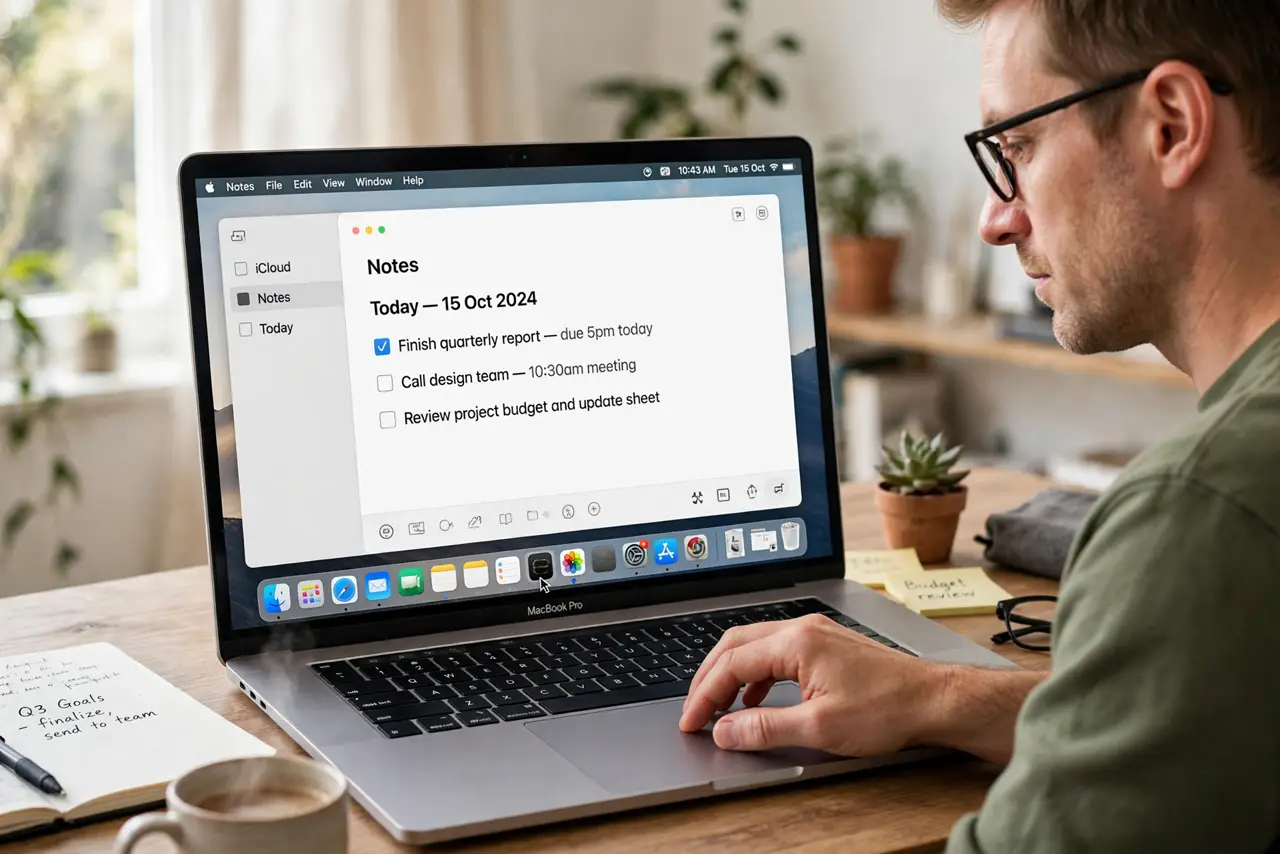
One app crashes the moment it opens, while every other app works fine. That points to that app, not the whole Mac. Update it, clear its stuck state, and reinstall it cleanly if it still crashes on launch.
TL;DR / Quick Fix
Quick fix: update the app, quit it fully, then reopen it once. If it still crashes, delete its preferences state by reinstalling it fresh, after backing up any local files it holds. Then test the fix for a full day before changing anything else.
Follow these steps
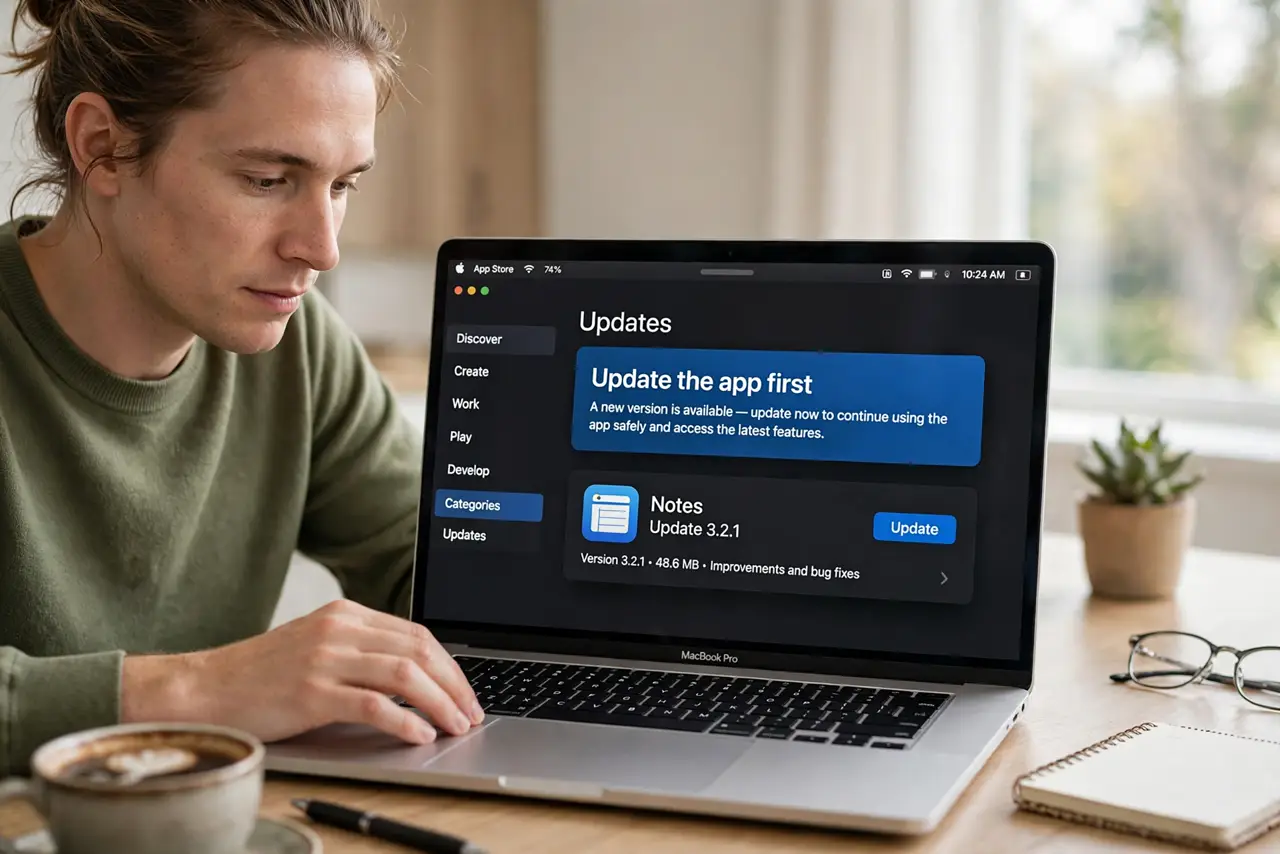
- Update the app first. Open the App Store or the app updater and install the latest version. Launch crashes are often fixed in a newer release.
- Quit and reopen once. Quit the app fully, wait a few seconds, then open it again. A single clean launch after an update is a fair test.
- Restart the Mac. Restart the Mac, then open only the problem app. If it opens after restart, a stuck system state was the cause.
- Check for a conflicting login item. If the app crashes at login, check Login Items in System Settings. A helper that launches with the app can crash it before it opens.
- Delete and reinstall the app. Delete the app from Applications, then reinstall it from the App Store or its official source. Back up local files from that app first.
- Test with a new user account. Create a test user and open the app there. If it opens there, the problem lives in your account settings, not in the app itself.
What NOT to do
- Do not delete the app data folder by hand as a first step. Hand-deleting app files can remove documents the app itself stores.
- Do not reinstall macOS for one crashing app. A single app crash rarely needs a system reinstall.
- Do not keep launching a crashing app dozens of times. Repeated crashes do not clear the cause and can create repeated crash reports.
- Do not install the app from an unknown site to fix a crash. Stay with the App Store or the official source you already used.
Frequently asked questions
Why does only one app crash on launch?
Its own files, settings, or a helper are likely stuck. Other apps work because they do not share that state.
Will reinstalling lose my documents?
Usually documents stay separate, but back up any local files from that app before deleting it.
What if the app crashes in a test account too?
The app itself or its system support is likely at fault. Update it again or contact its maker with the crash details.