Apple Silicon or Intel?
You are shopping for a used Mac, the Intel models are temptingly cheap, and a voice whispers that a computer is a computer. For Macs, the chip inside changes everything: Apple Silicon Macs are faster, silent, and sip battery, while Intel Macs are a fading platform with a real expiration date on software support. This guide lays out the honest tradeoffs so a bargain does not become a paperweight. Check the memory pressure guide too, since RAM works differently on these chips.
TL;DR / Quick Fix
Quick fix: buy Apple Silicon — it is faster, cooler, and gets far better battery life than any Intel Mac. Only consider a used Intel Mac if a specific old app or Windows tool you need refuses to run on Apple Silicon, and the price is truly low.
Follow these steps
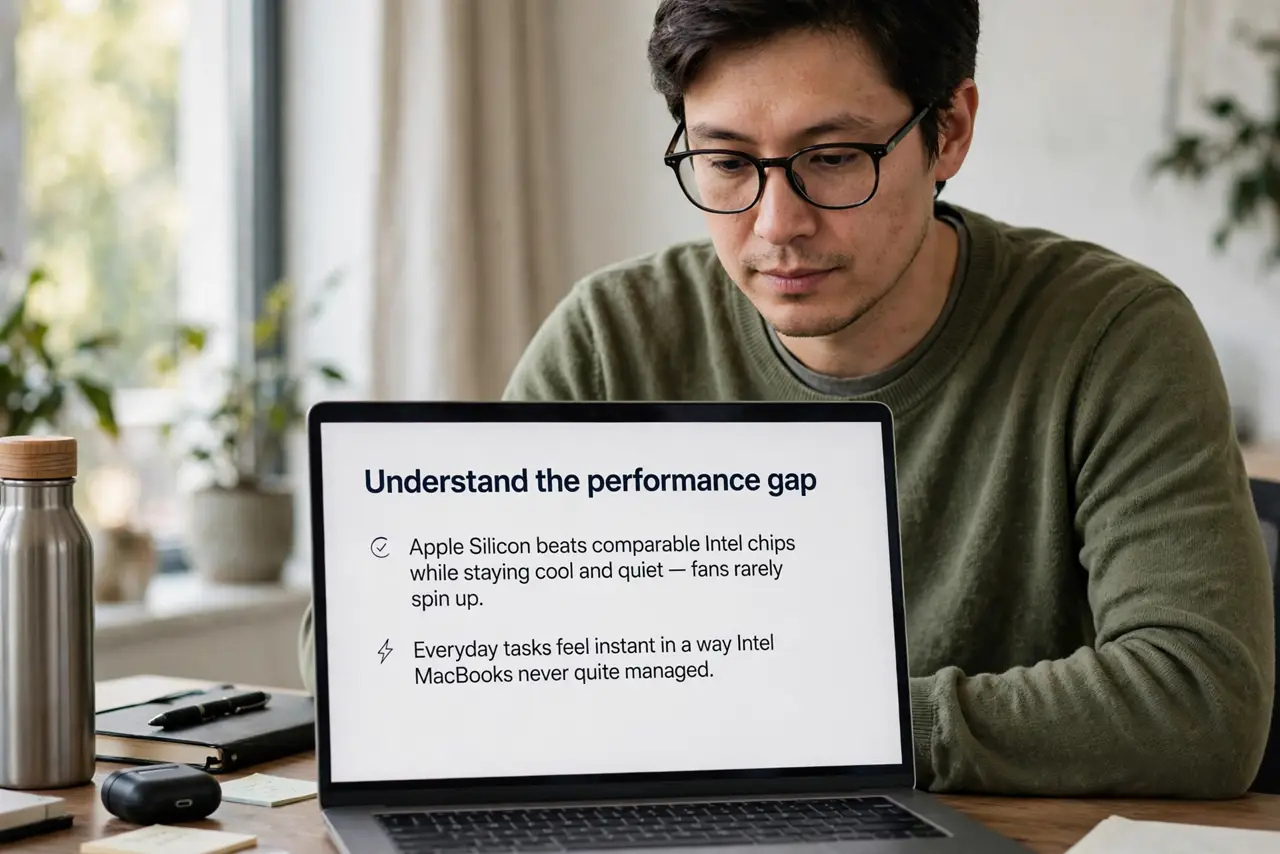
- Understand the performance gap. Apple Silicon beats comparable Intel chips while staying cool and quiet — fans rarely spin up. Everyday tasks feel instant in a way Intel MacBooks never quite managed.
- Check software support timelines. Apple is winding down Intel support; each macOS release supports fewer old Intel models. An Intel Mac bought today has a shorter supported life ahead of it.
- List your must-run apps. Nearly all major apps are native on Apple Silicon now. The Intel case survives only for niche tools — old plugins, specific Windows software via Boot Camp, or legacy corporate apps.
- Test Rosetta for stragglers. Apple's Rosetta 2 runs Intel apps on Apple Silicon surprisingly well. Before ruling out Apple Silicon for one old app, check whether it already runs fine translated.
- Compare battery life honestly. Apple Silicon MacBooks routinely deliver 15-plus hours of real use. Intel MacBooks manage half that on a good day — this alone decides it for travelers.
- Price the Intel discount against lifespan. An Intel Mac should be dramatically cheaper to justify its shorter future. A small discount for a machine with years less support is no bargain.
What NOT to do
- Do not buy Intel for 'future-proofing.' The future is Apple Silicon; Intel is the past with a countdown.
- Do not assume all your old software just works. Verify the one or two critical apps before committing to either side.
- Do not pay near-new prices for used Intel. The discount must reflect the shorter support runway.
- Do not forget Boot Camp is Intel-only. If you truly need native Windows on a Mac, that is Intel's last real argument.
Frequently asked questions
Can Apple Silicon Macs run Windows?
Via virtualization, yes — Windows for ARM runs well in virtual machines. Native Boot Camp dual-boot is Intel-only and gone on Apple Silicon.
How long will Intel Macs get updates?
Apple has been dropping the oldest Intel models each release. Expect the remaining ones to age out within a few macOS versions.
Is a cheap Intel Mac ever worth it?
As a secondary machine for basic tasks at a steep discount, maybe. As your main computer for years, no.