Apple Watch Won't Unlock Your Mac
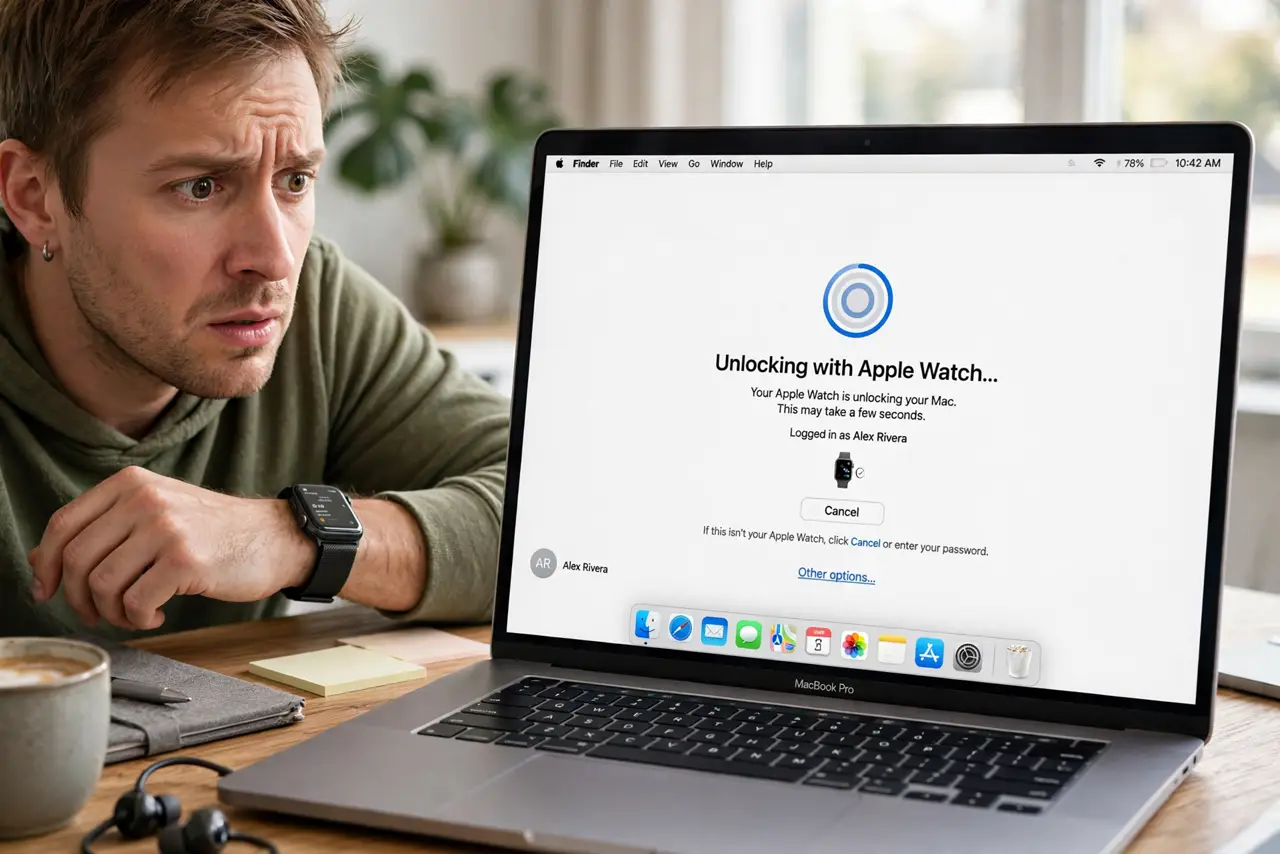
Your Apple Watch used to unlock the Mac, and now it just spins or says it cannot communicate with the watch. The unlock handshake needs Wi-Fi, Bluetooth, the same Apple ID, and a fresh trust between the devices. This guide rebuilds that trust step by step.
TL;DR / Quick Fix
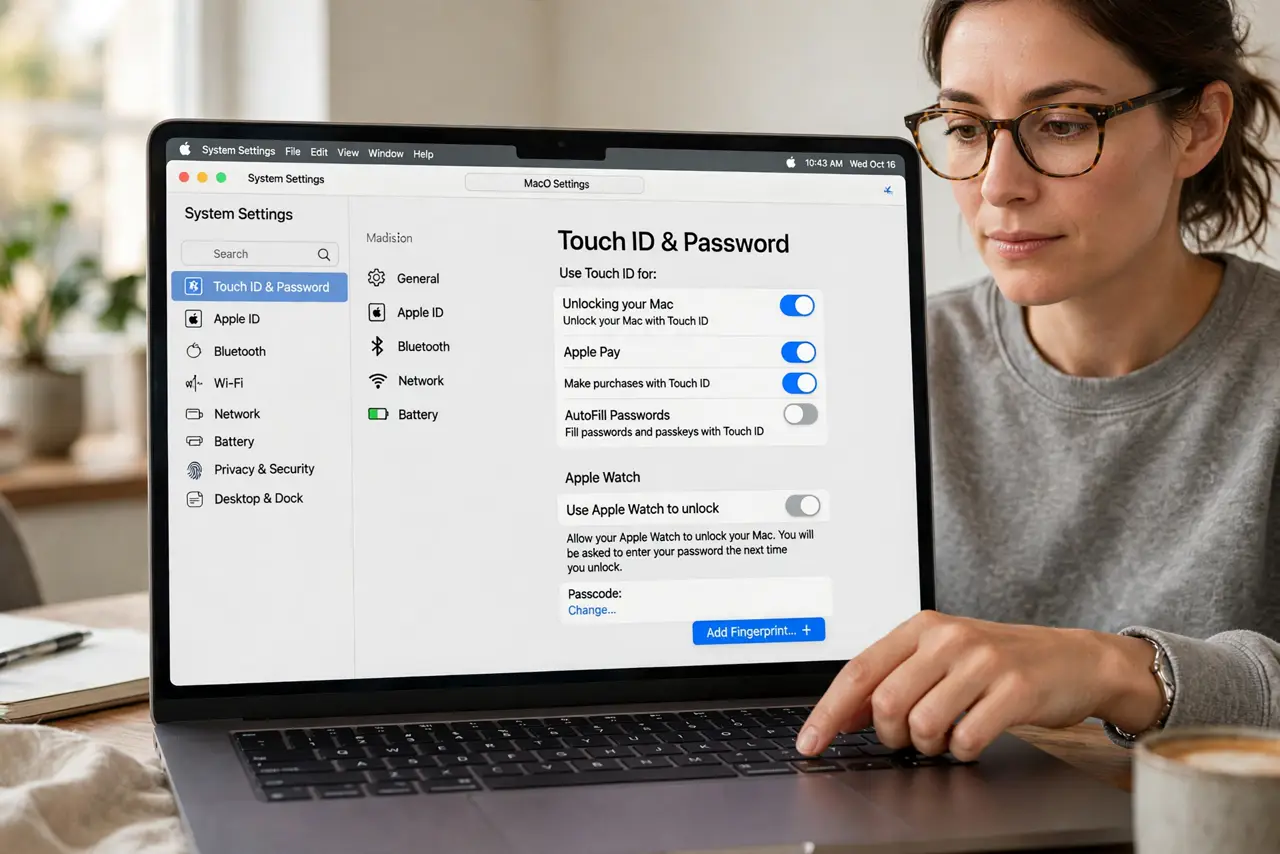
Quick fix: on the Mac, turn 'Use Apple Watch to unlock' off and on in System Settings > Touch ID & Password. Make sure Wi-Fi and Bluetooth are on with the watch nearby and unlocked. Restart both devices if it still fails.
Follow these steps
- Toggle the unlock setting. Go to System Settings > Touch ID & Password and turn off 'Use Apple Watch to unlock,' wait ten seconds, and turn it back on. This re-registers the watch with the Mac.
- Check the watch is unlocked and near. The watch must be unlocked and on your wrist, within a few meters of the Mac. A locked watch or a watch in another room cannot complete the handshake.
- Confirm Wi-Fi and Bluetooth are on. Both radios must be on on the Mac — the unlock uses Bluetooth proximity and Wi-Fi for the secure exchange. Airplane mode on either device breaks it.
- Verify the same Apple ID. The Mac and watch must share one Apple ID, and two-factor authentication must be on. A mismatched account is a silent, total blocker.
- Restart both devices. Restart the Mac and the Apple Watch. The unlock pairing can wedge in a half-connected state that only a fresh start on both sides clears.
- Unpair and re-pair as a last resort. If nothing works, unpair the watch from the iPhone and pair it again, then re-enable unlock on the Mac. A fresh pairing rebuilds the trust chain completely.
What NOT to do
- Do not expect the watch to unlock after a restart. For security, the first login after a reboot always needs the password — the watch only helps afterward.
- Do not turn off two-factor authentication to 'simplify' this. Two-factor is required for watch unlock; disabling it kills the feature entirely.
- Do not assume the watch is too old immediately. Check settings and restarts first — many 'too old' watches just needed a re-toggle.
- Do not use watch unlock as your only method. Keep your password memorized; the watch is a convenience, not a replacement.
Frequently asked questions
Why won't my Apple Watch unlock my Mac anymore?
The pairing wedged, a radio is off, the Apple IDs differ, or the setting toggled off in an update. Re-toggle the setting first.
Can Apple Watch unlock after a Mac restart?
No. The first login after a restart always requires the password; watch unlock works for subsequent wakes and logins.
Does the watch need Wi-Fi or just Bluetooth?
Both. Bluetooth handles proximity and Wi-Fi carries the secure unlock exchange.