Mac Battery Health Drops Suddenly? Check the Facts
Battery health suddenly drops, and you worry the battery failed overnight. Health readings can shift after updates or heavy use, and a single reading is not the whole story. Confirm the reading, check cycles, and watch real runtime before deciding on service.
TL;DR / Quick Fix
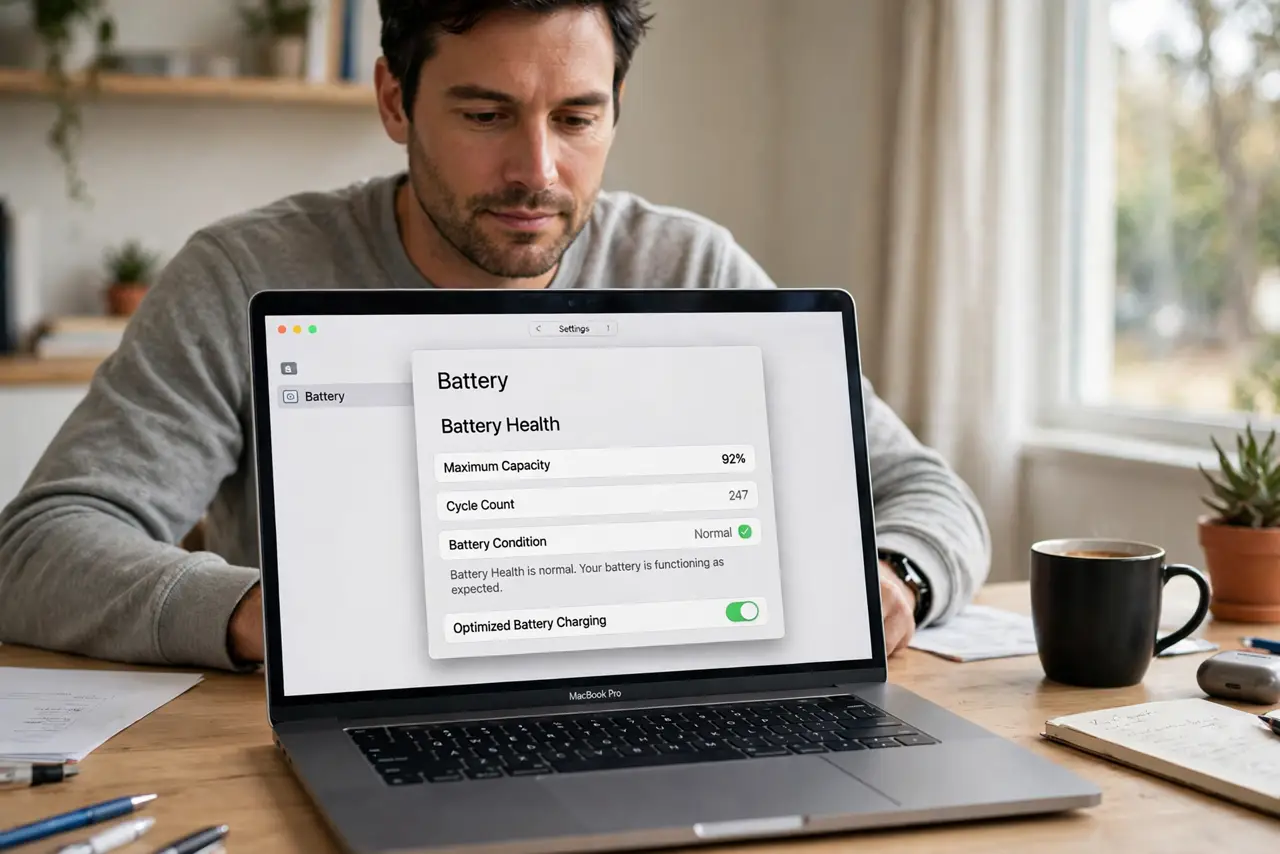
Quick fix: open System Settings, then Battery, then Battery Health, and note the percentage and cycle count. Compare real unplugged runtime over a few days before judging the battery by one number alone. Then test the fix for a full day before changing anything else.
Follow these steps
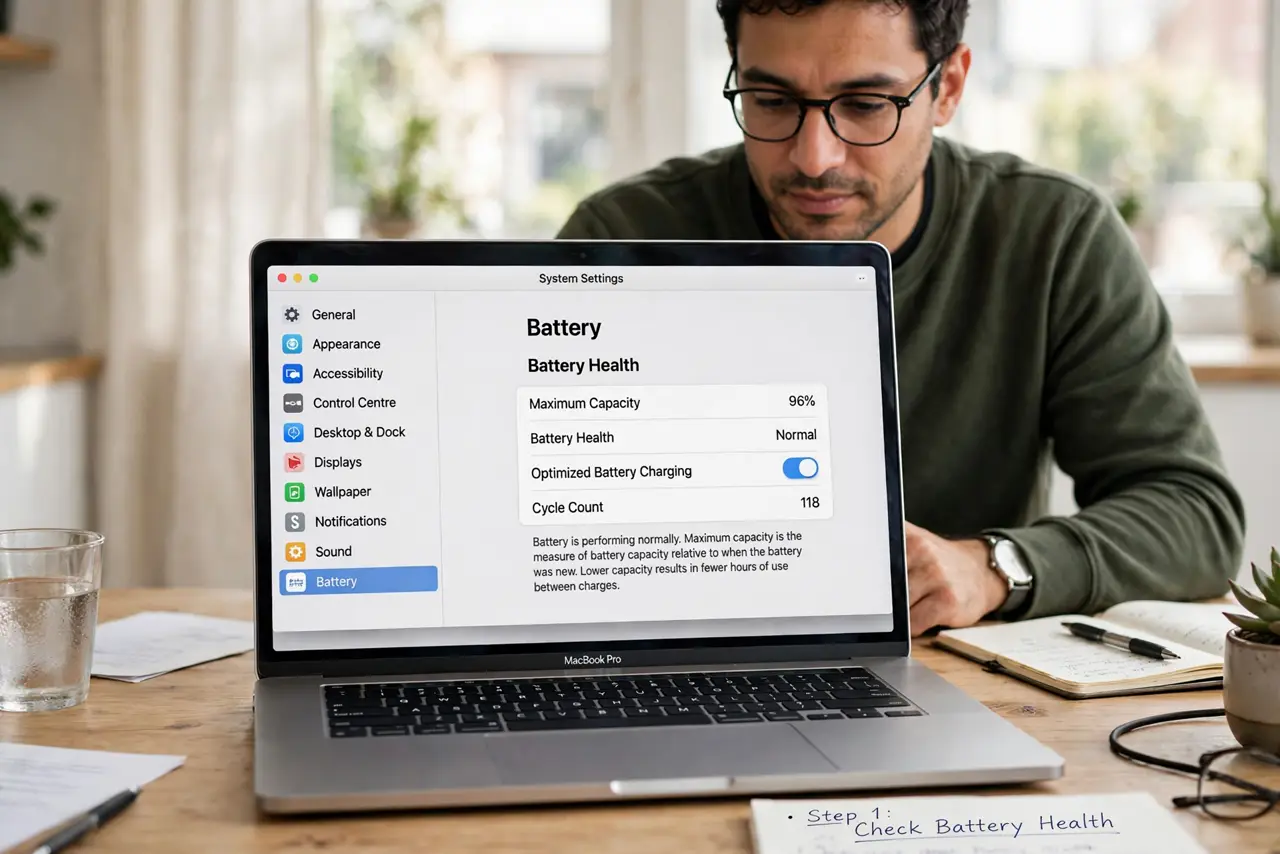
- Check Battery Health properly. Open System Settings, then Battery, then Battery Health, and note both the maximum capacity and the cycle count. One number without the other tells only half the story.
- Restart and recheck. Restart the Mac, then check Battery Health again the next day. A reading can shift after an update or a calibration period, then settle.
- Compare real runtime. Use the Mac unplugged for normal work over two or three days and note how long it lasts. Real runtime matters more than a single health percentage.
- Check what drains the battery. Open Activity Monitor and sort by Energy Impact to find apps draining power. Heavy apps can make a healthy battery feel weak.
- Review charge habits. Avoid leaving the Mac at full charge and hot for long periods. Heat and constant full charge wear batteries faster than normal daily use.
- Seek service only on a clear pattern. If runtime is short, health is low, and the Mac warns about service, book service. A single sudden drop alone, with normal runtime, usually needs watching, not replacement.
What NOT to do
- Do not replace a battery on one reading alone. Health percentages can shift, and a replacement is costly and unnecessary if runtime is still normal.
- Do not run the battery to zero daily to test it. Deep discharges wear batteries faster and do not improve the health reading.
- Do not install a battery health app to override the system reading. System Battery Health is the reading service uses, so extra apps add confusion.
- Do not ignore a service warning plus short runtime. That combination, unlike a single drop, is a real sign the battery needs attention.
Frequently asked questions
Why did battery health drop suddenly?
Readings can shift after updates, heavy use, or heat. Recheck after a restart and compare real runtime over several days.
What cycle count is high?
It depends on the model, but hundreds of cycles with falling runtime matter more than cycles alone. Check your model guidance in Battery settings.
Should I keep the Mac plugged in always?
No. Constant full charge plus heat wears the battery. Unplug for normal use and let the battery cycle naturally.