Mac Kernel Panic After Waking? Stabilize Your Mac
Your Mac restarts with an error after waking from sleep, and you lose unsaved work. A kernel panic after waking often points to a driver, device, or software conflict triggered at wake. Update, disconnect new devices, and test sleep cleanly.

TL;DR / Quick Fix
Quick fix: disconnect recently added USB devices and accessories, update macOS and apps, then test sleep with nothing extra attached. If panics stop, reconnect devices one at a time to find the trigger. Then test the fix for a full day before changing anything else.
Follow these steps
- Note what changed recently. Think about new devices, hubs, or apps added before panics began. Recent changes are the most likely triggers for wake panics.
- Disconnect new devices. Unplug recently added USB devices, hubs, and accessories, then test sleep. If panics stop, one of those devices is involved.
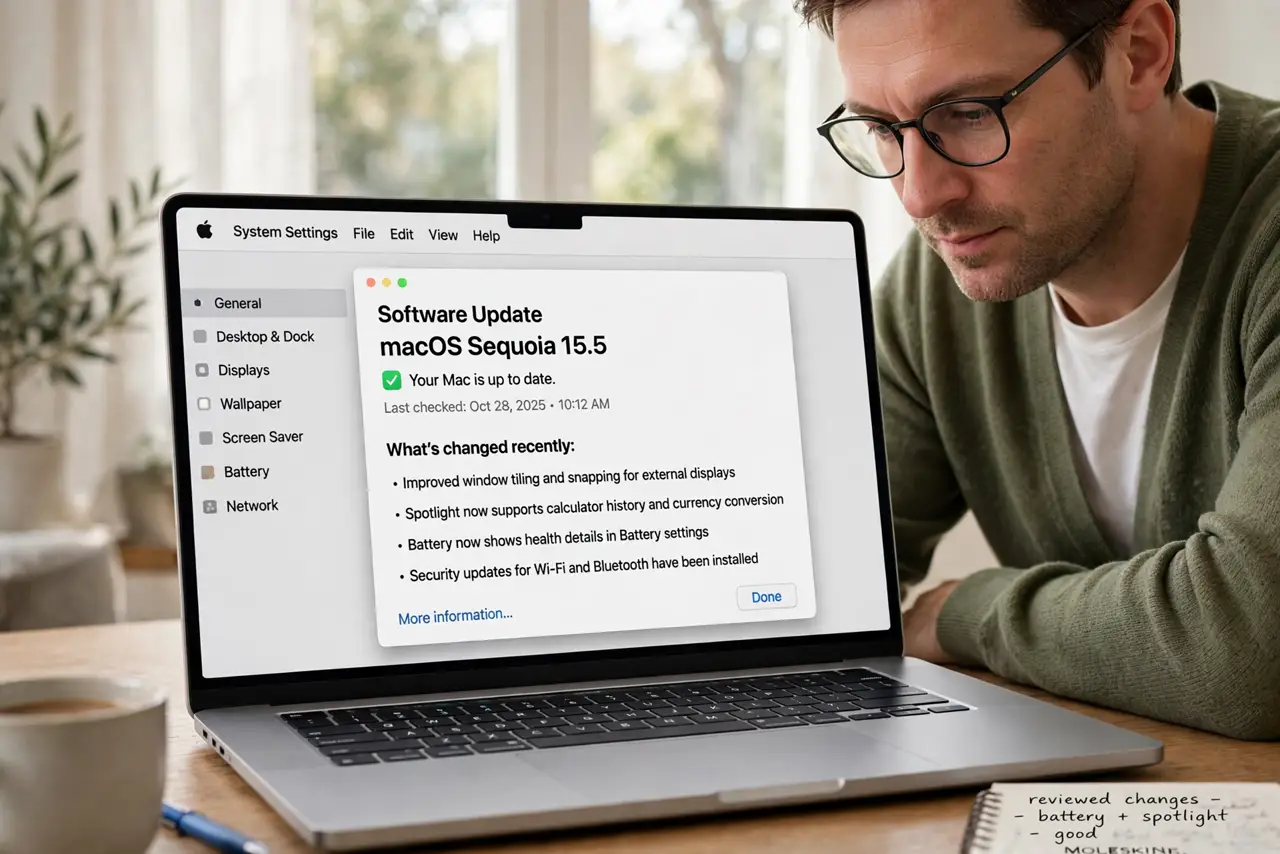
- Update macOS and apps. Install pending system and app updates, since updates often fix wake and driver bugs. Restart after updating, then test sleep again.
- Test sleep with nothing attached. Sleep the Mac with no external devices except power, then wake it. Clean sleep without panics proves the base system is stable.
- Reconnect devices one at a time. Reconnect one device, test sleep and wake, then repeat. When panics return, the last device reconnected is the suspect.
- Back up before deeper steps. Back up with Time Machine before any deeper troubleshooting. Kernel panics risk unsaved work, so a current backup protects you while testing.
What NOT to do
- Do not keep waking the Mac repeatedly to test panics. Each panic risks unsaved work, so test methodically, one change at a time.
- Do not reinstall macOS as a first step. Device and update checks solve many wake panics without a reinstall.
- Do not ignore a panic report. Read the report prompt after restart; it often names the area involved, even in plain terms.
- Do not use a suspect hub or device while testing. A faulty hub can keep causing panics and hide whether the Mac itself is stable.
Frequently asked questions
What is a kernel panic?
It is a serious system error that forces a restart. After waking, it often involves a device driver or software conflict at wake time.
Is a kernel panic a virus?
Almost never. It is usually a driver, device, or software conflict, not malware.
What if panics happen with nothing attached?
Note the pattern and back up, then seek service or deeper diagnostics, since a base system panic needs closer checking.