When to Replace Mac Battery
Your MacBook used to last all day; now it begs for the charger by lunch, shuts off at 20 percent, or the trackpad feels oddly raised. Batteries are consumables — every charge cycle wears them slightly — and macOS will tell you plainly when replacement time comes. Learn the three signs that mean 'soon' and the one that means 'now.' The battery health guide explains the numbers behind them.
TL;DR / Quick Fix
Quick fix: replace your Mac battery when macOS says Service Recommended, the battery drops from 40 to 10 percent in minutes, or the trackpad feels raised. Check cycle count and maximum capacity in System Settings first — numbers confirm what your gut suspects.
Follow these steps
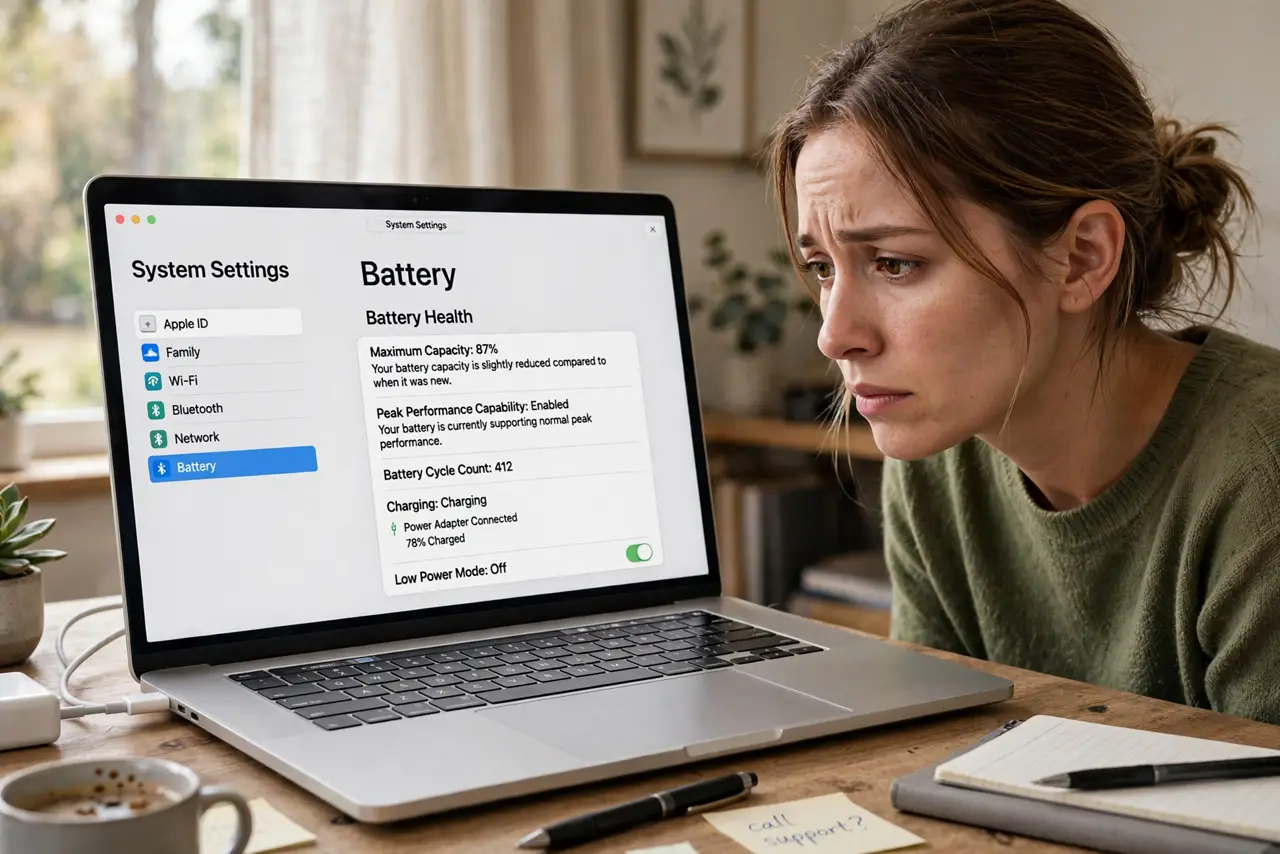
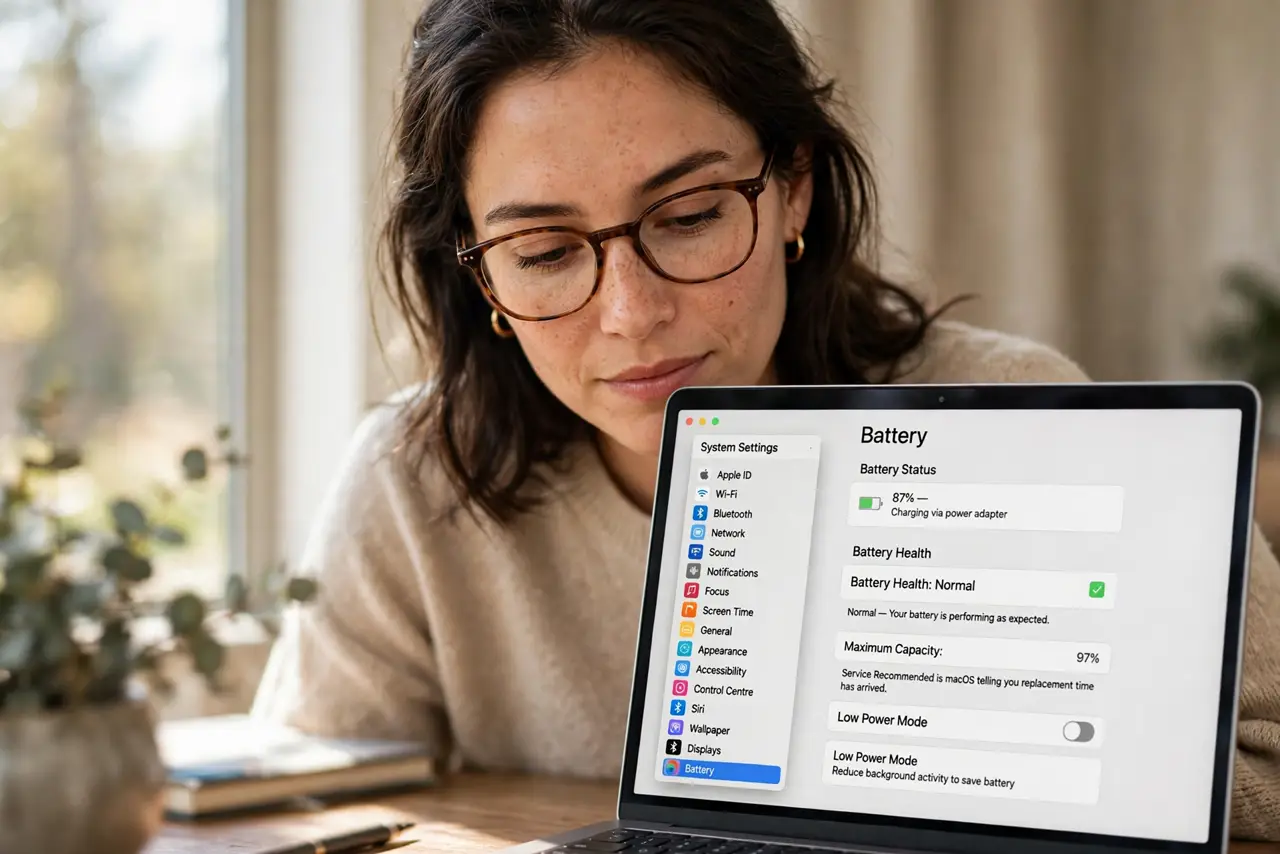
- Check the battery status message. In System Settings, then Battery, look at Battery Health. 'Normal' means fine; 'Service Recommended' is macOS telling you replacement time has arrived.
- Read the cycle count. Click the info button for cycle count — most MacBook batteries are rated for about 1,000 cycles. Far beyond that with poor runtime means a worn battery, not a broken Mac.
- Watch for sudden drops. A healthy battery drains smoothly. Plummeting from 40 to 10 percent, or shutting off with charge remaining, signals cells that can no longer hold energy.
- Feel for swelling. A trackpad that clicks oddly, a case that wobbles, or keys that feel raised can mean a swelling battery. This is the urgent sign — stop using it and get service promptly.
- Check maximum capacity. The health screen shows capacity as a percentage of new. Below 80 percent with noticeable runtime loss is the practical replacement threshold.
- Get it replaced properly. Apple Stores and authorized providers replace batteries safely, including the glued-in ones. Third-party shops are cheaper but vary wildly in part quality.
What NOT to do
- Do not ignore a swelling battery. Swelling can damage the trackpad and worse — power down and seek service, do not keep charging it.
- Do not replace based on age alone. A lightly used five-year-old battery can outlast a heavily used two-year-old one — check the numbers.
- Do not buy bargain replacement batteries blindly. Cheap cells swell sooner and report fake health data.
- Do not keep using a Mac that shuts off at 30 percent. Unexpected shutdowns risk data loss — back up and replace.
Frequently asked questions
How long should a MacBook battery last?
Apple rates most for 1,000 full cycles before dropping to 80 percent capacity — typically 3 to 5 years of normal use.
Is a battery replacement expensive?
Through Apple it is a flat-rate service, a few hundred dollars depending on model. It is far cheaper than a new MacBook.
Will a new battery restore original runtime?
Yes — a fresh genuine battery returns the Mac to its rated battery life, assuming nothing else is wrong.