Turn Off the Boot Chime
You open your MacBook in a quiet meeting and — BONG — everyone stares. The startup chime is iconic and occasionally mortifying. Apple lets you silence it permanently with one setting, and your Mac will boot just as happily in silence.
TL;DR / Quick Fix
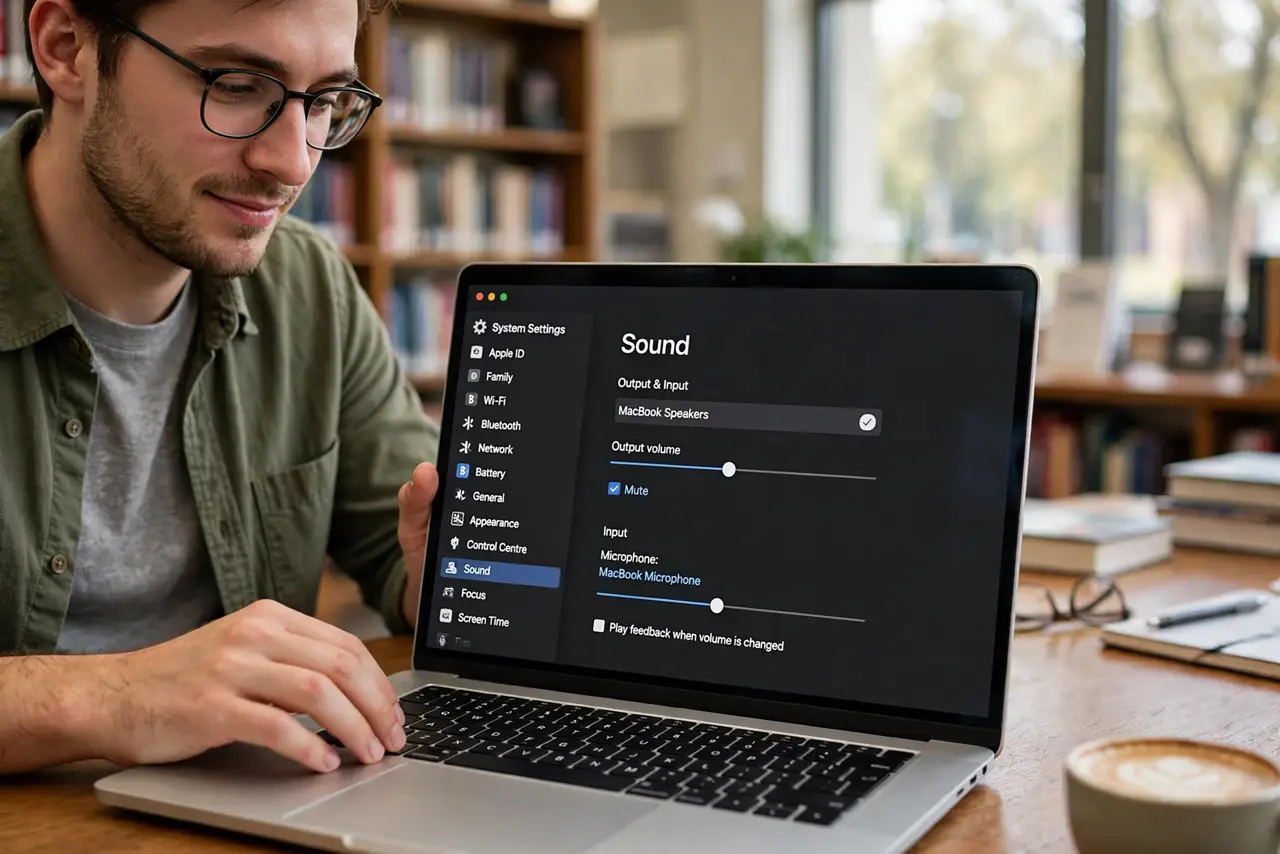
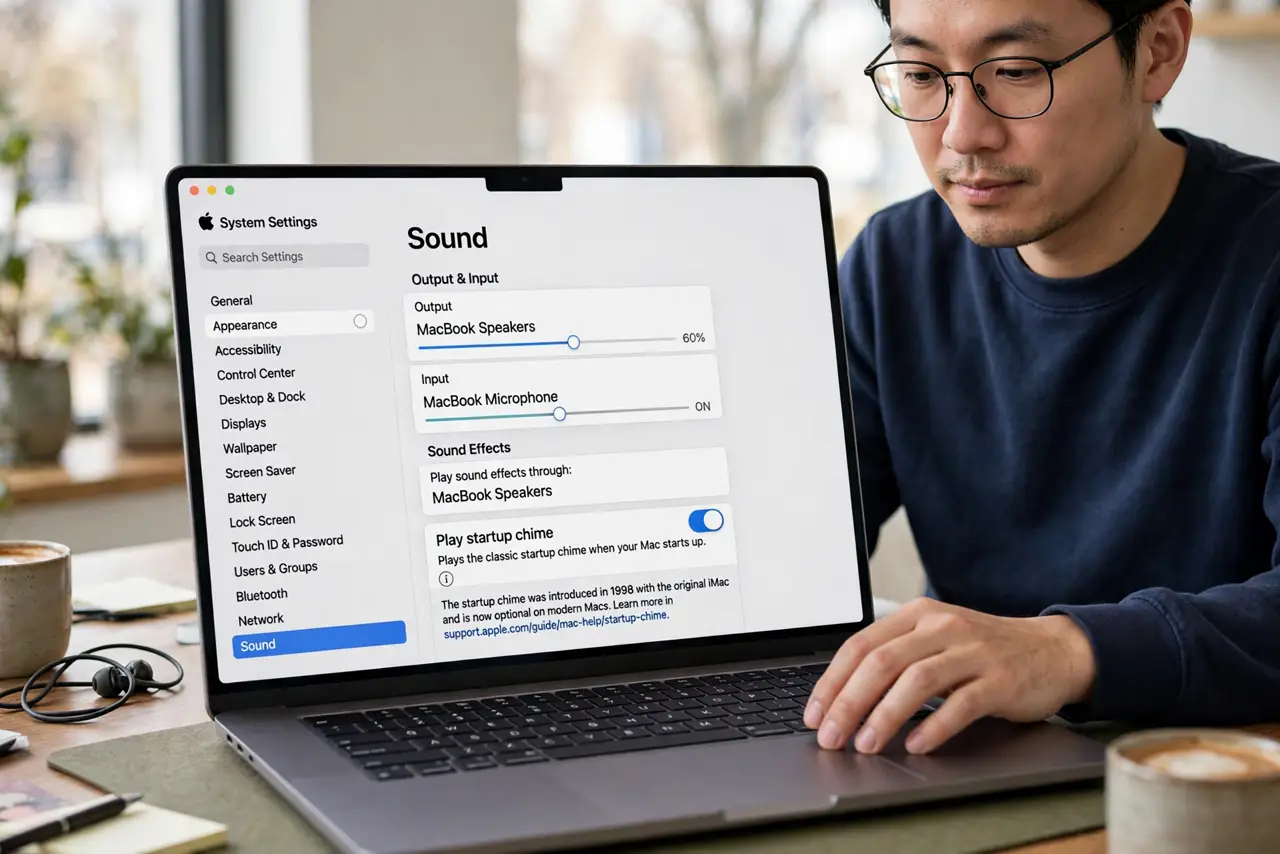
Quick fix: on modern Macs, go to System Settings, then Sound, and turn off Play sound on startup. The chime setting is that simple — no terminal commands needed. Muting the volume before shutdown also works as a one-time fix.
Follow these steps
- Open Sound settings. Go to System Settings > Sound. The startup chime toggle lives here on modern macOS — learn the history of the chime if you are curious why it exists.
- Turn off Play sound on startup. Uncheck the box. That is the entire permanent fix — your Mac now boots silently forever.
- Use mute as a one-time fix. On any Mac, muting the volume before shutdown silences the next boot's chime. Handy for borrowed machines you cannot configure.
- Check per-user settings. The chime setting can vary by user account. If it still bongs, check the setting while logged into the account that boots.
- Know it does not affect anything else. Silencing the chime changes nothing about boot diagnostics. Your Mac still runs its startup checks silently.
- Re-enable if you miss it. Nostalgia is valid — the toggle works both ways. Some people genuinely love the sound.
What NOT to do
- Do not use terminal hacks from old guides. The Settings toggle replaced them years ago — old commands may do nothing or worse.
- Do not confuse the chime with error beeps. Diagnostic beep patterns at boot signal hardware problems — those you want to hear.
- Do not assume mute persists. Volume settings can reset; the Settings toggle is the reliable permanent fix.
- Do not silence it to hide a problem. If the Mac chimes oddly or repeatedly, that is a symptom worth investigating.
Frequently asked questions
Why does the Mac chime at all?
It is a decades-old all-is-well signal from the original Macintosh — a successful hardware self-test, announced proudly.
Can I change the chime sound?
No — it is on or off only. Apple offers no alternative chimes.
Does it chime on every wake from sleep?
No — only on a full startup or restart. Waking from sleep is always silent.