Calculator Tricks on Mac?
The Mac Calculator hides three calculators in one: basic, scientific, and programmer — plus a paper-tape history and unit conversions most people never find. It does currency, length, and temperature conversions natively, and the paper tape shows your whole calculation trail. Two minutes of exploration turns a forgotten app into a daily tool.
TL;DR / Quick Fix
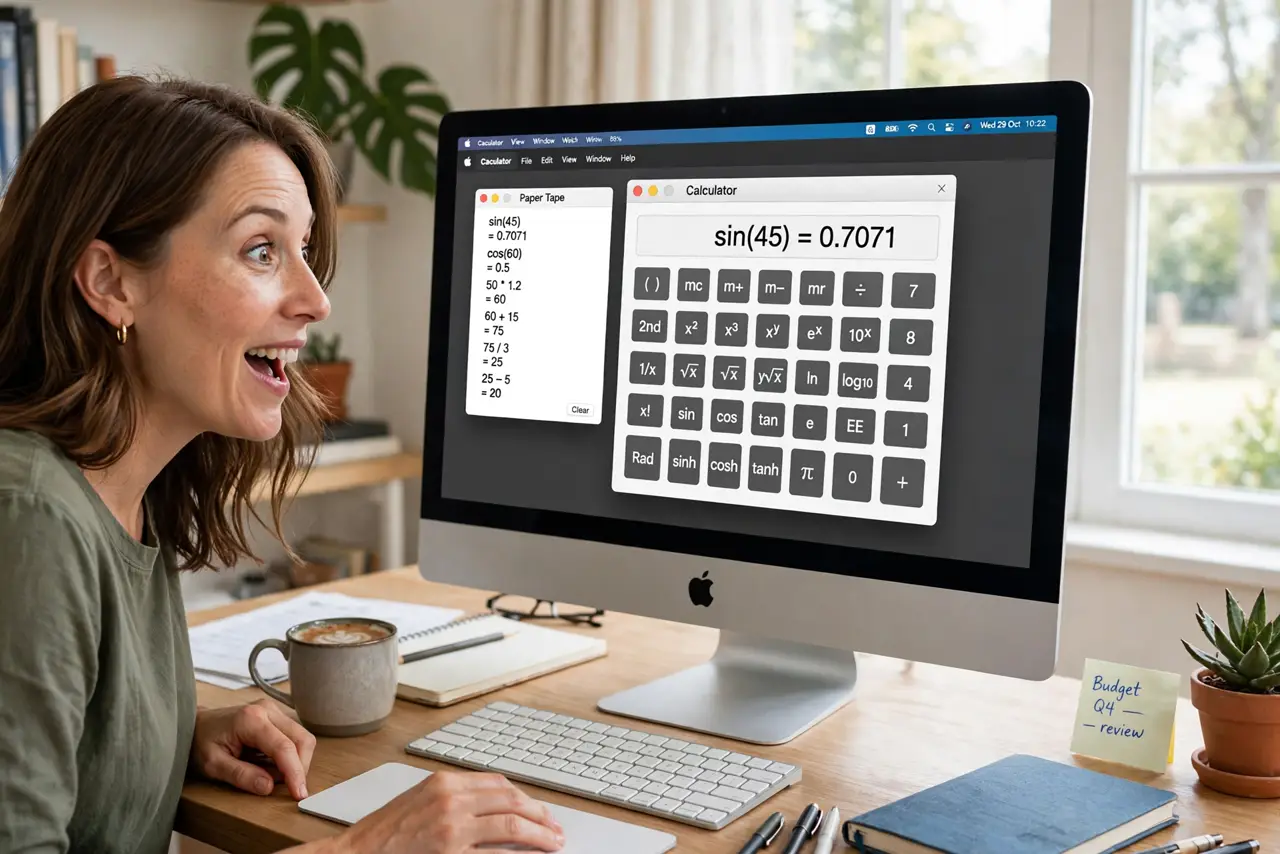
Quick fix: open Calculator on your Mac and press Cmd+1, Cmd+2, or Cmd+3 to switch between basic, scientific, and programmer modes. Open Window, Show Paper Tape for a running history. Use the Convert menu for currency, length, and temperature. Spotlight does quick math too — but the app keeps history.
Follow these steps
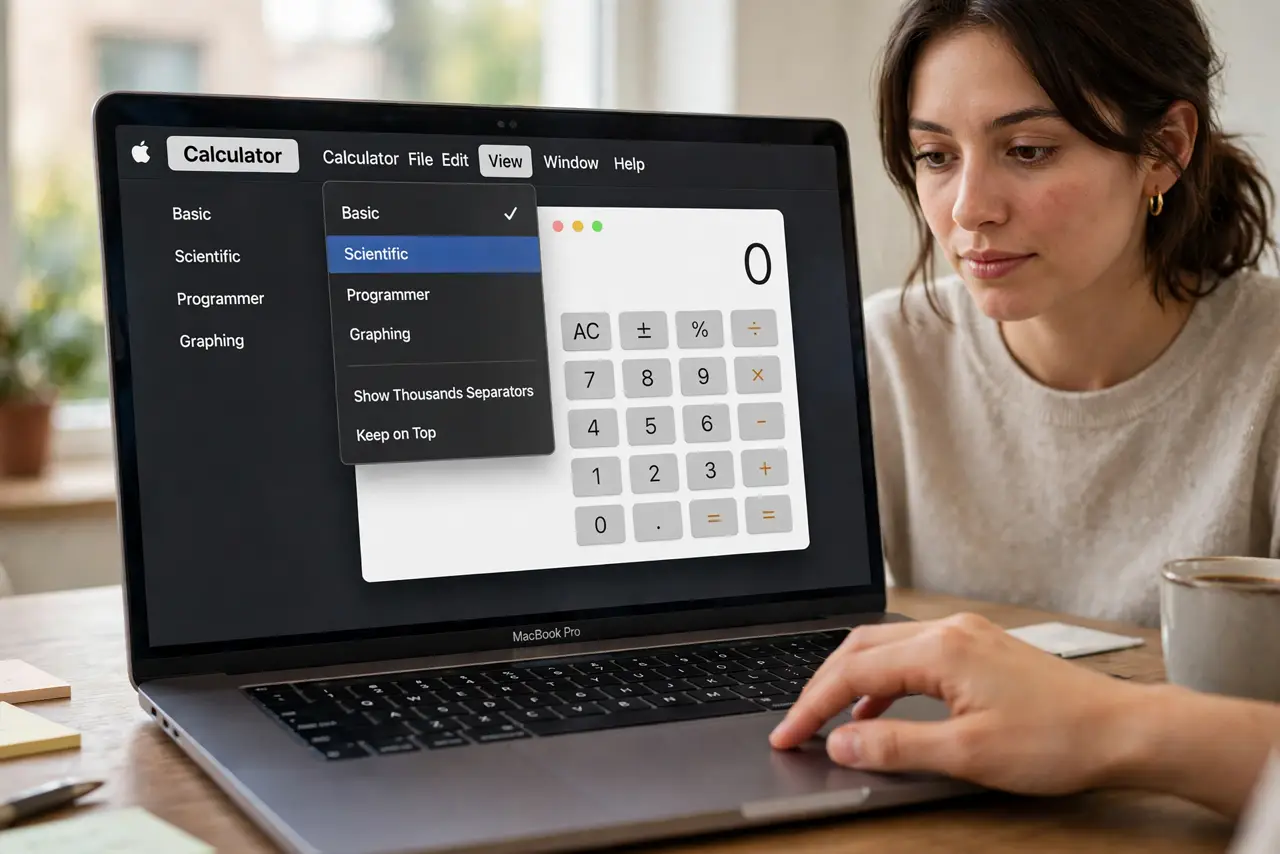
- Switch calculator modes. Open Calculator, then View menu: Basic (Cmd+1), Scientific (Cmd+2), Programmer (Cmd+3). Scientific adds trig, logs, and powers; Programmer adds hex, binary, and bitwise ops. Most people live in Scientific.
- Open the paper tape. Window menu, Show Paper Tape. Every calculation scrolls into a tape you can review, save, or print — the end of 'what did I just add?' Perfect for expense tallies and invoice checks.
- Convert units natively. The Convert menu handles currency (with current rates), length, temperature, energy, and more. Type a number, pick the conversion — no website needed. Currency rates update online.
- Use RPN if you like it. View menu offers RPN mode — Reverse Polish Notation for the HP-calculator nostalgic. Enter numbers then operators. It is love-it-or-hate-it, but fans swear by it.
- Do quick math in Spotlight. Press Cmd+Space and type 45*1.2 — Spotlight answers instantly without opening anything. For one-off sums it beats launching the app; for trails, use the paper tape.
- Keep it in the Dock. Right-click the Calculator icon in the Dock, Options, Keep in Dock. A daily tool deserves one click — pair it with the Dictionary app as your reference duo.
What NOT to do
- Do not do long tallies without the paper tape. Mental tracking of ten numbers invites errors — let the tape remember.
- Do not trust currency conversions offline. Rates need internet to refresh — check the date on stale conversions.
- Do not ignore programmer mode if you code. Hex and binary conversion built in beats a website every time.
- Do not retype results into documents. Copy from the display or save the tape — retyping introduces typos.
Frequently asked questions
Where is the scientific calculator on Mac?
In the Calculator app: View menu, Scientific, or press Cmd+2. It is the same app, just a different mode.
Can Mac Calculator convert currency?
Yes — type an amount, then Convert menu, Currency. It fetches current rates when online.
What is the paper tape?
A running history of your calculations under Window, Show Paper Tape. You can save or print it — great for expense records.