Send Calendar Invites
Planning lunch takes nine emails: what about Tuesday, no, Thursday, where, what time. Calendar invites end the ping-pong — one invite with time, place, and a video link, and everyone answers Accept or Decline. Here is how to send invites that people actually respond to.
TL;DR / Quick Fix
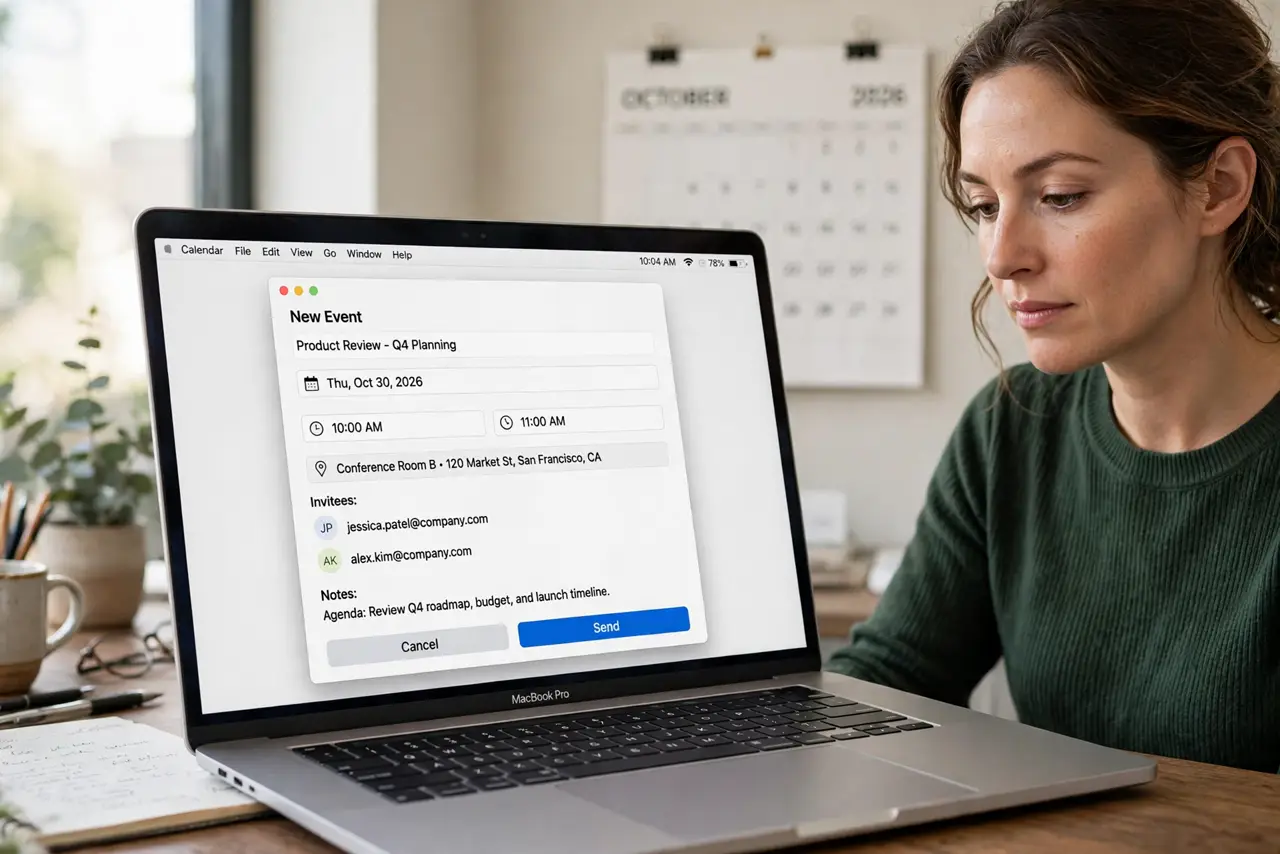
Quick fix: in Mac Calendar, double-click a time slot, add a title, then invite people with the Add Invitees field. Include the location and a video link so nobody asks where. Set an alert before sending. Guests reply Accept or Decline, and changes you make update everyone automatically.
Follow these steps
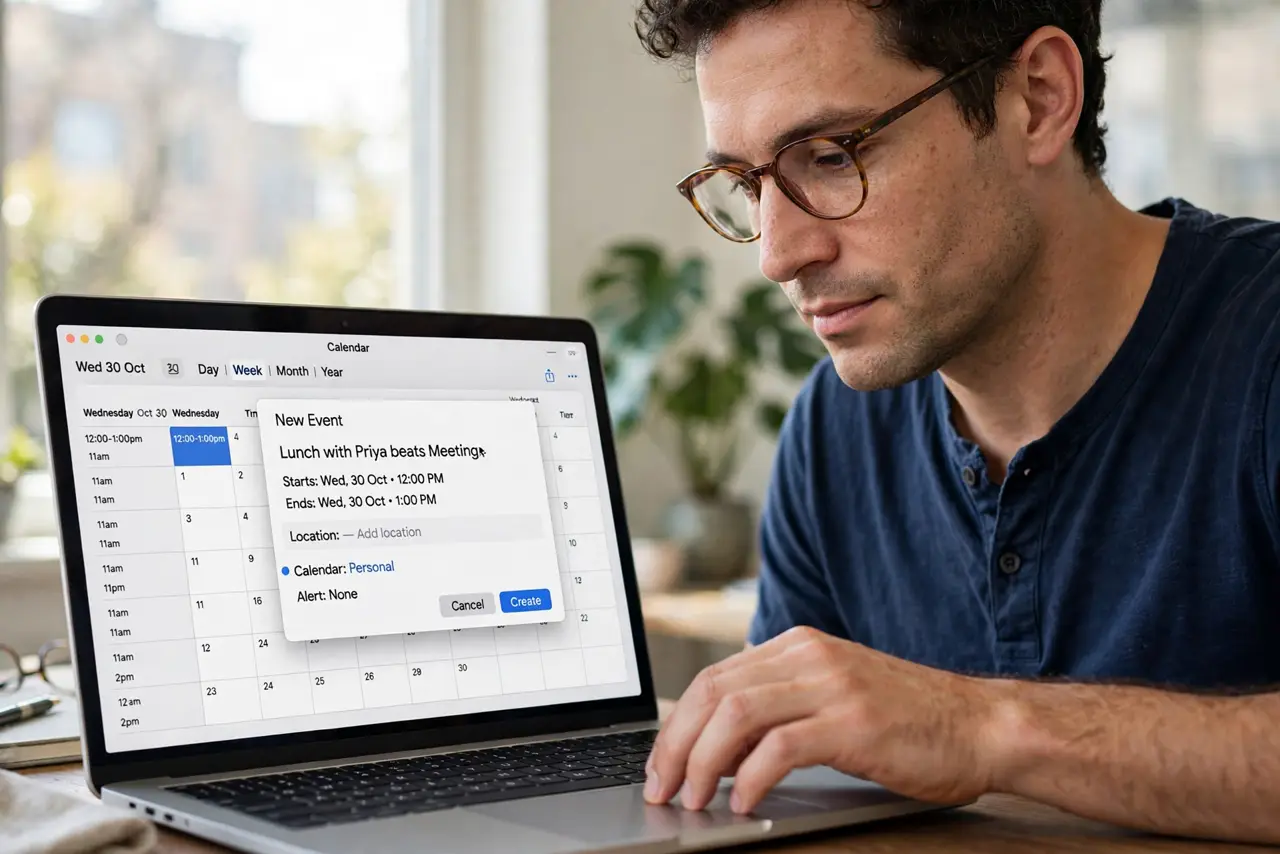
- Create the event. Double-click the time slot in Calendar. Give it a clear title — Lunch with Priya beats Meeting.
- Add invitees. Click Add Invitees and type names or emails. Calendar suggests contacts as you type.
- Include location and link. Fill in the location and paste the video-call link. Every missing detail becomes a reply-all question.
- Set an alert. Add an alert — 15 minutes for calls, a day for travel. Alerts are per-invitee; yours does not nag them. For smarter calendar alerts, tune the defaults.
- Send and track responses. Click Send. Calendar tracks who accepted, declined, or never answered — no more guessing.
- Update instead of re-inviting. Drag the event to a new time and Calendar asks to notify everyone. Edits propagate; duplicate invites confuse.
What NOT to do
- Do not send invites without a location or link. Vague invites generate the email ping-pong you were escaping.
- Do not invite the whole team to a two-person chat. Every extra invitee multiplies the scheduling pain.
- Do not forget time zones for remote guests. Calendar handles them if you set the event's time zone — otherwise someone joins at 3am.
- Do not spam updates. Batch your changes; five reschedule emails in an hour trains people to ignore you.
Frequently asked questions
Can I see who accepted?
Yes — open the event and check the invitee list. Checkmarks show Accept, crosses show Decline, question marks never replied.
What if someone has no Apple device?
They get a standard email invite with .ics attachment. Accept and Decline work from any calendar.
How do I uninvite someone?
Remove them from the invitee list and send the update. Calendar notifies them of the removal.