Propose a New Meeting Time
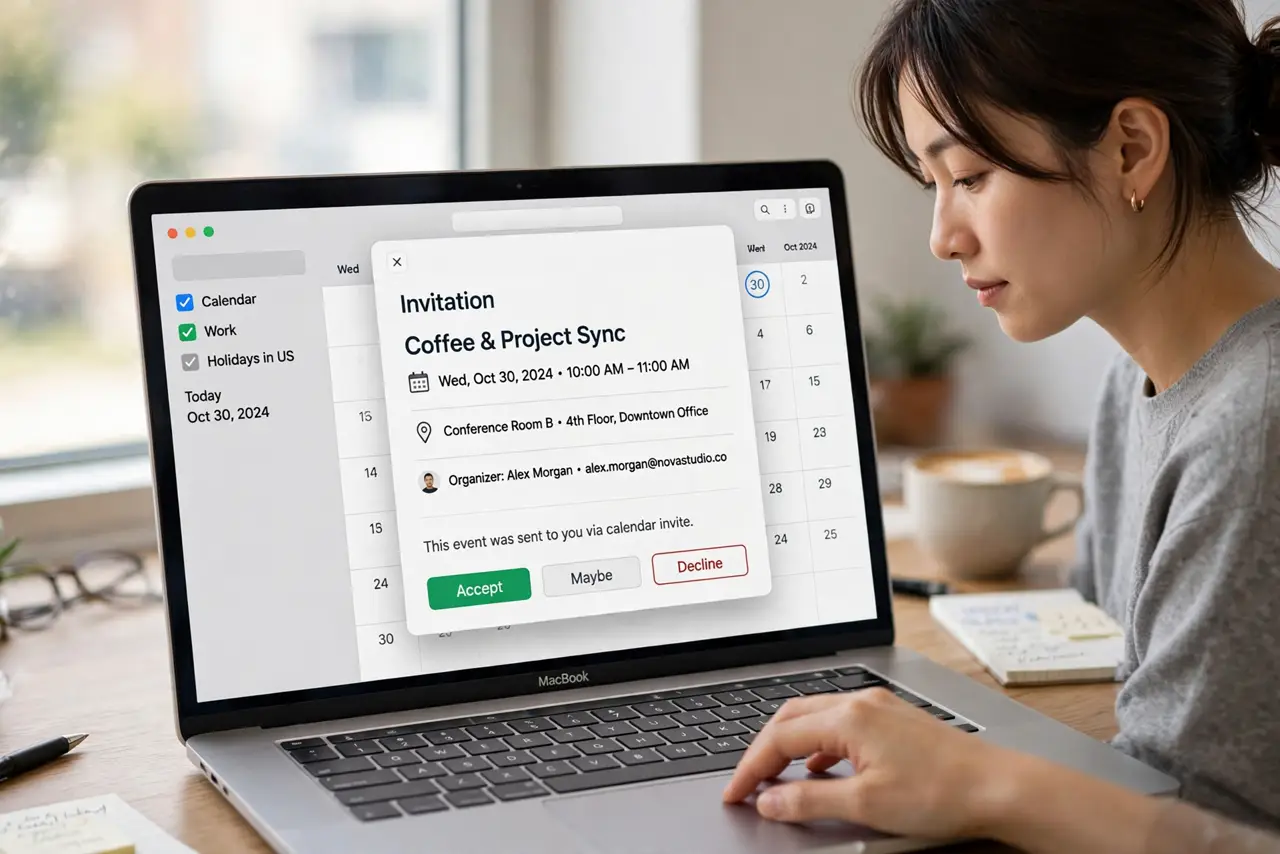
The meeting invite lands at the worst possible hour — and declining feels rude, accepting feels worse. Proposing a new time answers with alternatives instead of a flat no. On the Mac it lives in the invitation itself, and it works best with Exchange and some CalDAV setups.

TL;DR / Quick Fix
Quick fix: open the invitation in Calendar, and if your account supports it, click Propose New Time and pick alternatives. The organizer gets your proposal and can accept or counter. If the button is missing, reply to the invite email with proposed times instead.
Follow these steps
- Open the invitation in Calendar. Double-click the event — the invitation pane shows the organizer, time, and your response buttons.
- Look for Propose New Time. On supported accounts (Exchange mainly), the invitation offers Propose New Time. iCloud invites often lack it — that is normal.
- Pick your alternative slots. Choose one or two times that genuinely work. Proposing three options looks flexible; proposing one looks like a demand.
- Add a brief note. A line of context — 'school pickup moved' — turns a counter-proposal from demanding to human.
- Send and wait. The organizer receives your proposal and can accept it or counter. Your calendar holds the original until they decide.
- No button? Reply instead. For iCloud and Google invites without the button, reply to the invitation email with your alternatives — same outcome, one extra step.
What NOT to do
- Do not propose times you cannot keep. A counter-proposal is a commitment — only offer slots you will actually attend.
- Do not propose a new time by editing the event. Editing changes your copy only and confuses everyone — use the proposal flow or a reply.
- Do not counter-propose to a mass invite casually. Twenty attendees do not reschedule for one conflict — decline or delegate instead.
- Do not leave the proposal hanging. If the organizer never responds, follow up — your tentative hold is not a confirmed move.
Frequently asked questions
Why don't I see Propose New Time?
Your account type does not support it — iCloud and many Google setups hide the button. Reply to the invite instead.
Does the organizer have to accept?
Yes — your proposal is a suggestion until they accept. Keep the original time held until they do.
Can I propose a new time from the iPhone?
On Exchange accounts, yes — open the invite in Calendar and the option appears there too.