Get Reminded Before It's Due
A 9 a.m. deadline with a 9 a.m. reminder is a condolence card, not a warning. Reminders can alert you hours or days before the due time — the early-alert option hides inside the custom alert picker. Set it once per reminder and the panic becomes a plan.
TL;DR / Quick Fix
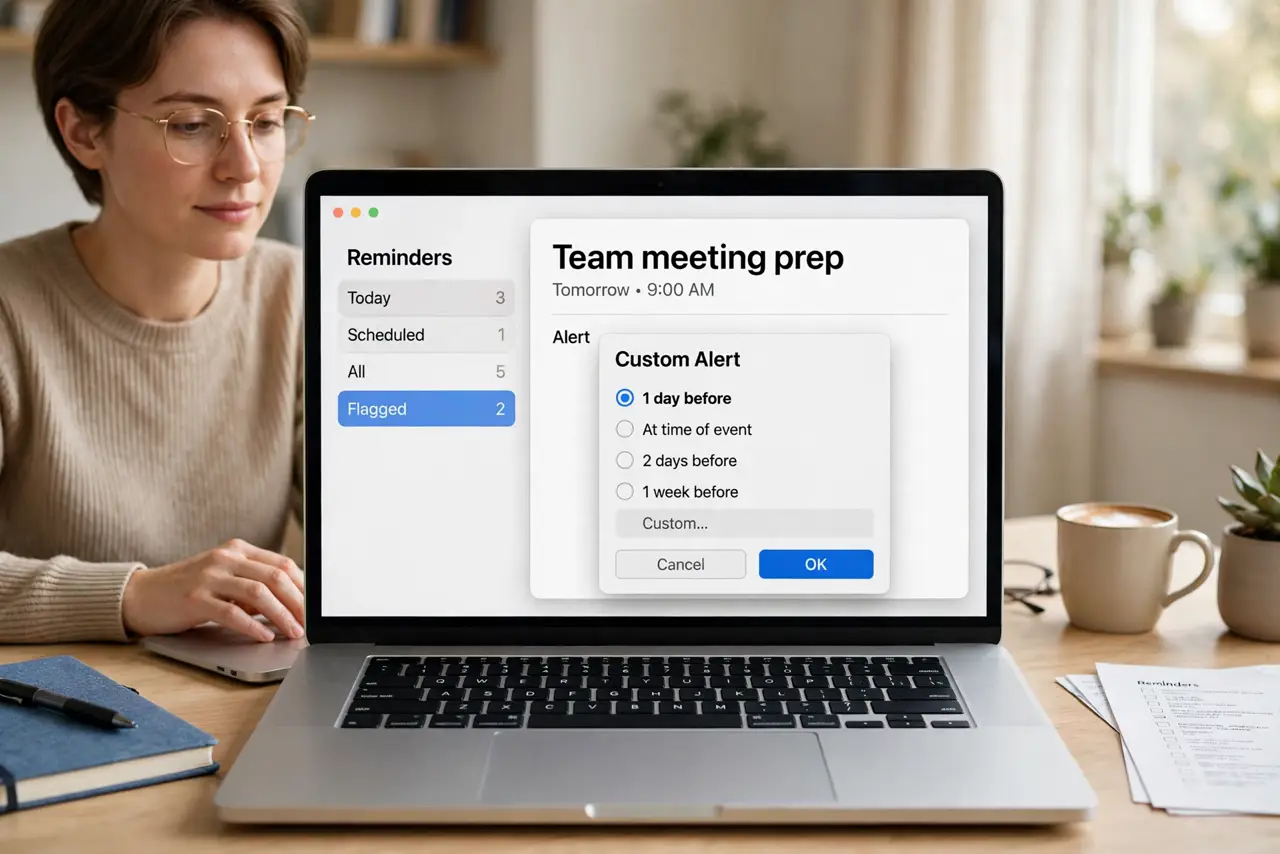
Quick fix: open the reminder's details, set a date and time, then change the alert from 'At time of event' to Custom and pick how early — 15 minutes, an hour, a day. The alert fires early while the due time stays put.
Follow these steps
- Open the reminder's details. Select the reminder and click the i — or double-click it. The details pane holds every timing option.
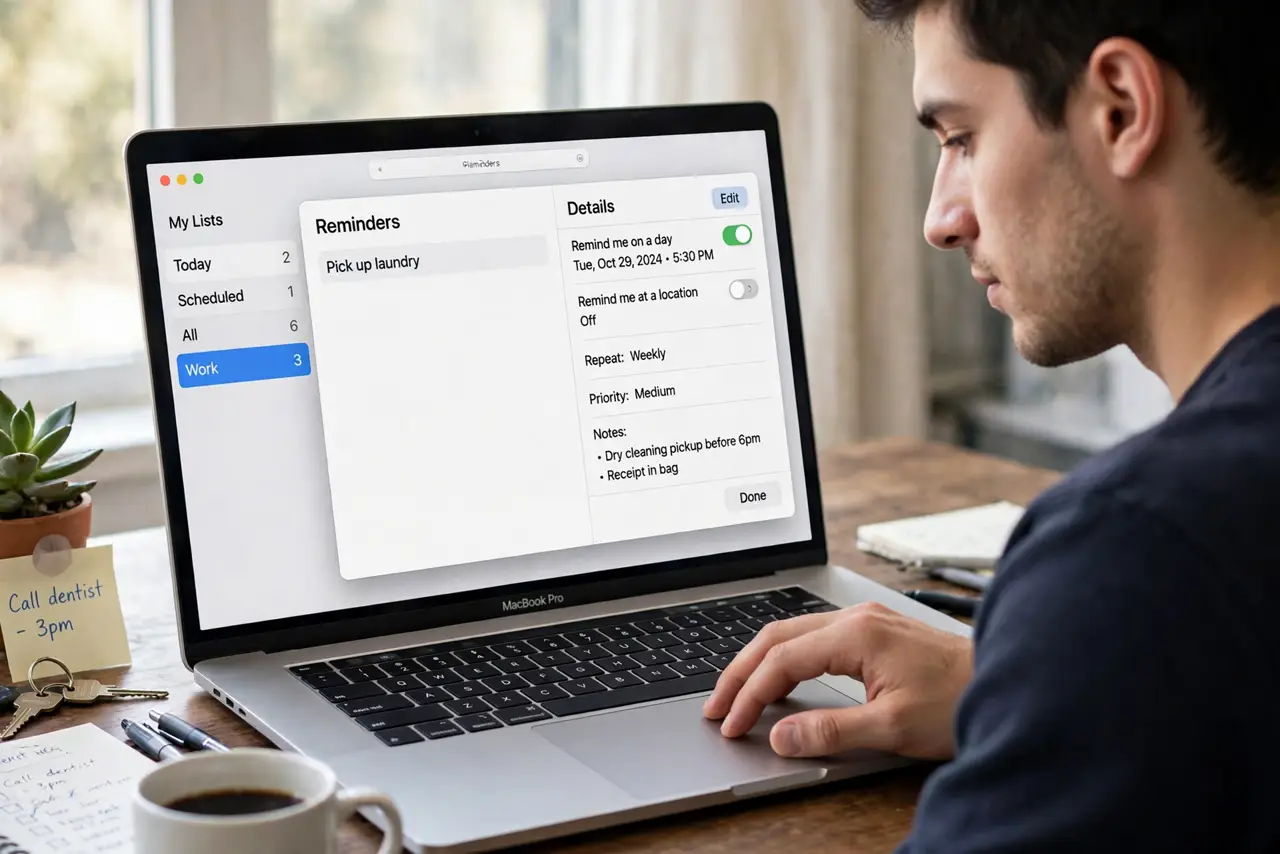
- Set the due date and time. An early alert needs an anchor — give the reminder its real deadline first.
- Change the alert to Custom. The alert row defaults to the due time. Click it and choose Custom to unlock the early options.
- Pick how early to be warned. Minutes for meetings, hours for errands, days for deadlines. Match the lead time to the preparation the task needs.
- Keep the due time honest. The alert moves; the deadline does not. Do not shift the due time earlier 'to be safe' — that just trains you to ignore it.
- Test it once. Set a test reminder five minutes out with a one-minute early alert. Confirm the notification appears — then trust the system.
What NOT to do
- Do not set every alert for a day early. A day-early alert for buying milk is noise — match lead time to the task.
- Do not rely on alerts with notifications off. An early alert that cannot notify is a diary entry — check notification permissions for Reminders.
- Do not set the alert and skip the date. No due date means no early alert — the feature needs its anchor.
- Do not confuse early alerts with flags. Flags organize importance; alerts deliver timing — many tasks want both.
Frequently asked questions
Why didn't my early alert fire?
Notifications for Reminders are off, or Do Not Disturb swallowed it. Check System Settings > Notifications > Reminders first.
Can I set a default early alert for all reminders?
No — it is per reminder. But custom smart lists can surface everything due soon as a workaround.
Do early alerts sync to iPhone?
Yes — the whole reminder, timing included, syncs through iCloud. The iPhone alerts on the same schedule.