Mac Chrome Drains Battery Fast? Slow the Drain
Chrome eats your Mac battery far faster than other apps, and the laptop dies before the day ends. Chrome is genuinely heavier, but tabs, video, and background activity make it worse. Trim those first before blaming the battery itself.
TL;DR / Quick Fix
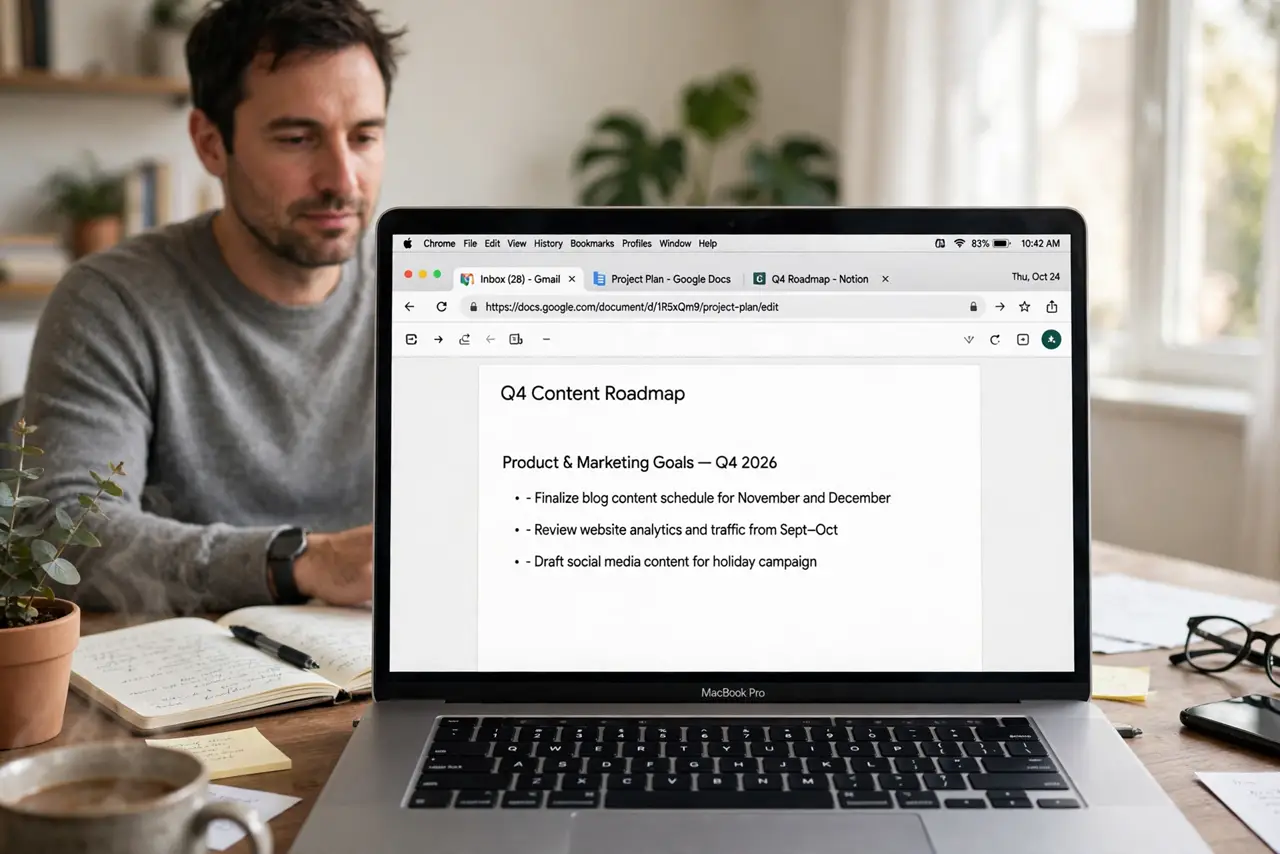
Quick fix: close video and social tabs, turn on Chrome Memory Saver, and quit Chrome when you do not need it. For long unplugged work, switch to Safari and compare battery life. Then test the fix for a full day before changing anything else.
Follow these steps
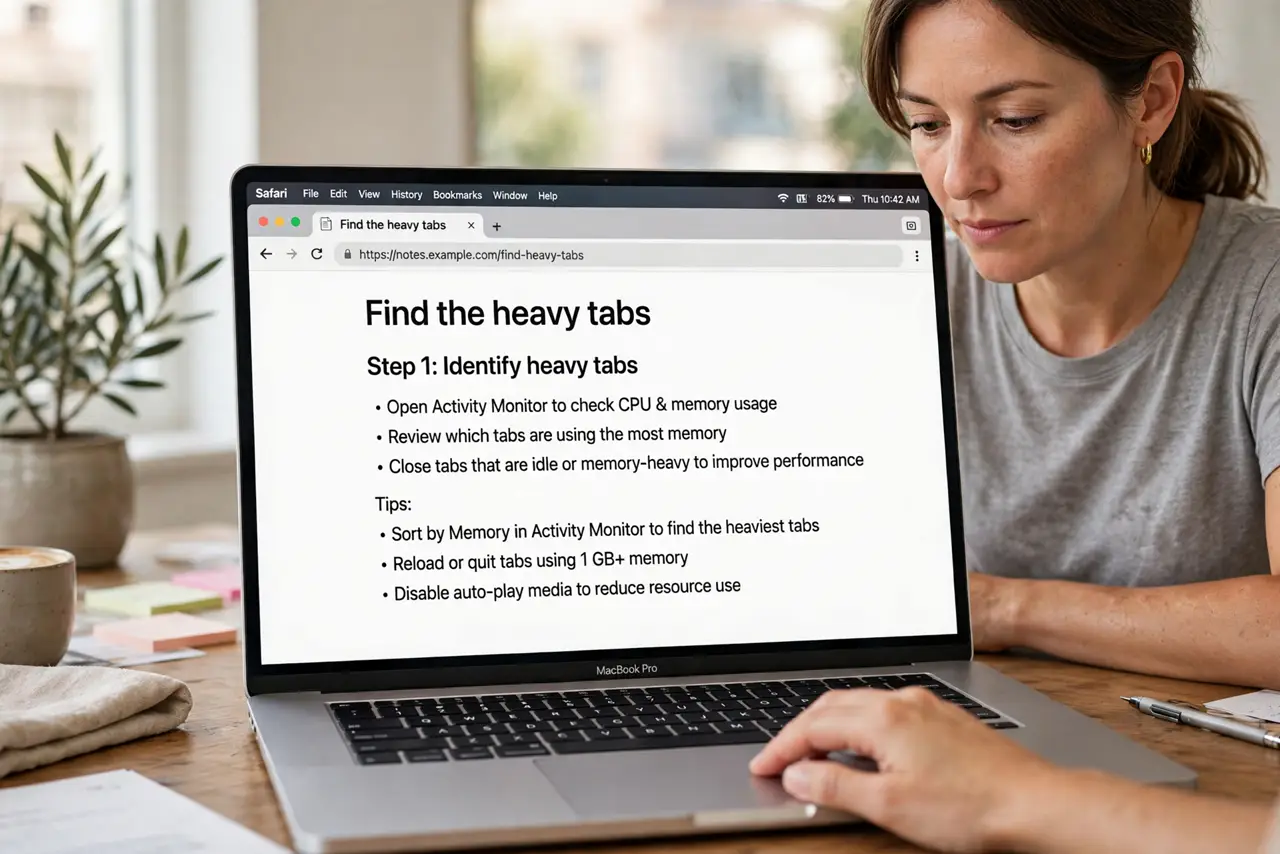
- Find the heavy tabs. Open Chrome, then the three-dot menu, then More Tools, then Task Manager, and look for tabs using the most memory and CPU. Close the heaviest ones first.
- Turn on Memory Saver. Open Chrome settings, then Performance, and turn on Memory Saver. This frees memory from inactive tabs instead of letting them run all day.
- Limit video autoplay and background tabs. Pause videos you are not watching and close tabs that auto-refresh. Video and live feeds are the biggest battery costs in a browser.
- Check Chrome in Activity Monitor. Open Activity Monitor and sort by Energy Impact to see how much Chrome uses. Compare it with Safari on the same task for a fair picture.
- Update Chrome and macOS. Install pending Chrome and system updates, since updates often fix energy bugs. Restart Chrome after updating and retest.
- Use Safari for long unplugged sessions. If you need maximum battery, use Safari for reading and writing while unplugged, and save Chrome for tasks that need it. The difference is often obvious.
What NOT to do
- Do not leave dozens of tabs open all day. Every live tab costs memory and energy, even when you are not looking at it.
- Do not install a battery saver extension to fix Chrome. Extensions add load of their own and rarely beat closing tabs.
- Do not assume the battery is failing because Chrome drains it. Compare with Safari first, since Chrome is heavier by design.
- Do not run video in several tabs at once. Multiple videos multiply battery use faster than any single setting can offset.
Frequently asked questions
Is Chrome worse for battery than Safari?
Yes, in general. Safari is built for Mac energy efficiency, while Chrome uses more memory and CPU for the same pages.
Will Memory Saver lose my tabs?
No. Memory Saver frees inactive tabs but keeps them in place, reloading them when you return.
What if Chrome still drains fast with few tabs?
Check Activity Monitor for a stuck tab or extension, update Chrome, and test the same work in Safari.