Mac Clock Wrong After Sleep? Fix the Time
Your Mac wakes from sleep showing the wrong time, and messages and files get odd timestamps. Sleep can leave the clock stale if automatic time is off or the time server cannot be reached. Turn automatic time on and let it resync.

TL;DR / Quick Fix
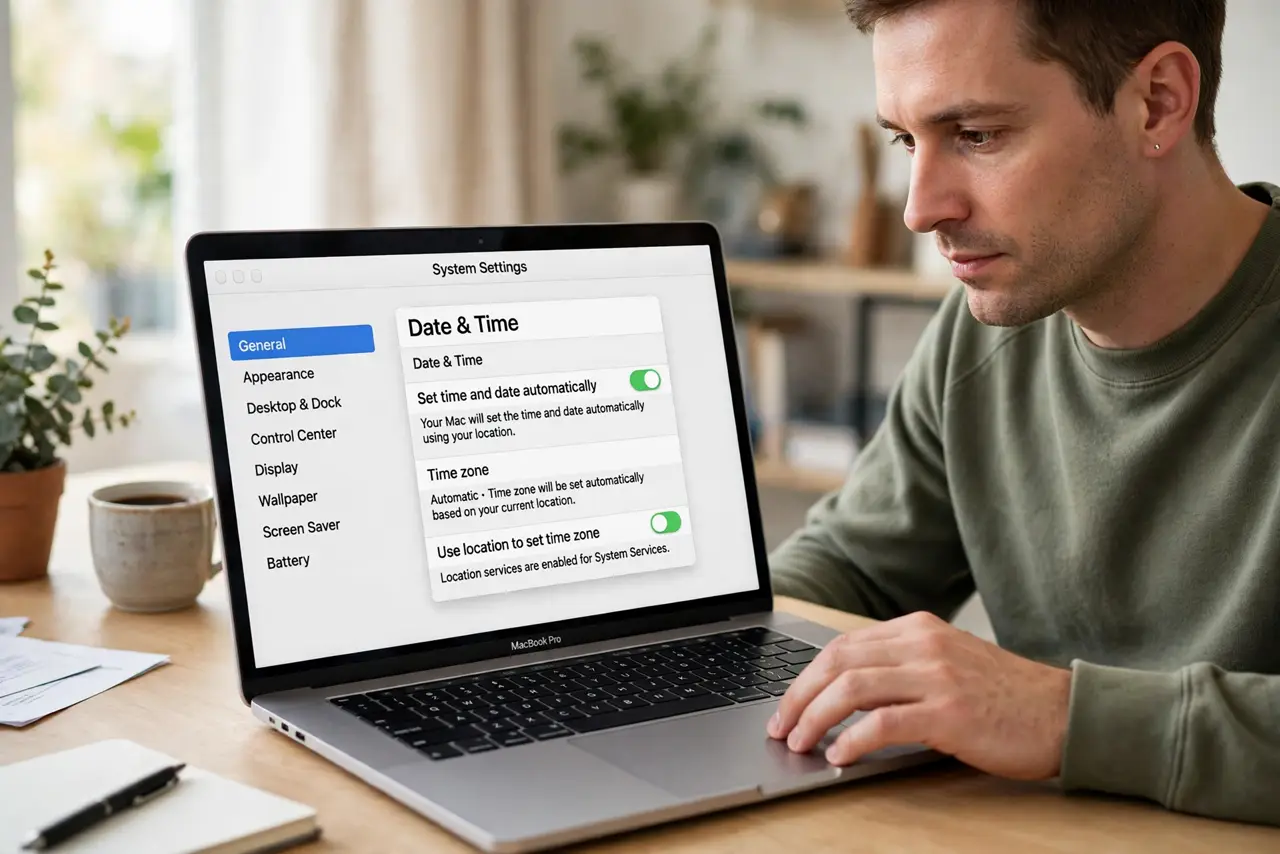
Quick fix: open System Settings, then General, then Date and Time, and turn on Set time and date automatically. Wake the Mac, wait a minute connected to the internet, and check the clock again. Then test the fix for a full day before changing anything else.
Follow these steps
- Turn automatic time on. Open System Settings, then General, then Date and Time, and turn on Set time and date automatically. Automatic time corrects drift after sleep.
- Confirm the time zone. In the same pane, confirm the time zone is correct, with automatic zone on or your manual zone chosen. A wrong zone looks like a wrong time.
- Connect to the internet and wait. Connect to Wi-Fi, then wait a minute after waking. The Mac needs a connection to reach the time server and correct the clock.
- Toggle automatic time off and on. Turn automatic time off, wait a few seconds, then turn it back on. This forces a fresh time check without changing other settings.
- Restart the Mac if time stays wrong. Restart the Mac and check the clock after it boots. A restart clears a stale clock state that sleep sometimes leaves behind.
- Check the battery if the problem repeats. If the clock is wrong after every sleep, especially on an older Mac, the internal battery that keeps time may be weak. Note the pattern for service.
What NOT to do
- Do not set the time by hand every morning. Manual setting masks the real cause and drifts again after the next sleep.
- Do not change the time zone to fix a wrong clock. A zone change shifts displayed time but does not fix a clock that fails to sync.
- Do not ignore a clock that is always wrong after sleep. Wrong timestamps affect messages, files, and security checks.
- Do not reset system settings as a first step. Automatic time and a restart fix most sleep clock problems without a reset.
Frequently asked questions
Why is the clock wrong after sleep?
Sleep can pause time syncing, and without automatic time the clock stays stale until it resyncs.
Will automatic time fix it every time?
Usually yes, once the Mac connects to the internet after waking. Give it a minute to reach the time server.
What if the clock is wrong even after restart?
Check the time zone, then consider that the internal time-keeping battery may need service on an older Mac.