Mac Language Switches by Itself? Stop the Switch
Menus and apps suddenly appear in another language, and you did not change anything on purpose. The language order or a per-app setting changed. Set your primary language first, remove extras you do not use, and check the app that switched.
TL;DR / Quick Fix
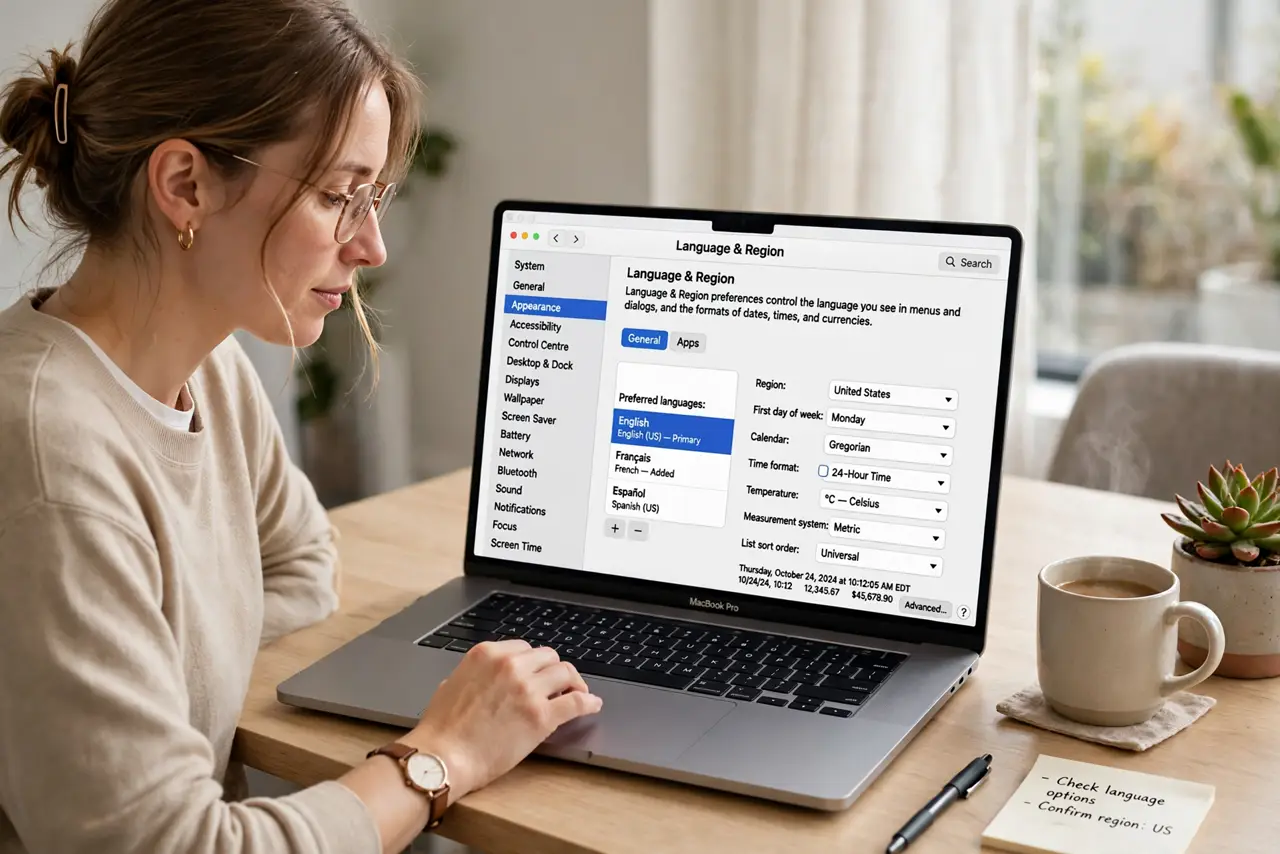
Quick fix: open System Settings, then General, then Language and Region, and drag your language to the top. Remove languages you do not use, then quit and reopen the app that switched. Then test the fix for a full day before changing anything else.
Follow these steps
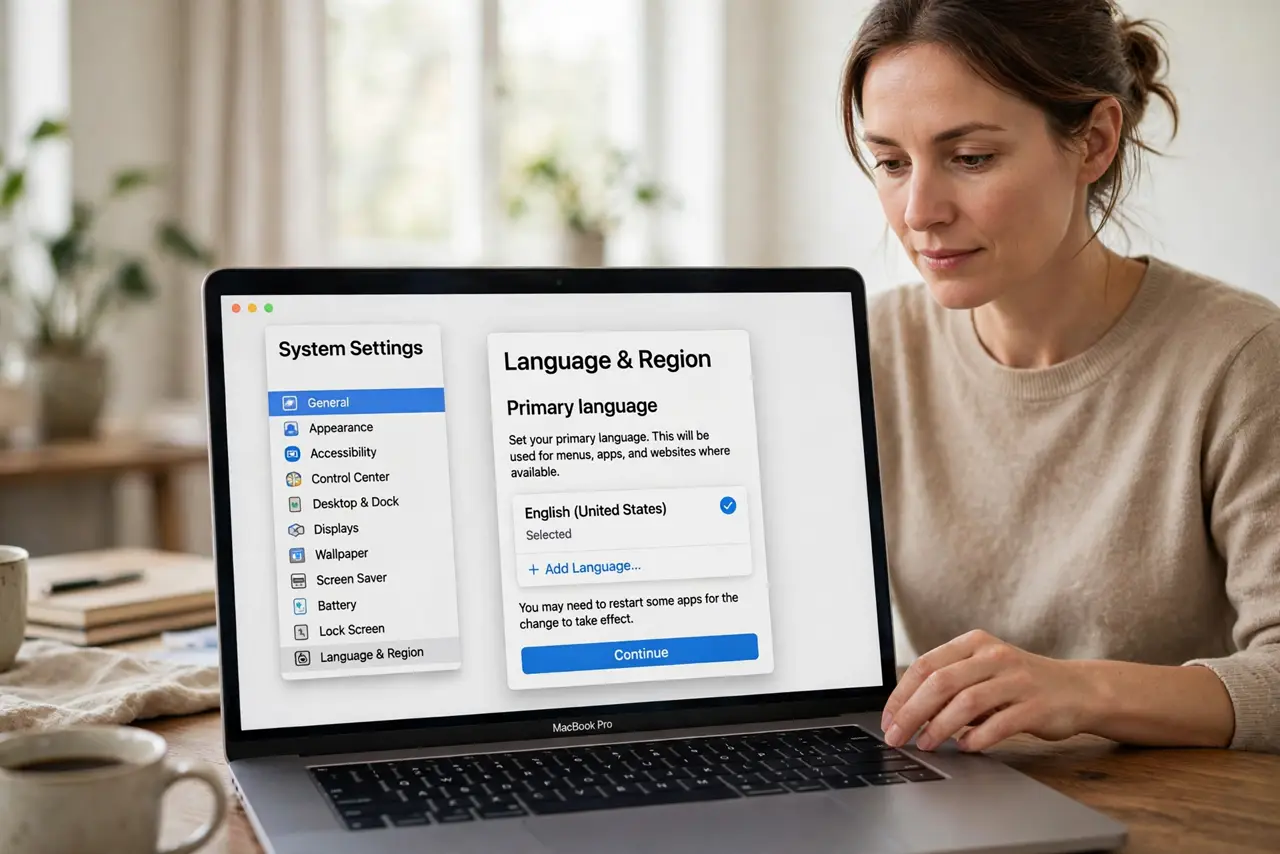
- Set your primary language. Open System Settings, then General, then Language and Region, and drag your language to the top of the list. The top language is the one apps should use.
- Remove languages you do not use. Select extra languages in the same pane and remove them, keeping only languages you actually read. Fewer languages means fewer accidental switches.
- Quit and reopen the switched app. Quit the app that changed language, then reopen it. Apps read the language order at launch, so a running app may not update until restarted.
- Check per-app language settings. Some apps have their own language choice in their settings. Open the app settings and confirm it follows the system language or your choice.
- Restart the Mac if menus still differ. Restart the Mac and check menus again. A restart applies the new language order across the system cleanly.
- Check keyboard input separately. Language for menus and language for typing are separate. If typing changed too, check Keyboard Input Sources as a separate setting.
What NOT to do
- Do not change the region to fix language. Region affects formats like dates, while language order controls menus and app text.
- Do not keep every language installed just in case. Extra languages increase the chance of an accidental switch.
- Do not reinstall an app for a language change. Language order and a restart fix most switches without reinstalling.
- Do not ignore per-app settings. A single app can override the system language, making the system look broken when it is not.
Frequently asked questions
Why did my Mac switch languages?
Usually the language order changed, or one app uses its own language setting. Resetting the order fixes most cases.
What is the difference between language and region?
Language controls menus and app text. Region controls date, time, and number formats. They are separate settings.
Why is only one app in another language?
That app likely has its own language setting. Check the app settings and set it to follow the system.