Rearrange Control Center
Your menu bar is a yard sale — Wi-Fi buried, Bluetooth missing, and toggles you never touch hogging space. Control Center settings decide which controls live in the menu bar, which hide inside Control Center, and which vanish. Ten minutes here pays off daily.
TL;DR / Quick Fix
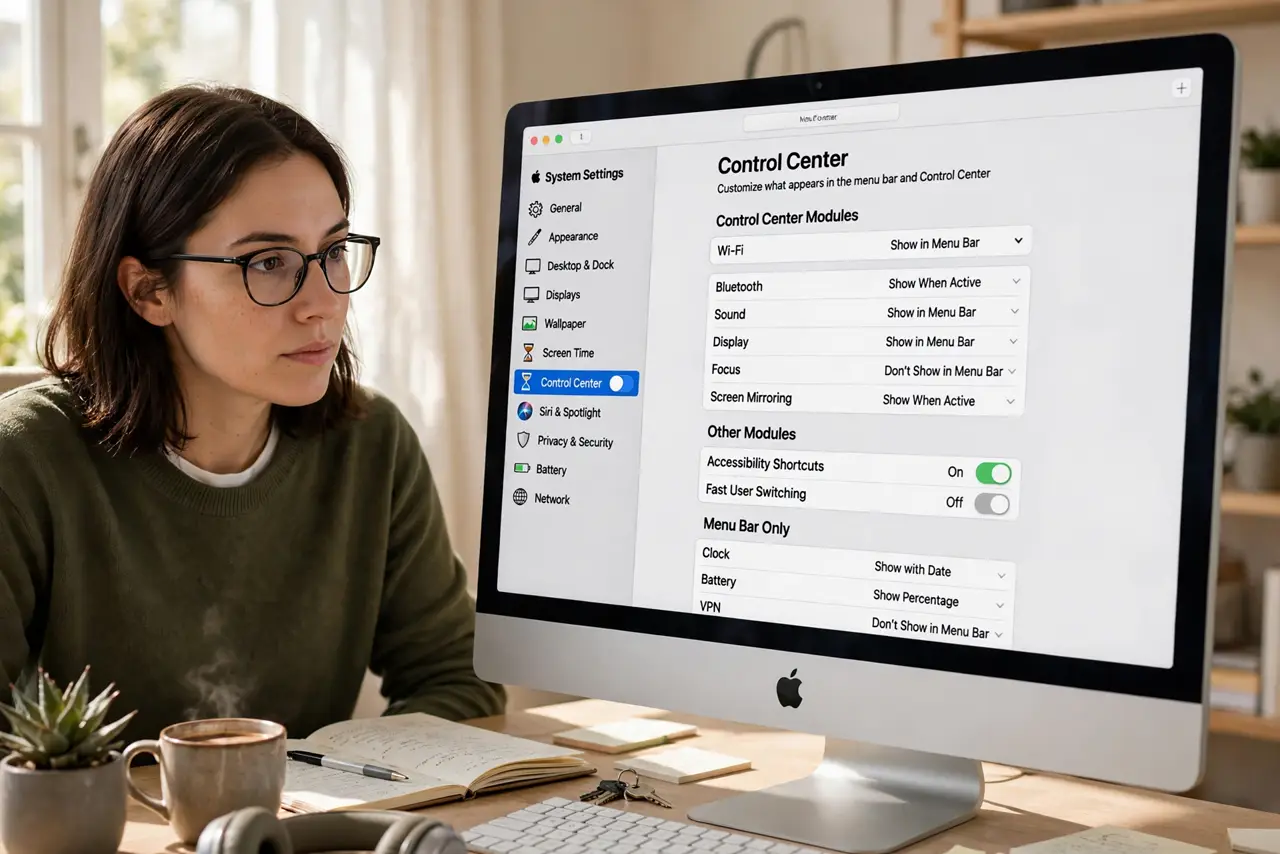
Quick fix: open System Settings > Control Center to choose which controls appear — Wi-Fi, Bluetooth, Sound, Focus, and more can each show always, in the menu bar, or never. Drag menu bar icons to reorder them while holding Command. The Control Center icon itself stays put.
Follow these steps
- Open Control Center settings. Open System Settings and go to Control Center. Every module gets its own row with a dropdown.
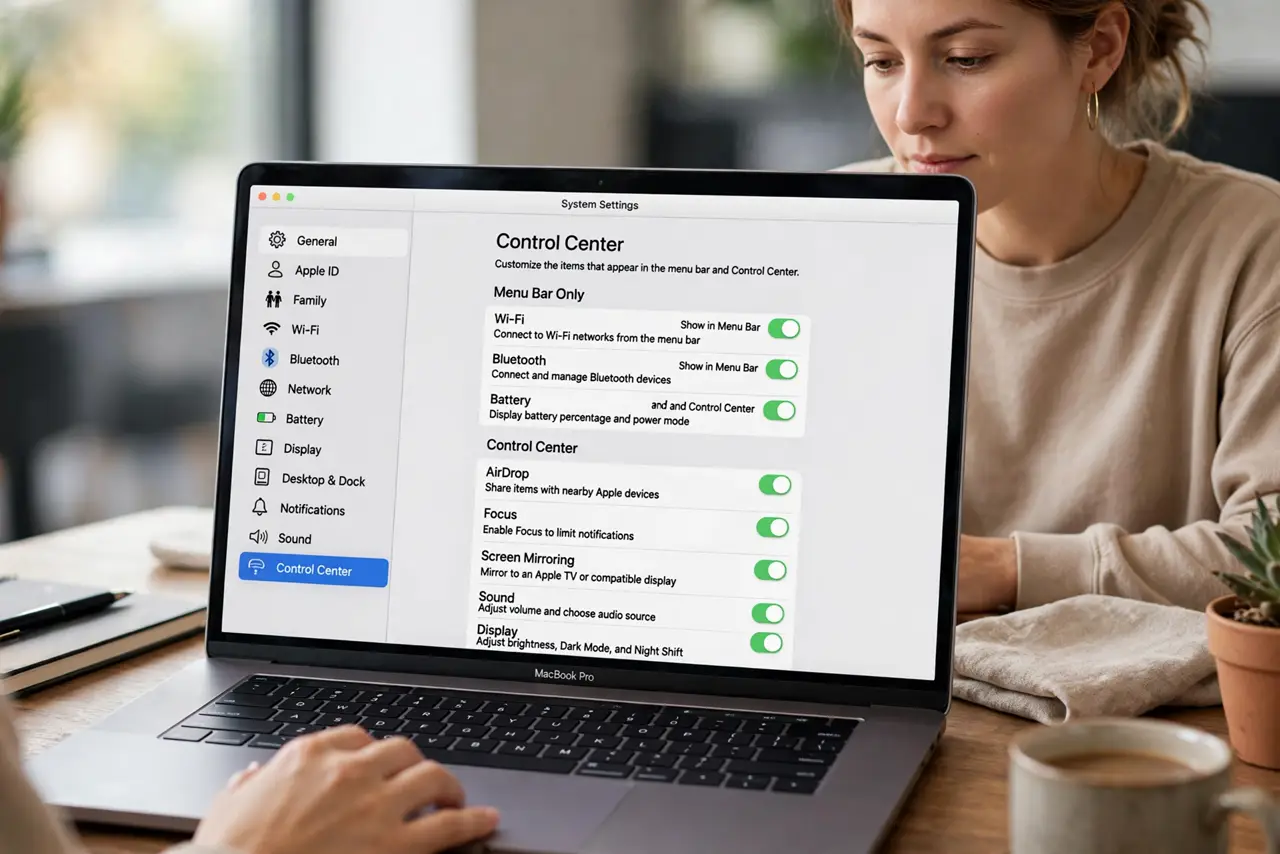
- Choose per-module visibility. For each control pick Show in Menu Bar, Show in Control Center, or Don't Show. Wi-Fi in the bar, Stage Manager hidden — your call.
- Reorder with Command-drag. Hold Command and drag menu bar icons left or right. This rearranges the actual bar, and it works for third-party icons too.
- Keep essentials in the bar. Wi-Fi, battery, and sound earn permanent spots. Everything else can live one click away inside Control Center.
- Declutter ruthlessly. If you have not clicked a toggle in a month, set it to Don't Show. A short bar is a findable bar.
- Fix a [[missing Wi-Fi toggle|mac-control-center-wifi-toggle-missing]] here too. If Wi-Fi vanished from the bar entirely, its dropdown on this page is the first place to check.
What NOT to do
- Do not set everything to Show in Menu Bar. A bar that overflows hides icons unpredictably — curate, do not hoard.
- Do not Command-drag third-party icons expecting all to move. Most move; a few stubborn ones need their own app's preferences.
- Do not confuse Control Center with Notification Center. Control Center is toggles; Notification Center is alerts — different icons, different jobs.
- Do not forget the reorder trick needs Command held. Dragging without Command does nothing, which confuses everyone once.
Frequently asked questions
Why did my Wi-Fi icon disappear from the menu bar?
Its dropdown got set to Don't Show, or a crowded bar hid it. The Control Center page restores it in one click.
Can I remove the Control Center icon itself?
No — it is permanent. But you can empty what lives inside it until it is just the icon.
Do these settings sync to my other Mac?
Some do via iCloud, some do not. Check each Mac after a fresh setup rather than assuming.