Change the Default Browser
Every link you click opens in Safari, but you live in Chrome — or Firefox, or Arc. macOS lets any browser be the default; the setting just moved in recent versions and now hides in an unintuitive spot. Changing it takes twenty seconds once you know where Apple put it.
TL;DR / Quick Fix
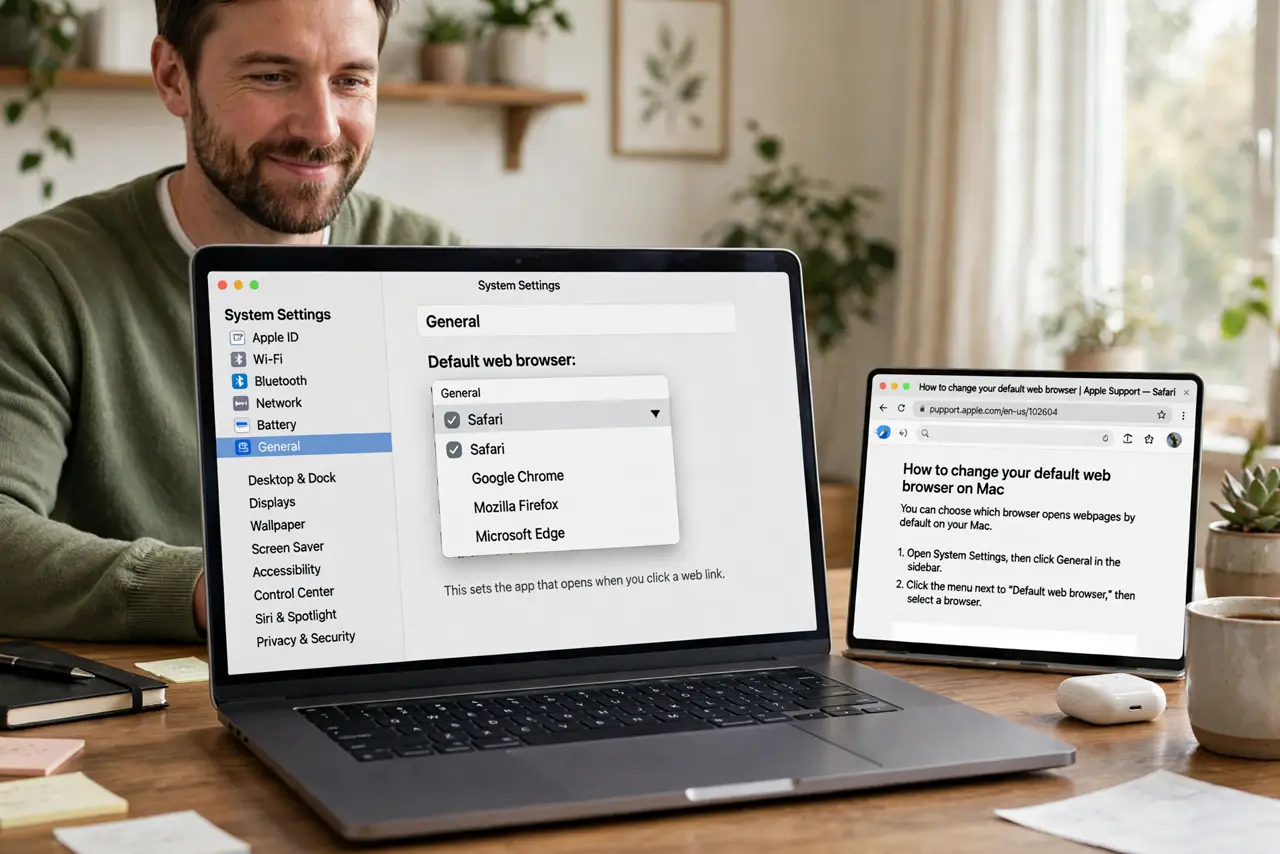
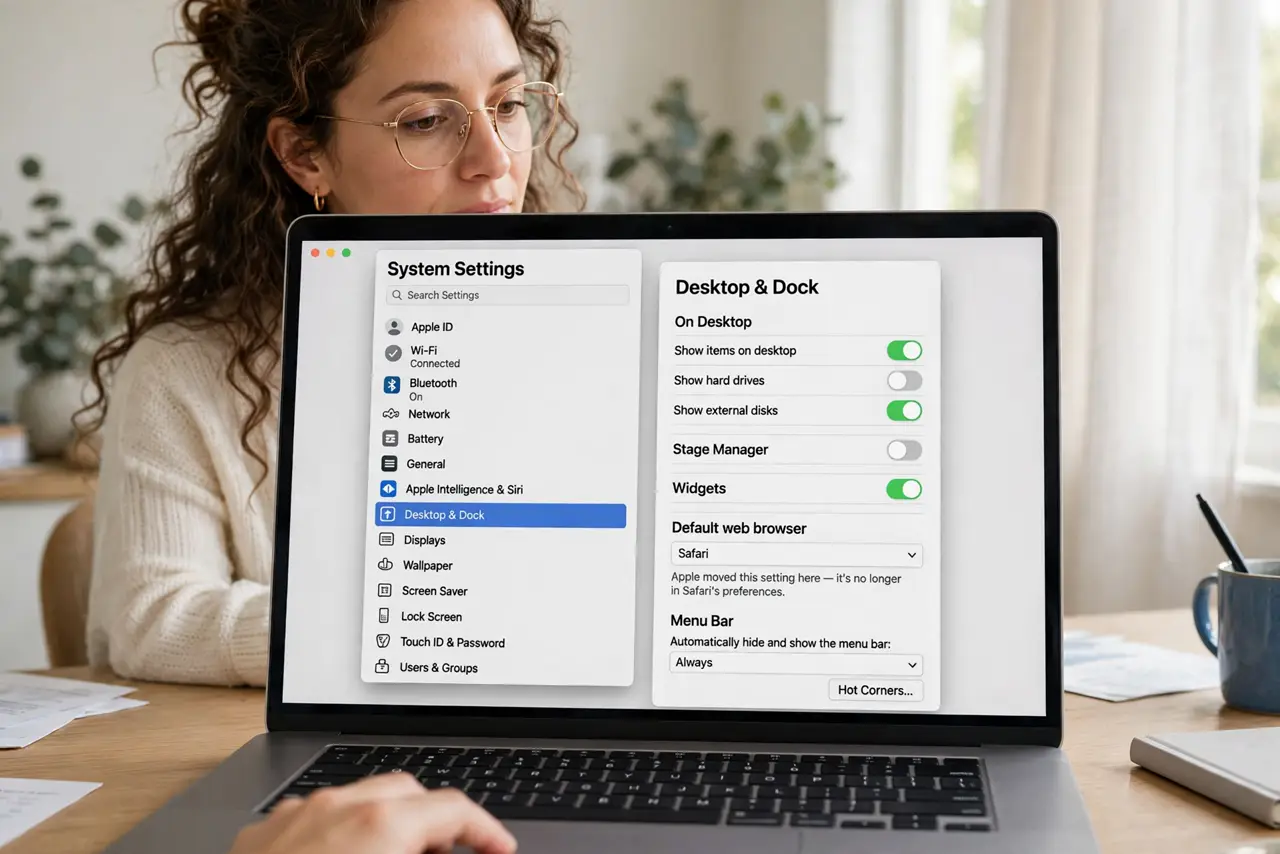
Quick fix: open System Settings > Desktop & Dock, find Default web browser, and pick your browser from the list. The change applies instantly — links from Mail and other apps now open there. If the setting keeps reverting, check for management profiles or a misbehaving browser.
Follow these steps
- Open the right settings pane. Go to System Settings > Desktop & Dock and scroll to 'Default web browser'. Apple moved this setting here — it's no longer in Safari's preferences.
- Pick your browser. Click the dropdown and choose your installed browser. Only properly installed browsers appear — a browser still sitting in Downloads won't list.
- Test it immediately. Click a link in Mail or Notes. It should open in your chosen browser — if Safari still grabs it, the change didn't stick; repeat the step.
- Handle the revert problem. If the default keeps flipping back, a browser may be reasserting itself on launch — check each browser's own 'make default' setting. See when the setting will not stay.
- Check for management profiles. On a work or school Mac, a device profile can lock the default browser. System Settings > General > Device Management shows if one controls it — that's an admin decision, not a bug.
- Set per-app exceptions if needed. Some links (like in specific apps) can be forced to a browser via that app's settings or with third-party tools. The system default covers everything else.
What NOT to do
- Do not change it inside Safari's preferences. That setting moved years ago — Desktop & Dock is the current location, and the old path just wastes your time.
- Do not install a browser and expect it to become default automatically. Browsers ask on first launch; saying 'not now' leaves Safari in charge until you change it manually.
- Do not fight a management profile. If your organization locks the default, no settings trick overrides it — ask IT instead of troubleshooting in circles.
- Do not confuse default browser with default search engine. The browser is the app; the search engine is set inside the browser — changing one doesn't change the other.
Frequently asked questions
Why does my Mac keep switching back to Safari?
Another browser is reclaiming the default on launch, or a profile enforces it. Check each browser's settings and Device Management — see the full fix.
Can different apps use different browsers?
Not natively — macOS has one system default. Third-party utilities can route links per app or per domain if you need that.
Does changing the default delete my Safari data?
No — bookmarks, history, and passwords stay in Safari untouched. You're only changing which app opens links.