'Not Enough Storage' for iCloud Photos
You try to turn on iCloud Photos and get told there is not enough storage, even though the Mac has room. iCloud storage is separate from Mac storage, and the free 5GB fills fast. Unlike an iPhone full but iCloud has space situation, here the cloud bucket itself is the problem. This guide sorts out which storage is full and what to do.

TL;DR / Quick Fix
Quick fix: check Apple ID settings, iCloud, Manage Storage to see what fills your iCloud space. Unlike an iPhone full with iCloud room, here iCloud itself is the bottleneck: delete old backups, or upgrade the storage plan if photos matter.
Follow these steps
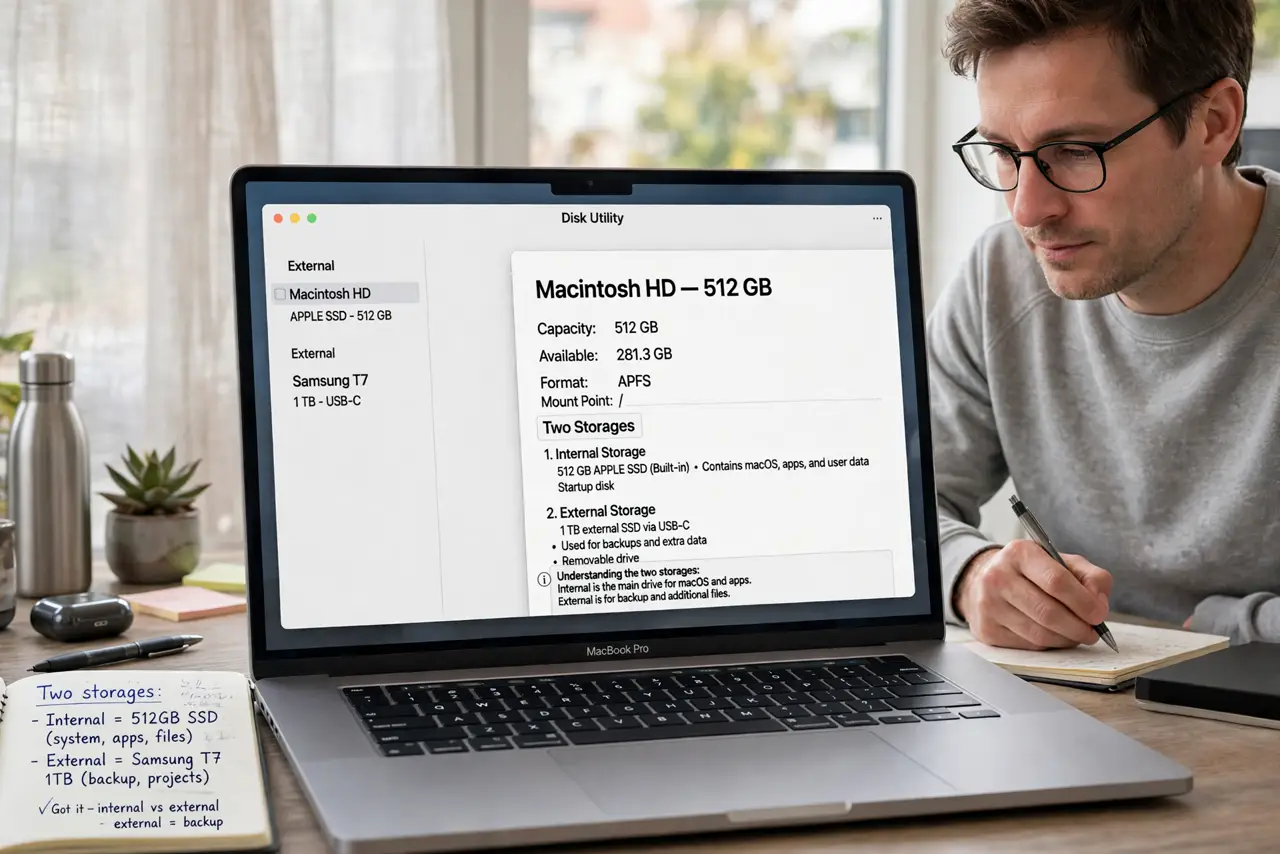
- Understand the two storages. Mac disk space and iCloud space are separate buckets. A roomy Mac does not help when the 5GB iCloud bucket is full, which is the most common confusion.
- See what fills iCloud. Open System Settings, then Apple ID, then iCloud, then Manage Storage. The breakdown shows whether photos, backups, or documents eat the space.
- Delete old device backups. Old iPhone and iPad backups often hog gigabytes. Delete backups for devices you no longer own before touching a single photo.
- Trim iCloud Drive clutter. Large files in iCloud Drive count against the same bucket. Move finished projects to the Mac or an external drive.
- Decide: upgrade or prune. If photos genuinely exceed 5GB, the paid tier is the honest fix. If backups and clutter exceed it, pruning restores the free tier.
- Enable iCloud Photos last. Only after freeing or buying space, turn on iCloud Photos. Enabling it first just queues an upload that cannot complete.
What NOT to do
- Do not delete photos from the Mac hoping to fix iCloud. The iCloud bucket is the full one; Mac deletions change nothing there.
- Do not buy storage before checking backups. Many people pay monthly for space that dead backups were wasting.
- Do not turn on iCloud Photos mid-cleanup. Let the storage settle first, or half-synced libraries create confusing duplicates.
- Do not forget shared family storage. A family member's usage can fill a shared plan, so check the family breakdown.
Frequently asked questions
How much iCloud storage is free?
5GB, shared across photos, backups, Drive, and mail. It fills faster than most people expect.
Why is iCloud full when my Mac is empty?
Because they are separate. iCloud holds your synced data; the Mac holds local files. One can be full while the other is empty.
Can I use iCloud Photos without paying?
Only if your library fits in the free 5GB after pruning backups and clutter. Most photo libraries do not.