Desktop Files Vanished on Mac? Fix It
Your Desktop files vanished — the folders are empty and the files are nowhere to be found. They are almost never deleted: iCloud's Desktop sync moved them, a second user profile hides them, or a Finder view glitch conceals them. This guide finds them and brings them back.
TL;DR / Quick Fix
Quick fix: check iCloud Drive's Desktop folder in Finder — Desktop sync moves files there, not deletes them. Also search by filename in Spotlight and check the Trash. Turn off Desktop sync only after you confirm where every file went.
Follow these steps
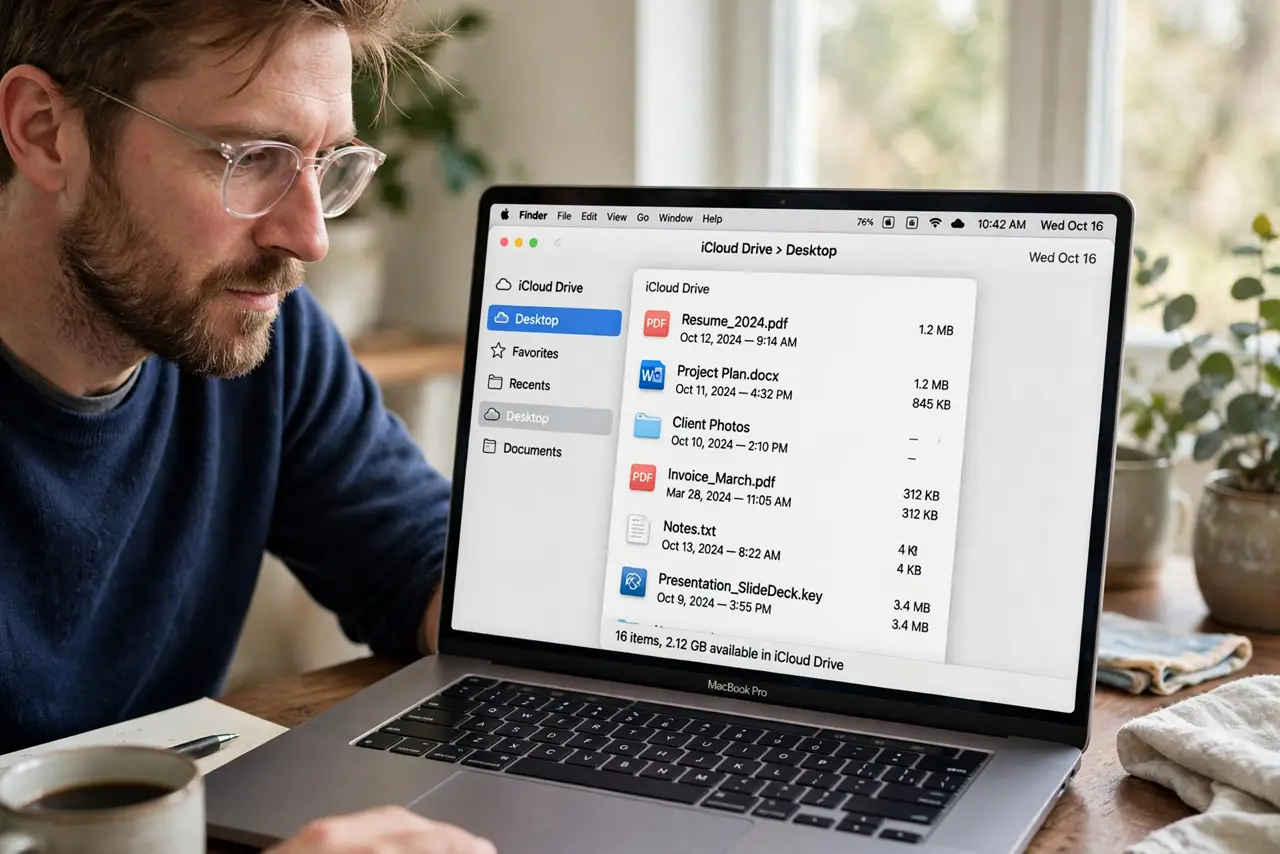
- Look in iCloud Drive's Desktop folder. Open Finder > iCloud Drive > Desktop. If 'Desktop & Documents Folders' sync is on, your files live here now — the local Desktop just mirrors this folder.
- Search by filename. Press Command + Space and type a missing file's name. Spotlight searches the whole Mac including iCloud, and often reveals the file sitting somewhere unexpected.
- Check the Trash. Open the Trash and look for your files. An accidental drag or a misclicked selection can trash a whole Desktop without you noticing.
- Check other user profiles. If someone else uses the Mac, log into their profile and check their Desktop. Files saved under the wrong profile look 'vanished' from yours.
- Verify Finder shows the Desktop. In Finder Settings, make sure hard disks and connected servers are set to show. A view setting can hide Desktop icons without moving any files.
- Decide about Desktop sync deliberately. Once files are found, choose whether to keep iCloud Desktop sync on. Turning it off moves files back locally — do it once, deliberately, not mid-panic.
What NOT to do
- Do not re-download or recreate files immediately. Duplicates across iCloud and local copies create a mess that is harder to untangle than the original problem.
- Do not turn off Desktop sync before finding the files. Disabling sync mid-confusion can strand files in iCloud while the local copies vanish.
- Do not empty the Trash in a panic. If your files landed there, emptying deletes the only copies.
- Do not assume iCloud deleted anything. iCloud moves and syncs; it does not silently delete your Desktop.
Frequently asked questions
Where did my Mac Desktop files go?
Usually into iCloud Drive's Desktop folder via sync, into the Trash by accident, or under another user profile. Check all three.
Does iCloud delete Desktop files?
No. It relocates them into iCloud Drive when Desktop sync is on. The files still exist — just in a new place.
How do I stop iCloud from moving my Desktop files?
Turn off 'Desktop & Documents Folders' in iCloud Drive settings, after confirming where every file currently lives.