Sort the Desktop by Date Added
Your desktop is a archaeological dig — new downloads land wherever they please, and finding today's file means scanning everything. Sorting the desktop by Date Added lines files up in arrival order, so the newest is always in the same spot. Ten seconds to set.
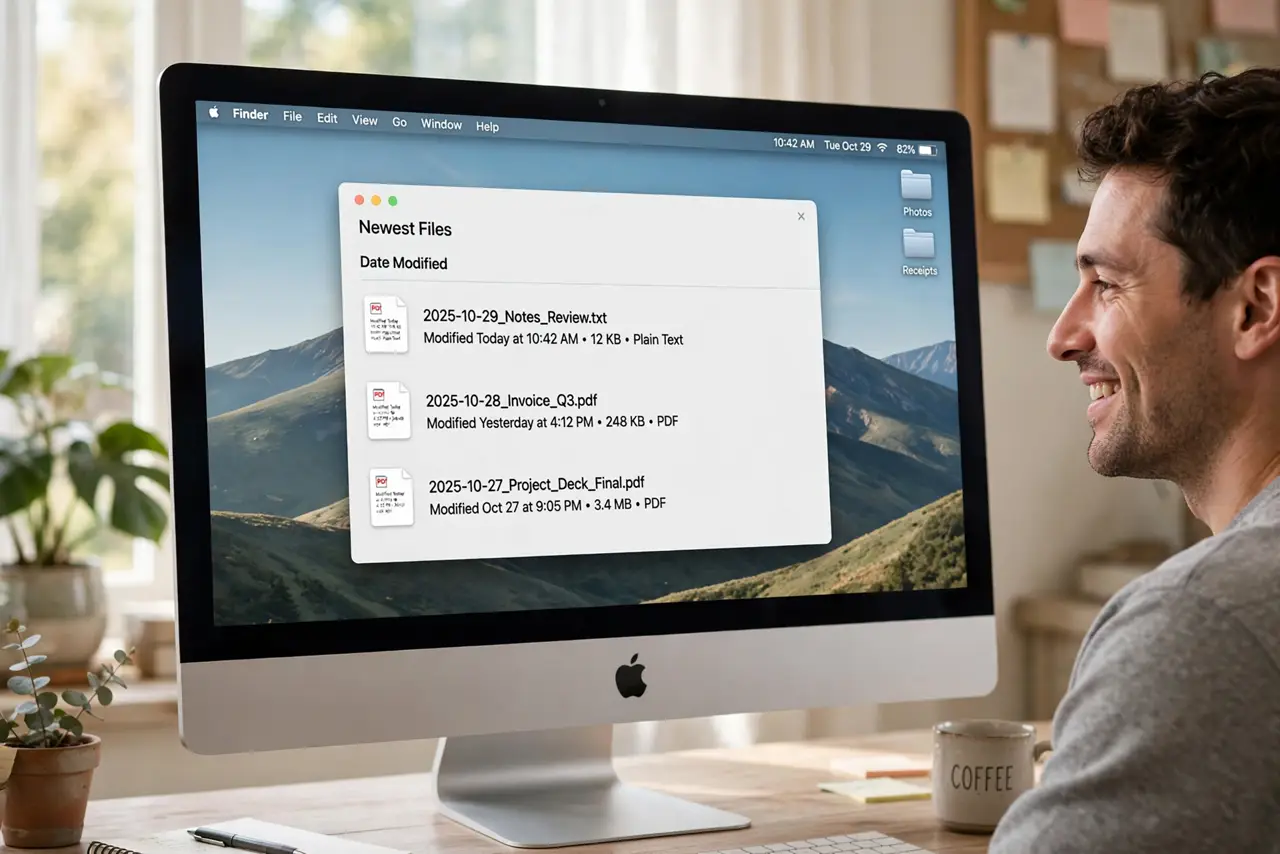
TL;DR / Quick Fix
Quick fix: right-click the desktop, choose Sort By > Date Added — newest files land at the end. Date Added needs Stacks off or a sorted view to show properly. For automatic tidiness, consider Stacks instead, which groups by kind. The setting is per-desktop in View Options.
Follow these steps
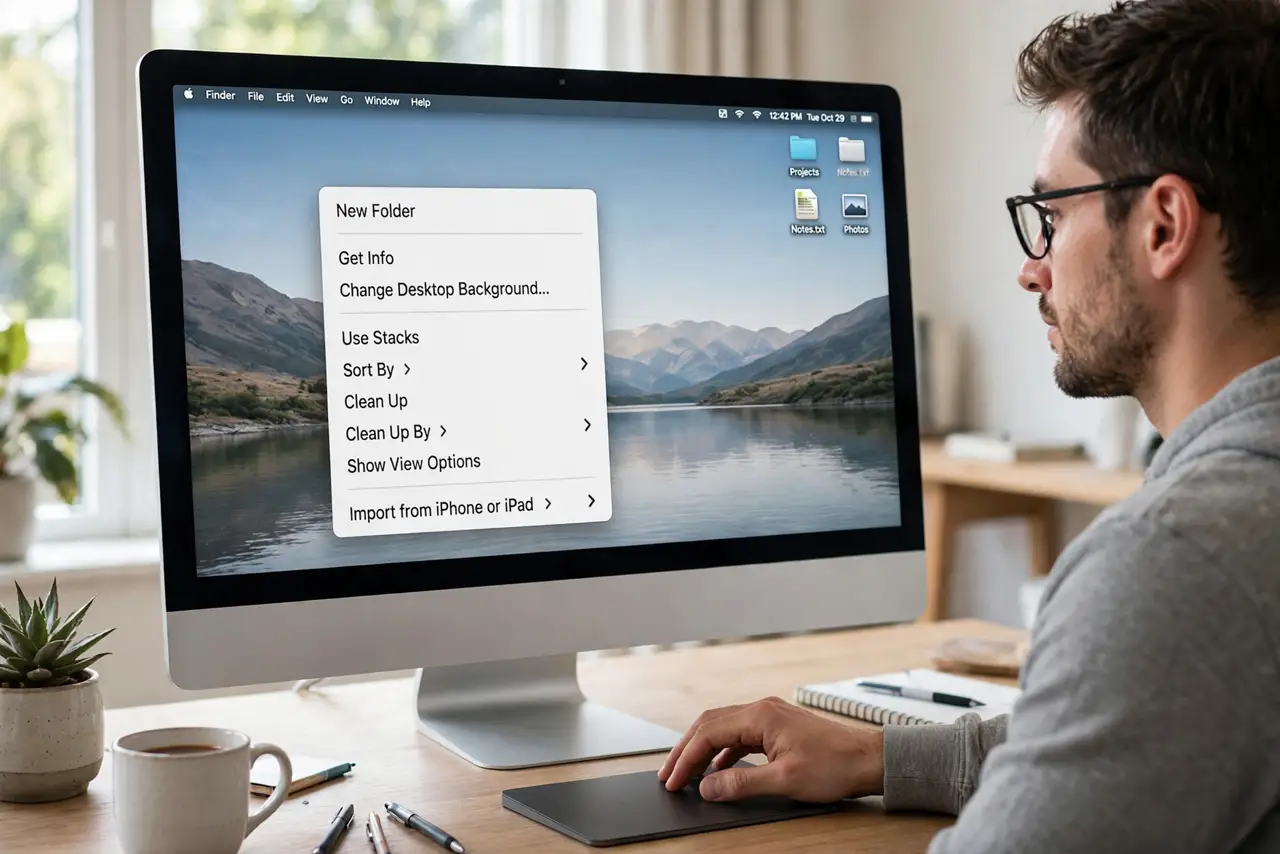
- Right-click the desktop. Control-click any empty desktop area to open the desktop context menu.
- Choose Sort By > Date Added. Pick Date Added from the Sort By submenu. Files arrange in arrival order; the newest sits at the end of the line.
- Turn Stacks off if needed. If Stacks is on, files group into piles instead. Right-click > uncheck Use Stacks to see the flat sorted layout.
- Fine-tune in View Options. Right-click > Show View Options exposes the desktop's sort and grid settings — icon size, spacing, and sort order in one panel.
- Consider Stacks instead. Use Stacks groups by kind, date, or tags automatically. If sorting alone does not tame the mess, Stacks is the stronger medicine.
- Know Date Added vs Modified. Date Added is when the file arrived here; Modified is when its contents last changed. Downloads want Added; edited work wants Modified.
What NOT to do
- Do not use Clean Up By and expect it to stick. Clean Up arranges once; Sort By keeps arranging as new files arrive.
- Do not sort by Date Added with Stacks on and call it broken. Stacks overrides flat sorting — pick one system.
- Do not confuse Added with Created. A file copied today shows today's Added date even if it was created years ago.
- Do not expect sorting to reduce clutter. Sorting organizes the mess; only deleting or filing reduces it.
Frequently asked questions
What is the difference between Date Added and Date Created?
Added is when the file landed in this folder; Created is when the file itself was born. Copies get a fresh Added date.
Why do new files still land randomly?
You used Clean Up instead of Sort By, or Stacks is interfering. Sort By with Stacks off is the persistent setting.
Can the desktop auto-file into folders?
Not natively. Sort By plus Stacks is as automatic as the desktop gets — real filing still needs folders.