Define Words Anywhere
Unknown words stall your reading — but on a Mac, the definition is one right-click away in almost every app. No Dictionary app to open, no tab to lose your place. This guide turns Look Up into a reflex and extends it to more languages.

TL;DR / Quick Fix
Quick fix: on a Mac, Control-click any word in most apps and choose Look Up to see its definition instantly. It works in Safari, Mail, and documents without opening anything. Add extra dictionaries in the Dictionary app for more languages.
Follow these steps
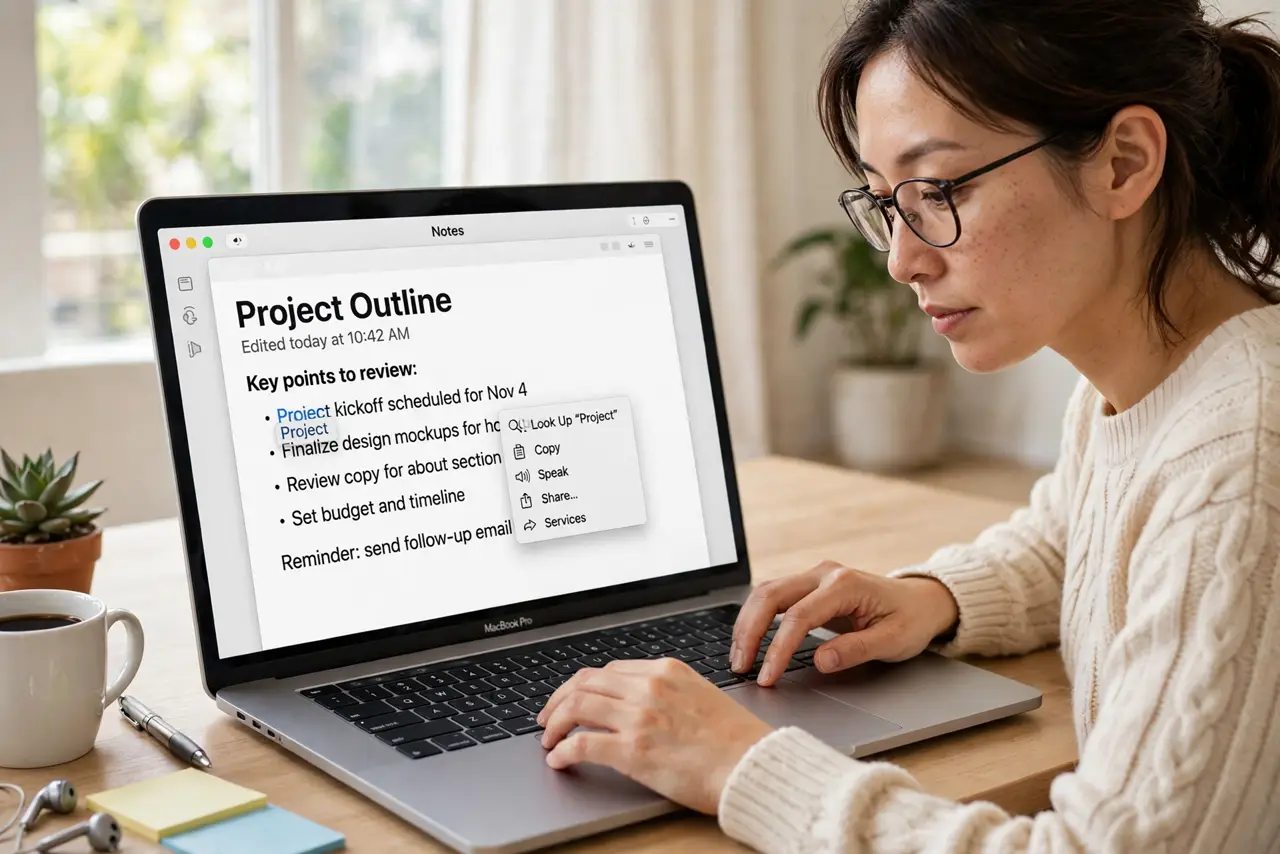
- Control-click any word. In Safari, Mail, Notes, and most apps, Control-click (or two-finger tap) a word to open the context menu.
- Choose Look Up. The definition pops up right where you are reading. Pronunciation, part of speech, and often a thesaurus entry appear together.
- Try it in more apps. Look Up works across Apple's apps and many third-party ones. If an app lacks it, fall back to Spotlight definitions — same dictionaries, different door.
- Add more dictionaries. Open the Dictionary app's settings and enable extra dictionaries — bilingual, medical, technical. Look Up and Spotlight both gain them.
- Look up phrases too. Highlight a phrase, not just a word. Idioms and common expressions often have entries that beat literal guessing.
- Use it while writing. Unsure a word fits? Look it up before you commit. The thesaurus tab suggests sharper alternatives on the spot — lighter than opening the full Translate app for a single word.
What NOT to do
- Do not open the Dictionary app for single words. Look Up is faster and keeps your reading position.
- Do not assume every app supports it. Some cross-platform apps skip macOS text services — Spotlight is the backup.
- Do not ignore the pronunciation button. Hearing a word once beats mispronouncing it in a meeting forever.
- Do not skip adding your languages. The default set is English-centric; your second language needs its dictionary enabled.
Frequently asked questions
Why is Look Up missing from the menu?
The app may not support macOS text services. Try Spotlight instead, or check the app is up to date.
Can I look up words in PDFs?
Yes, in Preview and most PDF readers — select the word, then Control-click, Look Up.
Does it work offline?
Yes — dictionaries are stored locally. No connection needed.