Disk Utility First Aid Stops Early on Mac
First Aid stopping early is unsettling, but it is not always a disaster. Sometimes it stops because the disk is busy, sometimes because it found something it cannot fix while the Mac is running from that same disk.
TL;DR / Quick Fix
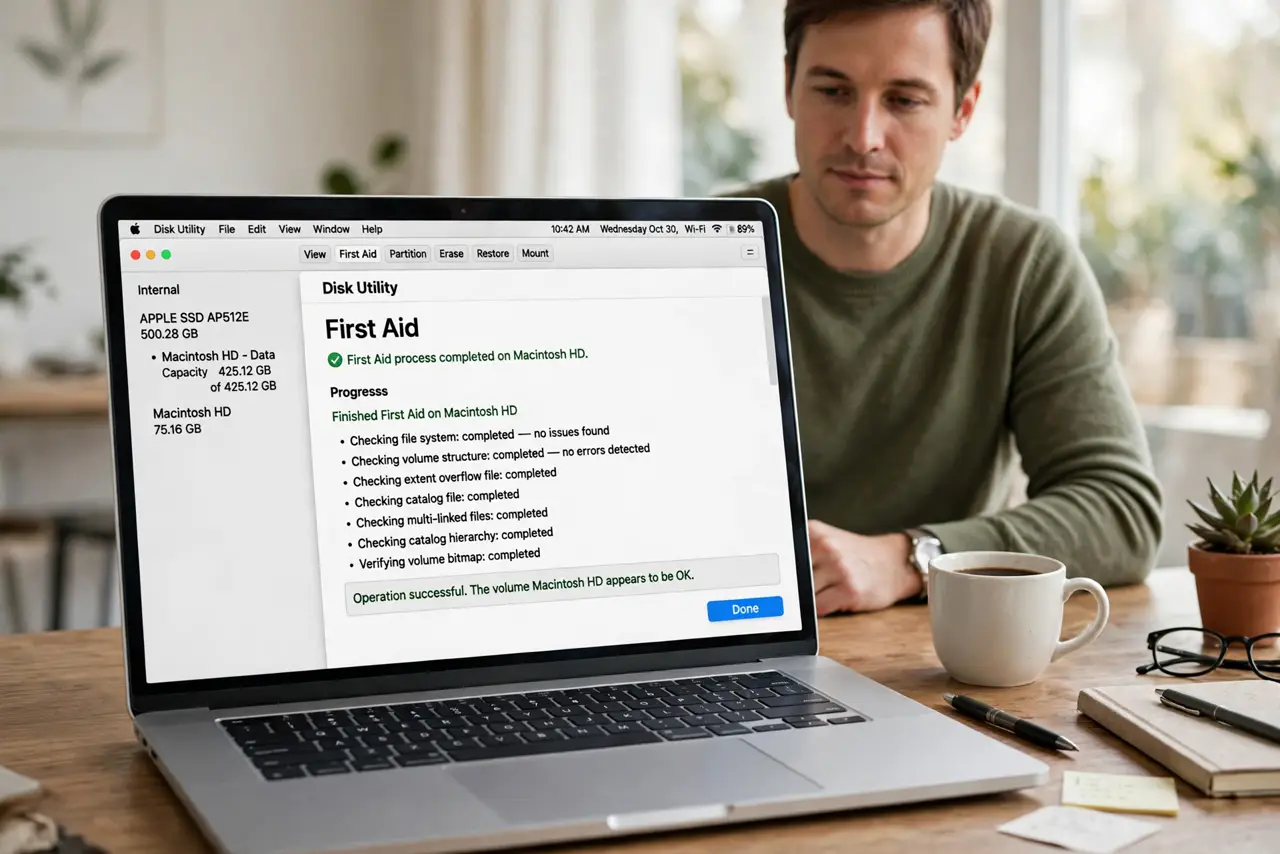
Quick fix: quit open apps, run First Aid again, and note the exact message where it stops. If it stops on the startup disk every time, restart in Recovery and run First Aid there, where the disk is not in active use.
Follow these steps
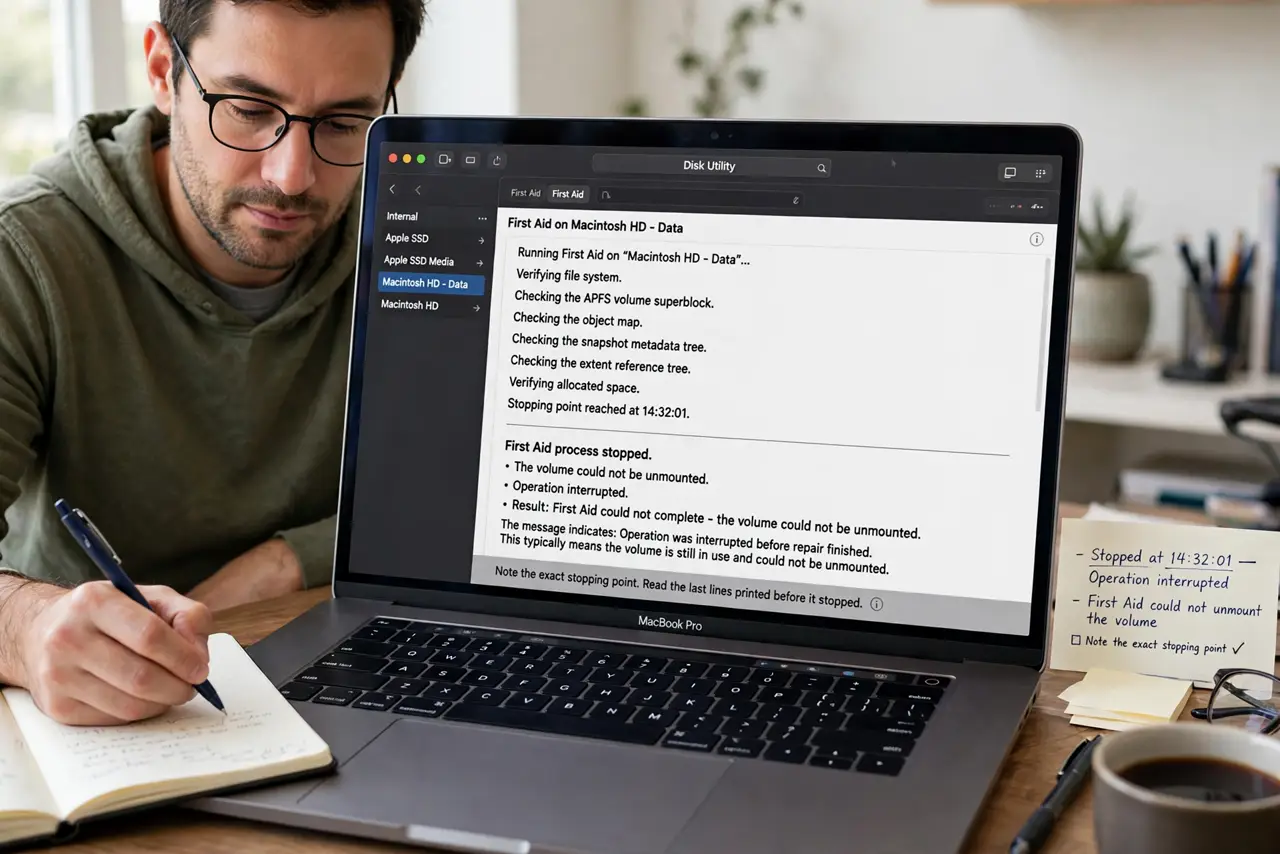
- Note the exact stopping point. Read the last lines First Aid printed before it stopped. The message tells you whether it was interrupted, found an error, or simply could not unmount the disk.
- Quit apps and try again. Close open apps, especially anything using the disk heavily, then run First Aid again. A busy disk is a common and harmless reason for an early stop.
- Try a different disk first. Run First Aid on an external drive if you have one. If that completes fine, the problem is specific to the first disk, not to Disk Utility itself.
- Restart in Recovery. Restart into Recovery mode and run First Aid on the startup disk from there. In Recovery the disk is not running your Mac, so First Aid can check it properly.
- Back up before deeper steps. If First Aid keeps stopping, make sure your important files are backed up before trying anything else. A disk that cannot be checked is a disk worth backing up first.
- Stop and get help if it repeats. If First Aid stops at the same place from Recovery too, stop repeating it and seek professional help. Repeated failed checks will not fix a failing disk.
What NOT to do
- Do not erase the disk just because First Aid stopped once. An early stop is not proof the disk is dead, and erasing destroys data you may not have backed up.
- Do not run First Aid over and over without reading its messages. The message is the diagnosis, and ignoring it wastes the one useful clue you have.
- Do not ignore a disk that repeatedly fails checks. Back up first, then get help, instead of hoping the problem goes away.
- Do not unplug an external drive while First Aid runs. Interrupting a disk check can cause the very damage you were trying to find.
Frequently asked questions
Does First Aid stopping early mean my disk is failing?
Not necessarily. A busy disk or a disk in active use stops First Aid too, which is why Recovery mode is the better test.
Why run First Aid from Recovery?
Because the startup disk is not running macOS in Recovery, so First Aid can unmount and check it without interference.
What if First Aid keeps stopping in Recovery?
Back up your files and get professional help. A repeat failure in Recovery points to a real disk problem.