What Is a DMG File?
You download a Mac app and get a .dmg file instead of an installer — a disk image that opens like a phantom drive on your desktop. It is Apple's normal way of delivering software, and the drag-to-Applications dance confuses every new Mac user exactly once. Here is what is happening.
TL;DR / Quick Fix
Quick fix: a DMG is a disk image — a virtual drive holding the app. Double-click to open it, drag the app into Applications, then eject the disk image and delete the DMG. Never run apps from inside the DMG itself.
Follow these steps
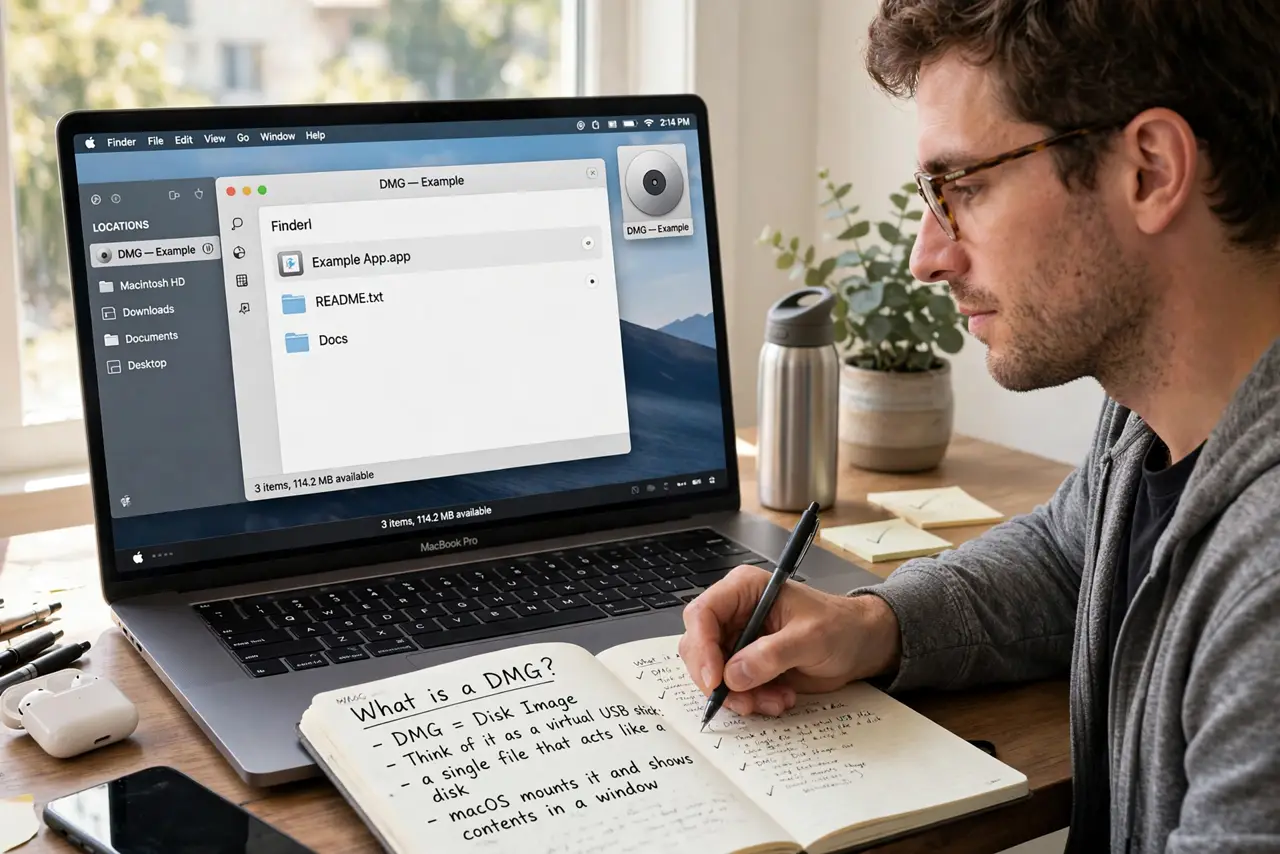
- Understand what a DMG is. Think of it as a virtual USB stick: a single file that acts like a disk. macOS mounts it and shows its contents in a window.
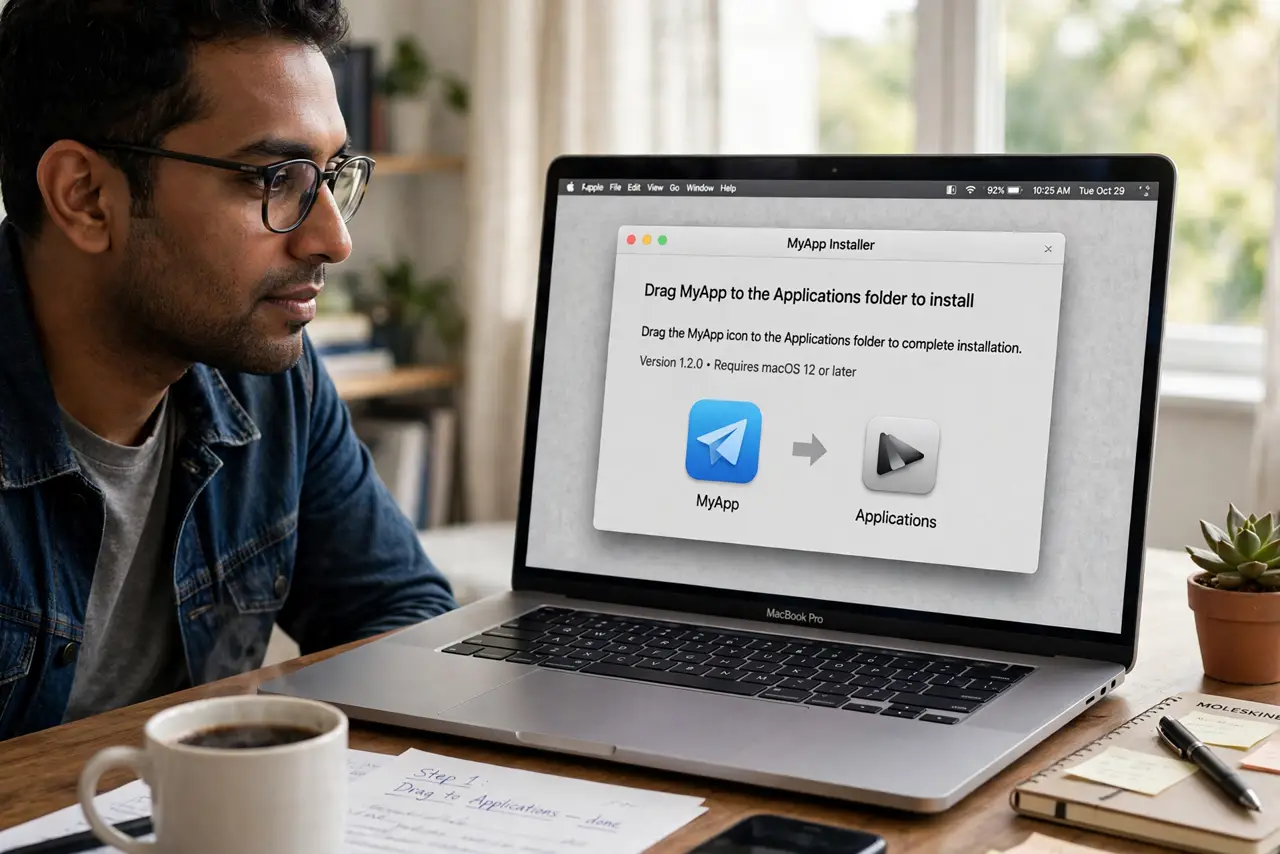
- Double-click to mount it. The DMG opens like a drive, usually showing the app icon and an Applications shortcut with an arrow between them.
- Drag the app to Applications. Drag the app icon onto the Applications folder alias. This copies it to your real Applications folder — the proper install.
- Eject the disk image. Right-click the mounted drive on the desktop or in Finder and eject it. Leaving images mounted clutters the desktop.
- Delete the DMG file. Once the app is in Applications and working, the DMG in Downloads is just a leftover. Trash it to reclaim space — see common DMG file questions.
- Launch from Applications or Launchpad. Open the app from its installed location, not from the DMG. First launch may ask for confirmation — that is normal Gatekeeper behavior.
What NOT to do
- Do not run the app from inside the DMG. It works until you eject the image — then the app disappears.
- Do not keep every DMG in Downloads. They pile up fast; delete them after installing.
- Do not skip the eject step. A desktop full of mounted images is confusing.
- Do not download DMGs from shady sites. Get software from the developer's official site or the Mac App Store.
Frequently asked questions
Why do Mac apps come as DMGs?
It is a simple, reliable delivery format — one file, no installer needed, easy to verify. Drag-and-drop beats setup wizards.
Can I delete the DMG after installing?
Yes. The installed app in Applications is independent; the DMG was just the delivery package.
What if the DMG won't open?
The download may be incomplete — re-download it. If it says the image is corrupt, get it from the official source again.