Mac File Name Too Long? Shorten It Safely
A file refuses to copy, sync, or open because its name is too long, often after nesting in deep folders. The fix is simple: shorten the name, keep the extension, and check the full path, not just the file name.

TL;DR / Quick Fix
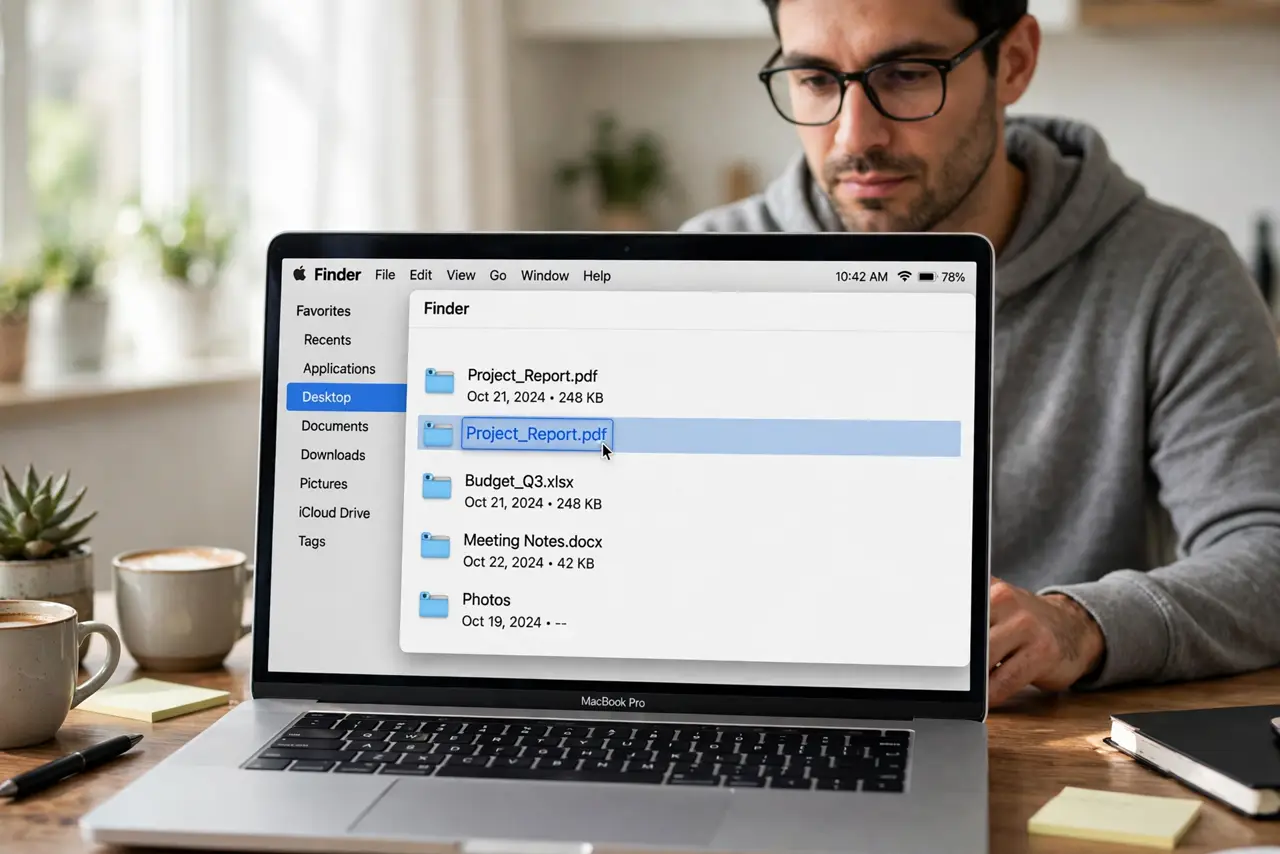
Quick fix: select the file in Finder, press Return, and shorten the name while keeping the extension unchanged. Move the file to a shallower folder if the full path is still very long. Then test the fix for a full day before changing anything else.
Follow these steps
- Rename the file in Finder. Select the file, press Return, and edit the name. Shorten descriptive words first, keeping the name still recognizable.
- Keep the extension unchanged. Do not change the part after the final dot, such as .pdf or .docx. Changing the extension can stop apps from opening the file.
- Shorten the folder path too. If the file sits in many nested folders, move it to a shallower folder. The full path length matters, not just the file name alone.
- Rename one copy at a time. If several files share the long name pattern, rename them one by one and check each rename worked. Batch renames can hide mistakes.
- Try the copy or sync again. After renaming, try the copy, upload, or sync that failed before. If it works now, length was the problem.
- Check other copies of the file. If the file exists in other folders or drives, rename those copies too, so the same long-name error does not return elsewhere.
What NOT to do
- Do not delete the extension to save characters. A missing extension breaks file opening and causes more trouble than a long name.
- Do not rename files to single letters. Ultra-short names are hard to find later and invite confusion with other files.
- Do not rename system files to fix a path. System files should keep their names; move your own files instead.
- Do not ignore the folder depth. A short file name in a very deep folder can still be too long overall.
Frequently asked questions
How long is too long for a file name?
Limits vary by system and service, but very long names plus deep folders fail first. Shorten both when trouble appears.
Why does a file open but not sync?
Sync services often have stricter path limits than the Mac itself, so a file can open locally yet fail to upload.
Will renaming break links to the file?
It can break shortcuts that point to the old name. Update any shortcut or link that used the previous file name.