Rename Many Files at Once in Finder
You have forty photos named IMG_0042 through IMG_0081 and a deadline. Renaming them one by one is an afternoon you will never get back. Finder's built-in batch rename handles the whole set in one dialog — replace text, add text, or generate numbered sequences.
TL;DR / Quick Fix
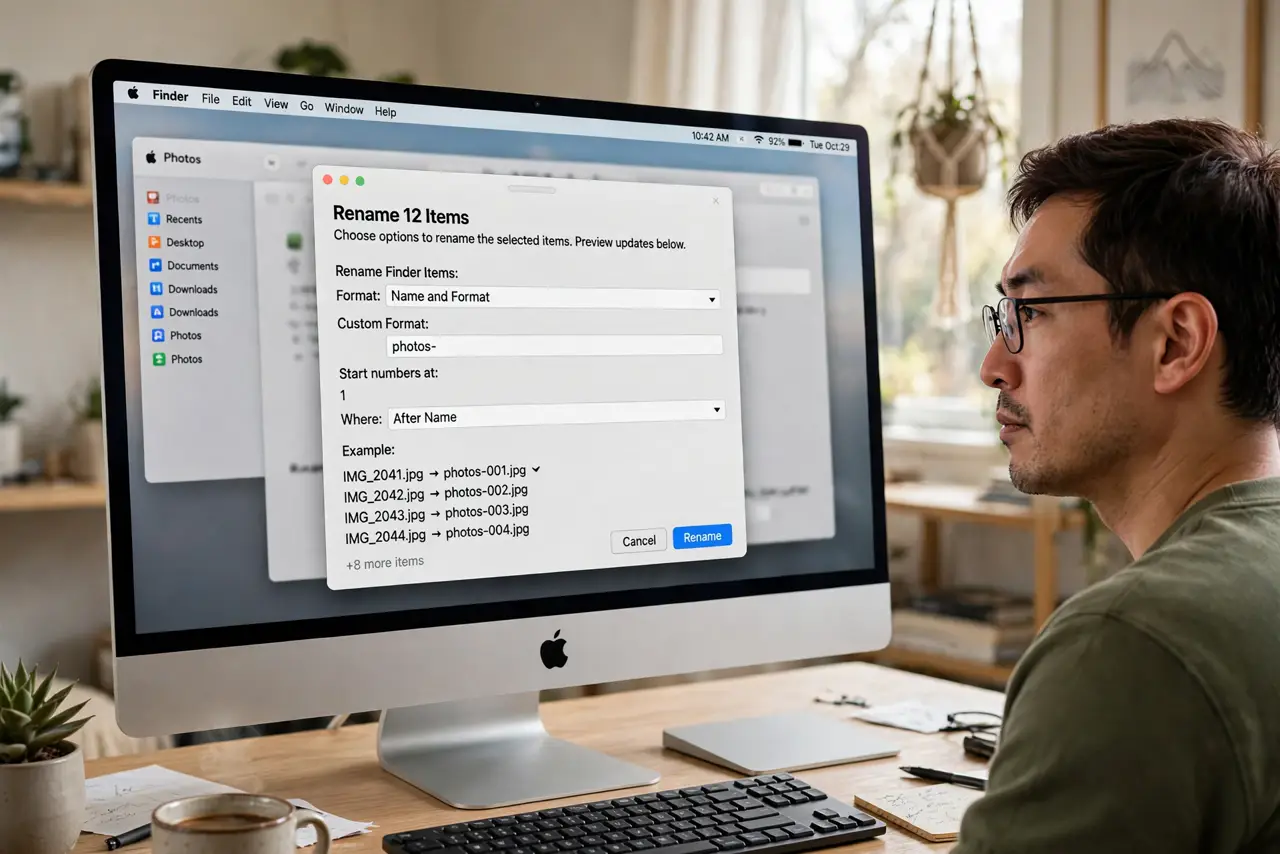
Quick fix: select the files in Finder, right-click, and choose Rename — pick Replace Text, Add Text, or Format. Format with Name and Counter gives photo-001, photo-002 style sequences. Preview shows the result live before you commit. Undo with Cmd+Z if you do not like it.
Follow these steps
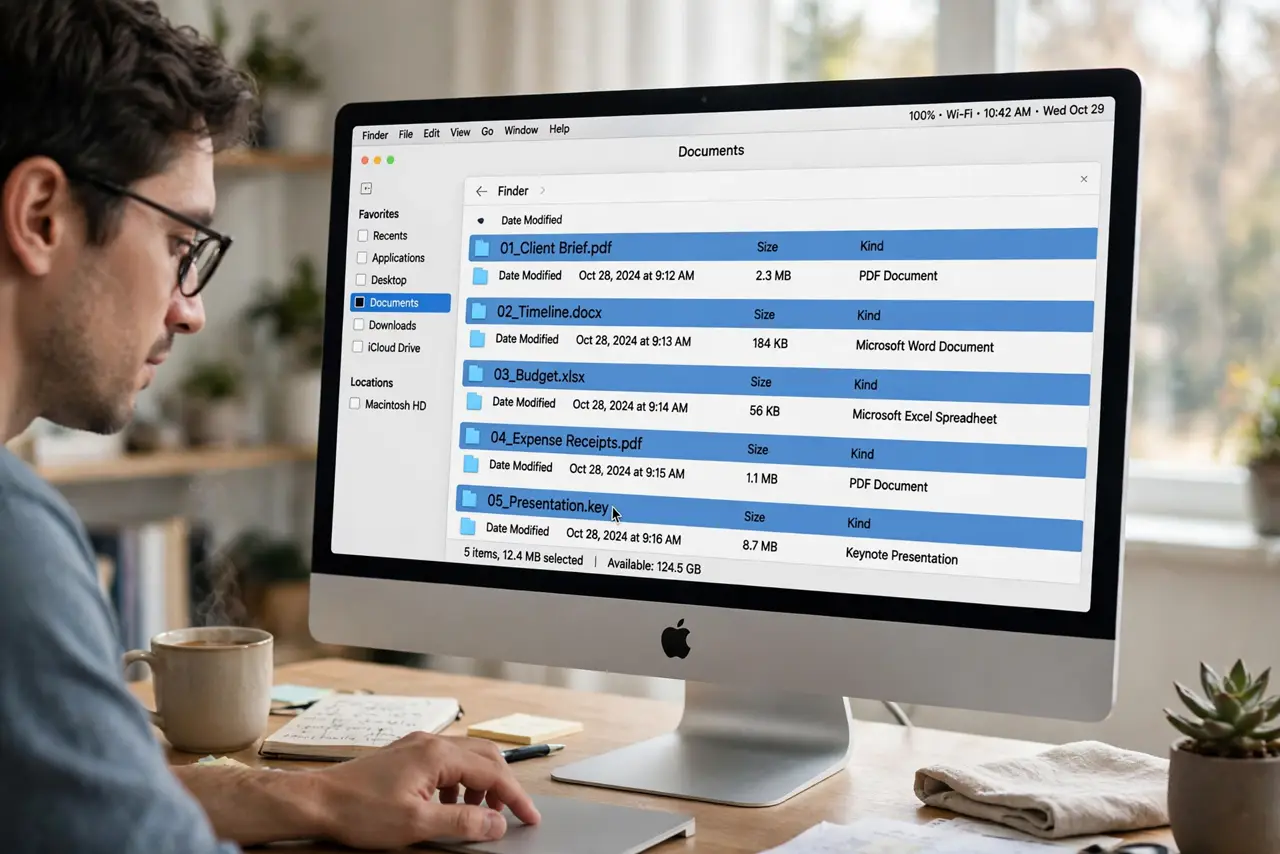
- Select the files. Click the first, Shift-click the last for a range, or Cmd-click individuals. The rename acts on exactly the selection.
- Open the rename dialog. Right-click the selection and choose Rename. The dialog offers three modes in its top dropdown.
- Use Replace Text for fixes. Swap a common string across all names — IMG_ to Trip_ — in one move. Case matters; match it exactly.
- Use Format for sequences. Choose Format, set Name and Counter, and type a base name. Finder generates photo-001, photo-002, padding zeros automatically.
- Use Add Text for prefixes. Prepend or append text — a date, a project code — without touching the existing names.
- Check the preview, then commit. The dialog previews the new names live. Click Rename when it looks right; Cmd+Z in Finder undoes it if you change your mind.
What NOT to do
- Do not rename files an app is using. Open documents and active projects can lose track of renamed files — close them first.
- Do not strip extensions blindly. Removing .jpg or .pdf confuses apps; keep extensions unless you know the files do not need them.
- Do not rename system or app files. Batch rename is for your documents and media, never for anything inside Applications or Library.
- Do not skip the preview glance. One wrong Replace Text string renames everything wrong — the preview is your safety net.
Frequently asked questions
Can I undo a batch rename?
Yes — press Cmd+Z in Finder right after. Undo covers the whole batch as one action, but only until you do something else.
Why is Rename grayed out?
You selected a single file — single files rename inline. Or the files are locked or on a read-only volume.
Does the counter pad with zeros?
Yes, Format with Counter pads automatically so photo-002 sorts before photo-010 correctly.